
Six-pin wiring is not mandatory: a keypad’s pin count depends entirely on its matrix layout. A standard 4×4 keypad actually uses 8 pins—4 rows plus 4 columns—rather than 6. Keypado engineers custom matrix, USB, and industrial keypad interfaces, sizing the pin count to each OEM’s actual layout instead of a one-size-fits-all standard.
Why Do Keypad Pin Counts Confuse Engineers?
Pin math trips up even experienced designers because keypad wiring scales fast. A standard 4×4 matrix layout requires eight digital pins to cover every row and column connection. Drop down to a 4×3 grid, and the board still needs seven pins to wire each row and column correctly. On paper that sounds manageable. Until those pins compete with displays, sensors, and communication lines for the same limited header space.
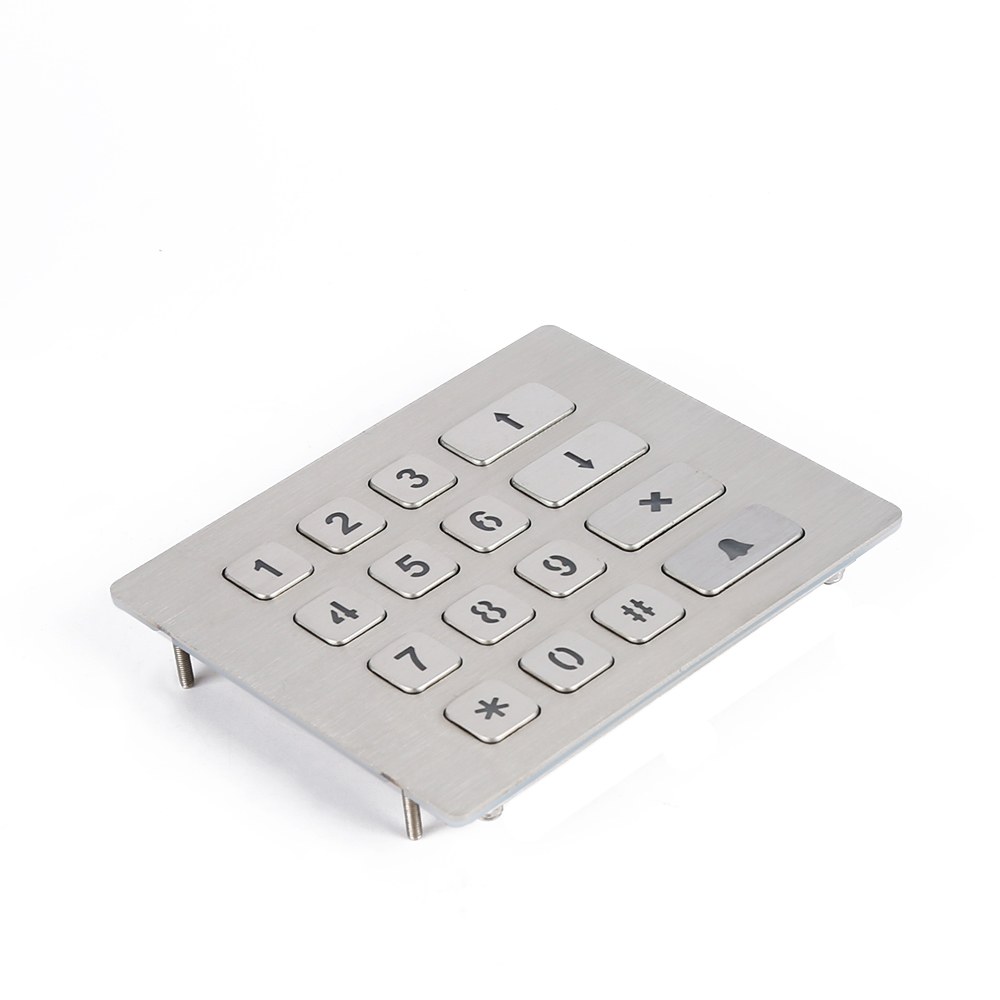
Получите индивидуальное предложение на металлическую клавиатуру от Keypado
That crunch is exactly why metal keypad pins become a planning headache on embedded boards with tight I/O budgets. Every extra pin claimed by a keypad is one less pin available for an LCD, a relay, or a sensor array. Engineers juggling microcontrollers with limited digital lines often find themselves redesigning the whole interface layout around keypad wiring alone.
How many pins does a typical matrix keypad need?
A 4×4 matrix keypad generally needs eight pins to read all sixteen keys through row-column scanning. A smaller 4×3 keypad trims that down to seven pins, still a meaningful chunk of any microcontroller’s available I/O.
Why does pin count matter for OEM panel design?
Panel space and connector routing both shrink as pin counts climb, complicating enclosure design for rugged equipment. Keypado addresses this reality by supplying rugged metal keypads built for access control systems, lockers, vending machines, and fuel dispensers. Panel real estate and wiring simplicity both count.
Layout flexibility helps close the gap between pin budgets and design goals:
Custom 3×4 layouts for compact panels with fewer keys and lower pin demand
Custom 4×4 layouts sized to match existing OEM panel cutouts
Configurations built around each integrator’s available interface and pin budget
Matching layout to available pins early avoids costly board redesigns later.
Do You Really Need Six Pins Always?
Pin count depends on matrix size, not a fixed industry standard. A 3×4 layout typically needs seven connections, while a full 4×4 grid pushes that number to eight. The idea of “six pins” as a baseline is incorrect for most matrix configurations.
One hobbyist wiring a 4×4 matrix keypad alongside an LCD display discovered this the hard way. The combination ate up nearly every digital pin available on the microcontroller board, leaving almost nothing for other components. That real-world snag illustrates a simple truth: metal keypad pins scale with rows and columns, not with some fixed number engineers can plan around in advance.
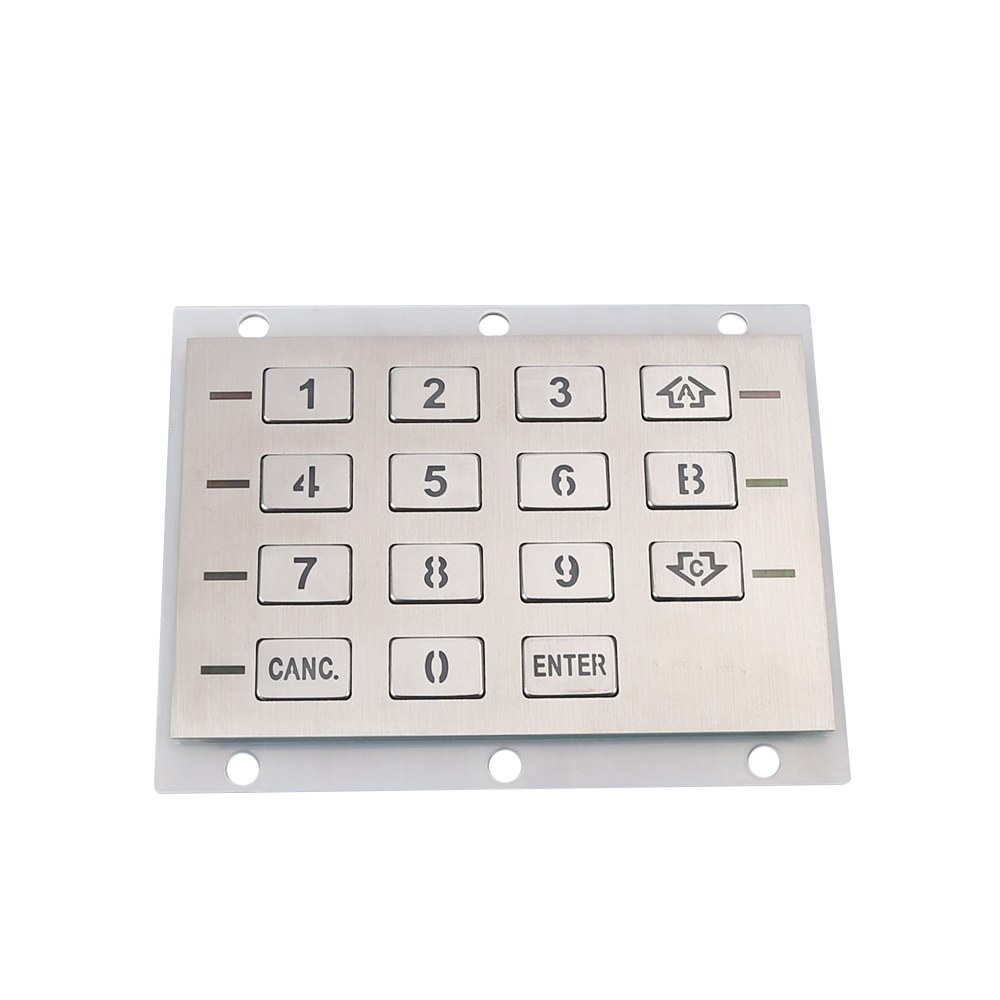
Получите индивидуальное предложение на металлическую клавиатуру от Keypado
Why does pin count change from project to project?
Matrix keypads work by scanning rows against columns, so pin totals rise directly with grid size. A 3×3 keypad needs six lines, a 4×3 needs seven, and a 4×4 needs eight. Larger custom layouts push that count even higher, which matters a lot when board space runs tight.
Design flexibility solves this problem better than chasing a magic pin number. Keypado keypads ship with USB or matrix output, so integration lines up with whatever controller architecture is already in use. That flexibility means fewer redesign cycles when pin budgets shift mid-project.
Layout customization adds another layer of control. Options include:
Custom matrix configurations sized to the application, not a generic template
Interface selection matched to existing controller hardware
Engraving and layout adjustments that keep wiring predictable across product runs
Pin planning works best when treated as a variable, not a constant.
How Can You Cut Down Keypad Pins?
Port expander chips solve the pin-shortage problem most engineers hit when a project runs out of GPIO. An I2C expander like the PCF8574P handles both a keypad. A display through just two microcontroller lines, freeing up the rest of the board for other functions. Libraries built specifically for these chips make wiring a keypad. An LCD together far simpler than running each device on its own dedicated pin bank.
That kind of pin savings matters most when a design has to squeeze a full keypad matrix, a display, and sensor inputs onto a microcontroller with limited I/O. Metal keypad pins count adds up fast on a standard 4×4 matrix. Every pin claimed by the keypad is one less available for everything else on the board.
Why does pinout matter before wiring a keypad?
Pin layouts aren’t standardized across keypad models, so guessing leads to wasted debugging time. Engineers need to confirm the exact pinout of the specific unit they’re using before connecting anything to a microcontroller. Skipping this step is one of the most common reasons keypad circuits fail on first power-up.
Two paths help engineers manage pin count during design:
Use a port expander to consolidate keypad and display wiring onto a shared I2C bus.
Confirm the pinout first, since matrix layouts differ between manufacturers and models.
Keypado works alongside OEM engineering teams on exactly this kind of layout planning, offering fast sampling and low minimum order quantities so pin-reduction strategies get tested on real hardware early. On-time delivery keeps pilot builds moving instead of stalling in the prototype stage.
What Makes Metal Keypad Pins Field-Ready?
Survival under abuse defines a field-ready pin, not just clean signal output on a bench test. Vandal-proof metal keypad pins from Keypado withstand millions of key presses without contact failure or signal drift. That durability matters most in unattended installations — vending machines, lockers, fuel pumps. Where a technician might not visit for months, sometimes years.
Sealing matters just as much as the pin material itself. Keypado builds its keypads to an IP65+ rating, blocking dust and water from reaching the internal contacts. Moisture is often the real killer of pin reliability, not mechanical wear. A sealed enclosure keeps corrosion and debris away from the connection points. Signal integrity holds up even in wash-down or outdoor environments.
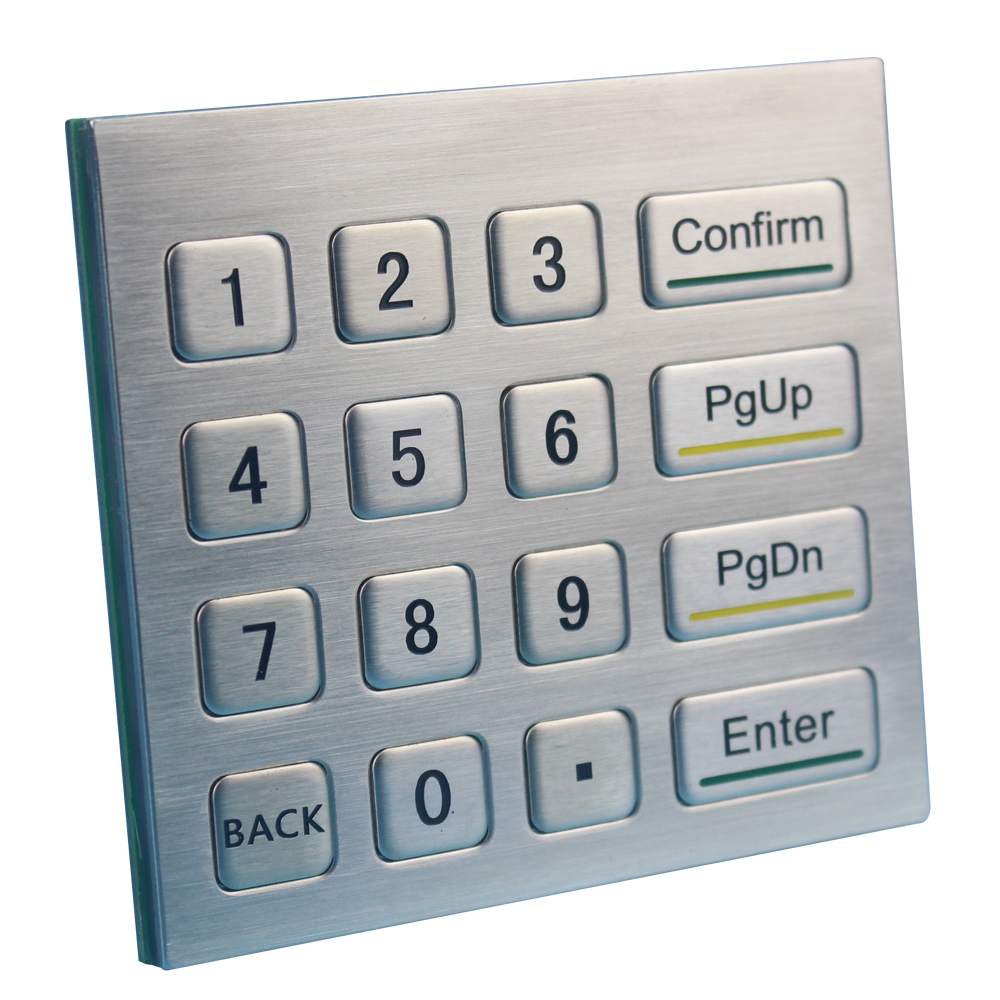
Получите индивидуальное предложение на металлическую клавиатуру от Keypado
How Do Engineers Know These Pins Hold Up at Scale?
Testing a handful of prototypes tells an engineer little about how a design behaves across a full production run. Keypado’s pin and contact architecture has been proven across deployments exceeding 100,000 units, giving OEM teams real-world validation instead of lab-only assumptions. That volume of field history surfaces failure modes that small batches simply can’t reveal.
Where Are These Keypads Actually Built?
Design and manufacturing happen at Keypado’s facility in Yuyao, Zhejiang, China. Keeping engineering and production under one roof shortens the feedback loop between pin design changes and physical prototypes. For OEM electrical engineers managing tight qualification timelines, that proximity between design intent and factory execution reduces the guesswork that often creeps in when specs cross multiple vendors.
Where Do Rugged Keypads Serve Access Control?
Access control systems lean on keypads more than almost any other input method. That fact drives the whole design philosophy behind rugged hardware. Building entrances, secure lockers, and equipment rooms depend on a quick, reliable PIN entry — no card to lose, no fob to forget. That reliability, though, hinges on hardware that survives constant use, weather exposure, and the occasional deliberate abuse from a frustrated or malicious user.
Deployment scenarios vary quite a bit across the industry:
Standalone units that manage entry independently, without networking to a larger system
Door lock or deadbolt-mounted pads integrated directly into the locking hardware
IP-connected pads that report status and accept commands over a network
Centralized access control integration, where the keypad acts as one input point among many across a facility
Each configuration places different demands on the connector layout and wiring approach behind the keys, which is where metal keypad pins come into play for OEM engineers. Pin count, matrix arrangement, and interface type all shape how easily a keypad drops into an existing door controller or access panel design.
Why do OEMs choose metal keypads for access control over membrane or plastic alternatives?
Metal construction handles vandalism, weather, and heavy daily cycling far better than membrane switches. Access points at building entries and shared equipment see thousands of presses monthly. Plastic keys degrade faster under that load.
Keypado supports these projects with sample runs available at low minimum order quantities, typically shipping within about seven days. That fast turnaround lets engineering teams validate pin layouts and connector fit before committing to full production. Over 200 OEM clients worldwide already rely on this approach for access control hardware that needs to keep working long after installation.
Часто задаваемые вопросы
Do you have to use 6 pins for a keypad?
No, six pins is not a fixed requirement. Pin count depends on matrix size: a 3×3 keypad uses six lines, while a 4×4 keypad requires eight.
How many pins does a 4×4 matrix keypad need?
A standard 4×4 keypad needs eight pins total—four rows plus four columns—to scan all sixteen keys correctly.
Why does keypad pin count matter for board design?
Every pin a keypad claims reduces what’s left for displays, sensors, or relays. Keypado addresses this with custom 3×4 and 4×4 layouts sized to each integrator’s available pin budget.
 English
  Deutsch
  Français
  Polski
  Português do Brasil
  Español
  日本語
日本語  Русский
  العربية
  Italiano
  Nederlands
  Türkçe
  한국어
한국어