
Wiring a metal keypad into a control system usually means matching the keypad’s interface — matrix, USB, or PS/2 — to the host controller, then connecting power, ground, and signal lines according to the pinout while keeping cable entries properly sealed to preserve the IP rating.
Key Takeaways
Metal keypads require dry contact wiring with no electricity connected to relay output contacts.
Weatherproof digital keypads like DC60SS and DC50SS models support electric lock and interlock installations.
Multi-factor authentication (MFA) support enhances security when integrating keypads with smart reader functionality.
Keypado, located in Yuyao, Zhejiang, China, manufactures access control keypads for facility security systems.
What Do You Need Before Starting?
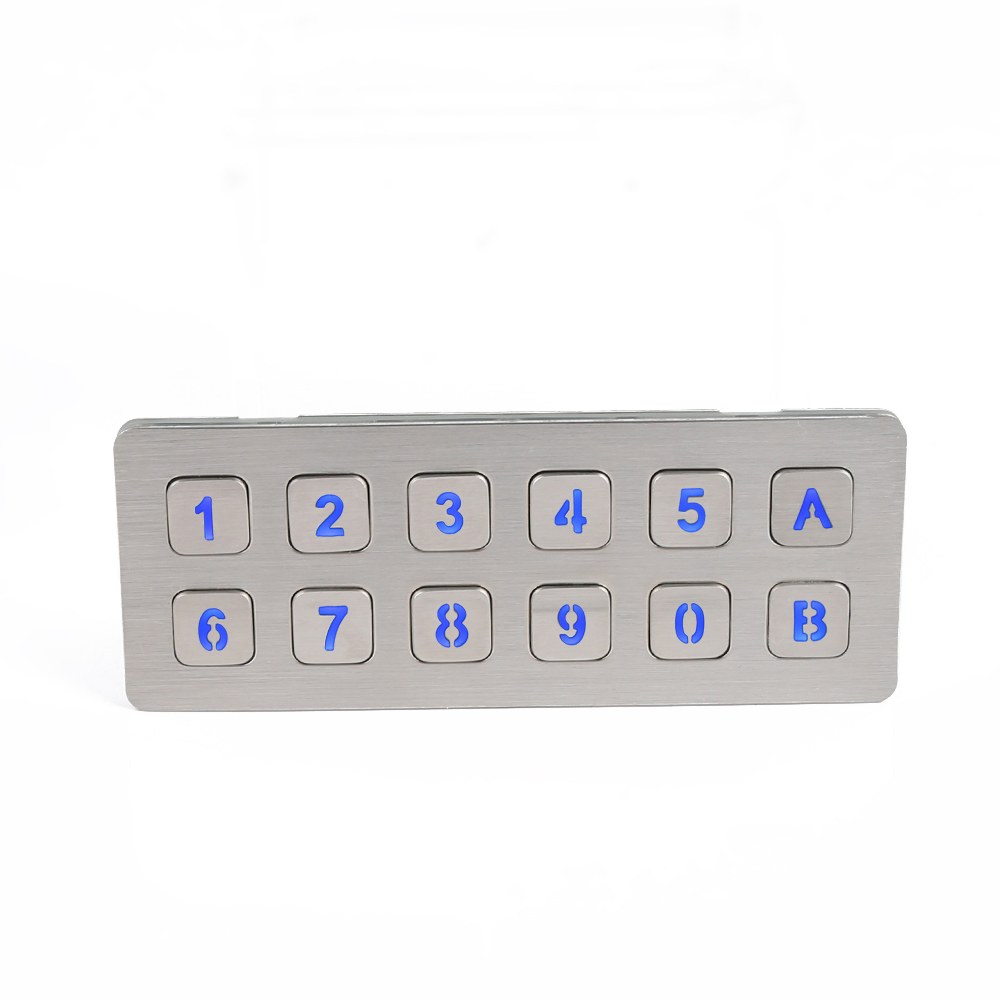
Successful metal keypad wiring starts with gathering the right hardware and confirming compatibility before a single wire gets connected. Skipping the prep stage causes mismatched interfaces, failed installations, and costly rework in the field.
Get a Custom Metal Keypad Quote From Keypado
What Interface Does the Controller Need to Support?
Industrial installers must confirm the controller’s interface type before ordering or wiring a keypad. Keypado’s metal keypads support USB, matrix, and PS/2 interfaces. And choosing the wrong one means the keypad simply won’t communicate with the controller. Confirm the interface spec on the controller’s datasheet first. That single step eliminates the most common source of how to wire a metal keypad errors.
Does the Keypad Need to Handle Outdoor or Harsh Conditions?
Environment matters more than most installers expect. A keypad rated IP65 or higher resists dust. Water ingress, making metal keypads in outdoor or industrial settings far more reliable long-term. Installers working in wet, dusty, or high-traffic locations should verify the keypad’s IP rating before mounting.
Before starting any industrial keypad installation, gather these prerequisites:
Confirm the controller’s interface type — USB, matrix, or PS/2.
Verify the keypad’s IP rating — IP65 or above for outdoor or harsh environments.
Check the keypad’s construction material — stainless steel or zinc alloy bodies deliver the vandal-proof durability that demanding deployments require.
Review the metal keypad wiring diagram — locate it in the product documentation before touching any terminals.
Solid prep turns a complicated installation into a straightforward one.
How Do You Read a Metal Keypad Wiring Diagram?
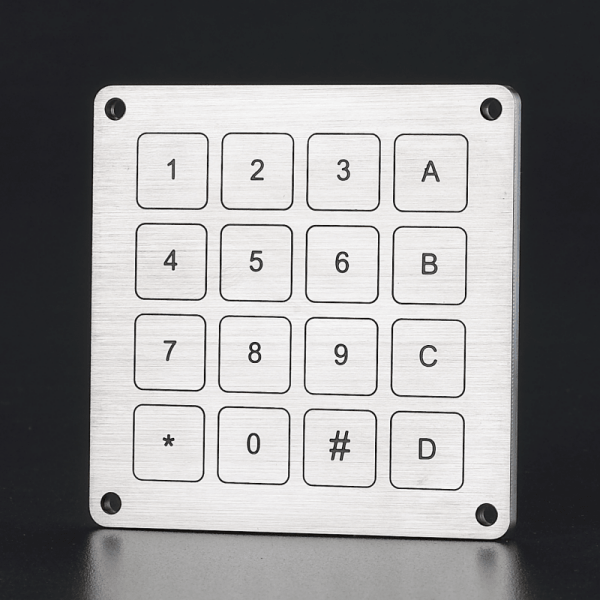
A metal keypad wiring diagram maps every electrical connection between the keypad’s output terminals. The control system receiving the signal. Installers who skip the diagram risk miswiring relay outputs, which can leave doors permanently unlocked or trigger false access events.
Before touching a single wire, locate the datasheet for the specific unit. Keypado metal keypads support custom layouts and interfaces, so the wiring diagram varies by configuration. The datasheet for that exact unit is the only reliable reference.
Get a Custom Metal Keypad Quote From Keypado
What Do the Relay Output Symbols on a Diagram Mean?
Two output types appear on most diagrams, and mixing them up causes real problems. Here’s a quick breakdown:
Keypad relay output wiring centers on the N.O. contact. The circuit stays open at rest and closes the moment the keypad activates — that closing action is what triggers the connected lock or panel.
What Is a Dry Contact, and Why Does It Matter for Wiring?
A hardwired keypad installation often relies on dry contact outputs. A dry contact carries no pre-connected electricity. The relay terminals sit ready for the installer to connect whatever control voltage the downstream system requires. This flexibility makes access control keypad wiring cleaner and safer. The keypad itself doesn’t impose a voltage on the circuit.
Open collector outputs work similarly. The transistor stays off at rest and switches to ground when active, behaving like an N.O. relay contact referenced to ground — a common output type in industrial keypad installation environments.
How Do You Wire the Keypad to Your Control System?
Metal keypad wiring connects a credential reader at the entry point to a controller that manages access decisions. Getting the wiring sequence right from the start prevents failed installations, locked-out users, and costly rework in the field.
Before touching a single wire, gather the keypad’s wiring diagram, confirm the supply voltage. Identify the lock type — electric strike or magnetic lock. These three prerequisites determine every connection that follows.
What’s the Correct Order for Wiring a Metal Keypad?
Follow these steps in sequence for a clean, reliable installation:
Mount the keypad at the entry point, positioning the device at the correct height for the application — kiosk, locker, or door panel.
Run the cable from the keypad back to the controller, keeping power and signal lines separated to reduce interference.
Connect the power leads to the controller’s supply terminals, matching polarity carefully.
Wire the output interface — Keypado metal keypads support USB and matrix output options, so OEM integrators select the interface that matches the host controller or microcontroller. This flexibility in metal keypad integration means fewer adapter boards and cleaner builds.
Connect the relay output to the lock circuit. This is where keypad relay output wiring choices matter most. Refer to the metal keypad wiring diagram supplied with the unit to identify the correct terminals.
Test the relay before closing the enclosure. Trigger a valid code and confirm the lock responds as expected.
What Is the Difference Between N.C. and N.O. Contacts in Keypad Wiring?
Understanding contact types is essential for access control keypad wiring. A Normally Closed (N.C.) contact sits in a closed circuit at rest and opens when the relay activates. This configuration suits fail-safe lock setups where a power loss keeps the door secure. A Normally Open (N.O.) contact does the opposite: open at rest, closed when active. Choosing the wrong contact type means the lock behaves in reverse, which is a serious security gap.
Why Does Interface Choice Matter for Keypad Control System Integration?
Keypad control system integration succeeds or fails at the interface level. How to wire a metal keypad correctly depends on whether the host system reads USB HID, matrix scan, or another protocol. Keypado’s industrial keypad installation approach supports multiple output types, giving OEM engineers a direct path to the host controller without extra conversion hardware. This capability — proven across more than 100,000 deployed units — confirms that the wiring architecture holds up at real production scale. Hardwired keypad installation done right the first time means fewer field service calls and longer system life.
How Do You Mount and Seal the Keypad Properly?
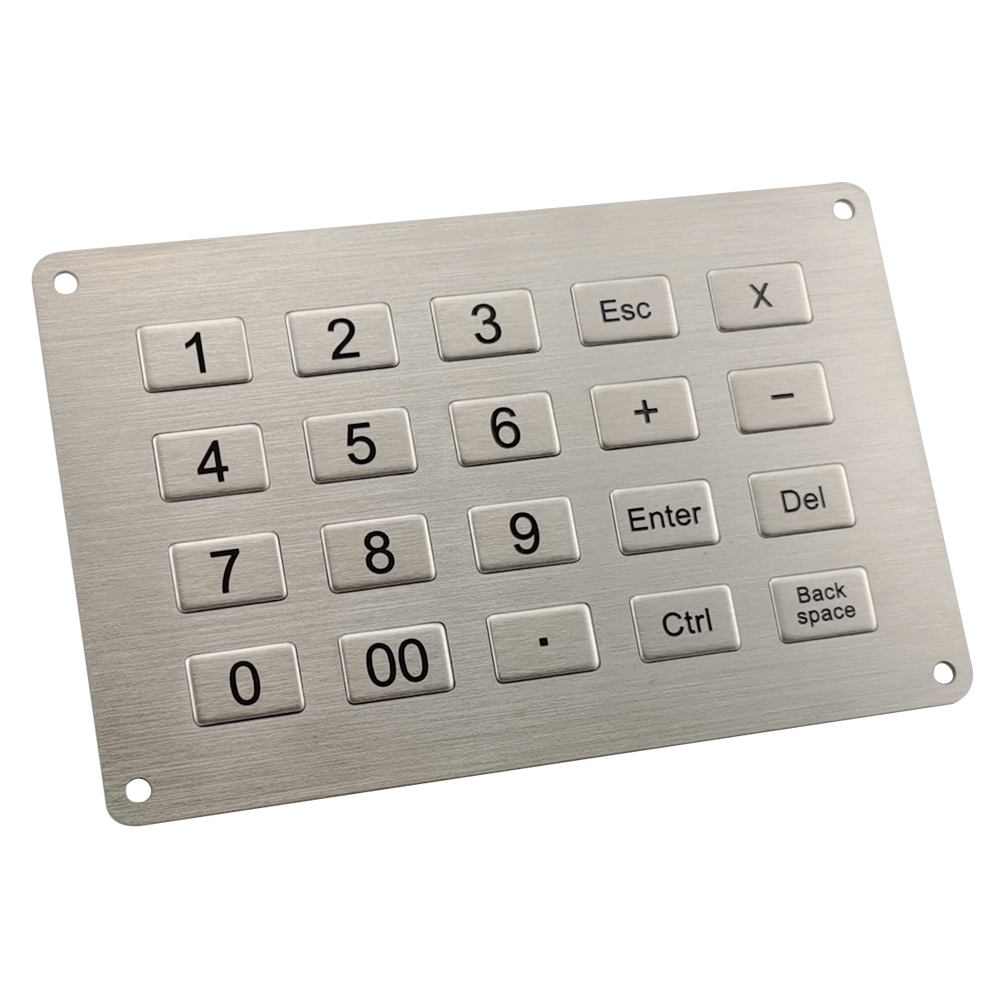
Choosing the right metal keypad for your project starts with matching the panel cutout to the keypad’s specified dimensions. Securing the unit with the correct mounting hardware. Sealing the keypad after installation protects the device from dust, water. The kind of environmental stress that shortens equipment life in demanding deployments.
Get a Custom Metal Keypad Quote From Keypado
What Mounting Options Do OEMs Typically Need?
Keypado metal keypads support custom mounting configurations. OEMs can specify panel cutout dimensions and mounting hardware to match their enclosure design exactly. That flexibility matters — a poorly fitted cutout creates gaps that compromise both the seal and the structural integrity of the installation. Getting the fit right from the start saves costly rework later.
Follow these steps for a clean, secure installation:
Confirm panel cutout dimensions against the keypad’s specification sheet before cutting.
Deburr and clean the cutout edges to prevent metal shavings from interfering with the gasket seal.
Position the keypad flush against the panel surface, keeping the gasket fully compressed and even.
Fasten mounting hardware to the torque value specified for the enclosure material — over-tightening distorts the frame.
Inspect the perimeter seal visually before closing the enclosure.
Does the Keypad Stay Protected After Mounting in Outdoor Environments?
IP65+ sealing on Keypado metal keypads keeps the unit protected against dust and water ingress once properly mounted — including outdoor installations and washdown environments. Beyond environmental protection, access control keypad wiring and the keypad body are built to handle steady, high-frequency use across varying operating temperatures. Reliable sealing and rugged construction work together to maintain consistent performance over the long service life OEMs depend on.
What Should You Check If Something Goes Wrong?
Troubleshooting a failed metal keypad wiring setup starts with ruling out the most common culprits in order. Skipping steps wastes time — and a missed wiring fault can lock out an entire facility.
Is the Physical Keypad Actually the Problem?
Start here, because the answer is almost always no. Keypado’s vandal-proof metal keys are rated to last millions of presses. Mechanical key failure is rarely the root cause of an integration issue. The problem is far more likely to sit in the wiring, the controller, or the power supply.
Where Should Integrators Look First?
Follow these steps in order before escalating:
Verify power supply voltage at the keypad terminals — confirm the supply matches the keypad’s rated input.
Inspect all wiring connections for loose terminals, reversed polarity, or damaged insulation along the access control keypad wiring run.
Check relay output states — confirm the keypad relay output wiring is switching correctly between normally open and normally closed positions.
Cross-reference the batch inspection report — Keypado ships ISO9001-certified keypads with documented batch inspection data, so integrators can compare field behavior against factory-verified baselines.
Contact Keypado’s engineering team directly — factory-direct support includes free CAD review, meaning integrators reach the actual manufacturer rather than a reseller when a hardwired keypad installation issue needs expert diagnosis.
Wiring and integrating a metal keypad into your control system doesn’t have to feel overwhelming once you understand the fundamentals. You’ve got the interface options, the electrical connections, and the software configuration all mapped out now. The real payoff comes when that rugged keypad starts handling real-world demands—delivering reliable input day after day in whatever harsh environment you throw at it. That’s the kind of durability and performance that keeps your equipment running strong.
FAQ
What interface types do Keypado metal keypads support?
Keypado metal keypads support USB, matrix, and PS/2 interfaces. Confirming the controller’s required interface before wiring eliminates the most common installation errors.
What IP rating does a keypad need for outdoor or harsh environments?
A keypad rated IP65 or higher resists dust and water ingress for outdoor or industrial installations. Installers verify this rating before mounting the unit.
Where is Keypado located?
Keypado is located in Yuyao, Zhejiang, China, and manufactures access control keypads for facility security systems.
 English
  Deutsch
  Français
  Polski
  Português do Brasil
  Español
  日本語
日本語  Русский
  العربية
  Italiano
  Nederlands
  Türkçe
  한국어
한국어