
Custom Keypads with Display Screen for Smarter, Clearer Operation
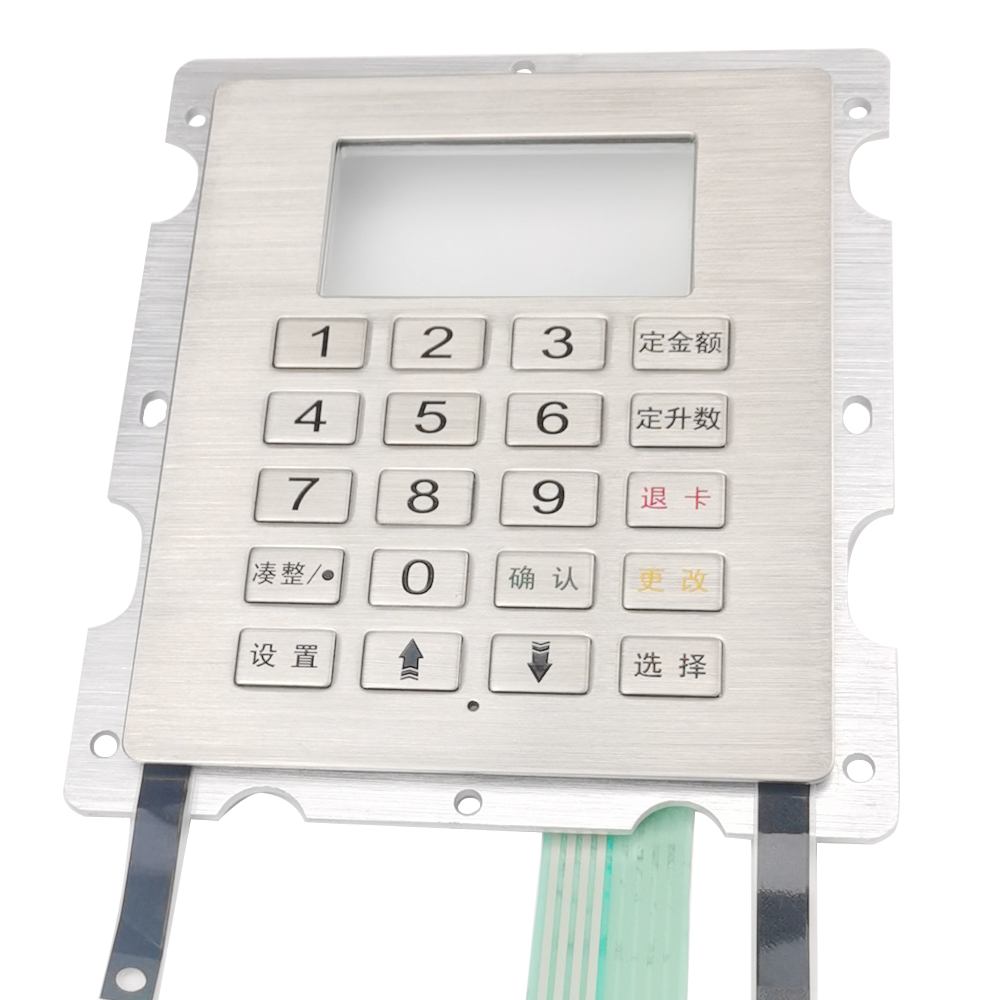
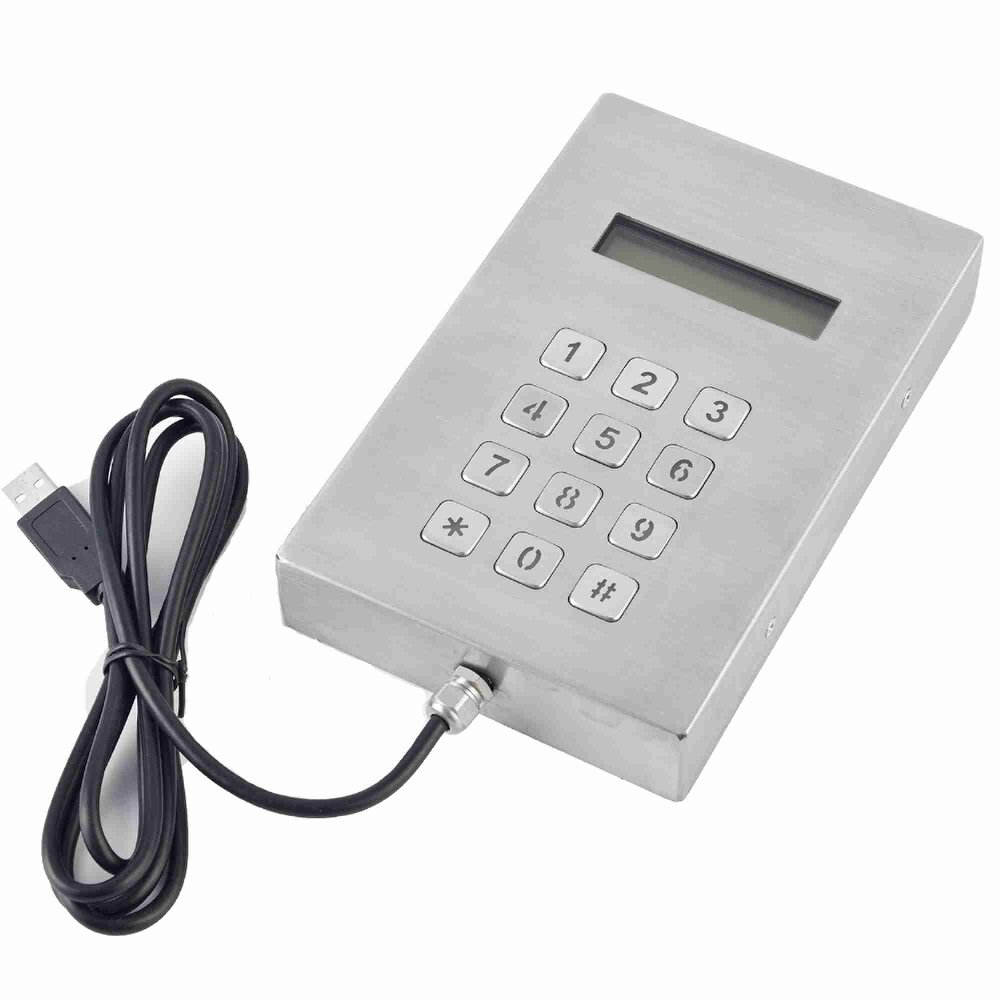
Keypado custom keypads with display screen combine tactile input and real-time information display in one compact interface. They are designed to improve user guidance, reduce input errors, and streamline operation in equipment that requires both command entry and visual feedback. With customizable layouts, screen integration options, mounting formats, and branding details, these keypads are a strong fit for access control, industrial systems, kiosks, self-service terminals, and other professional applications.
Get Custom Quote
Key Features & Benefits
Show information, capture input, and simplify every interaction.
Integrated display and input
Combining a keypad and screen in one unit helps simplify the user interface and reduces the need for separate components.
Clearer user guidance
The display can show prompts, status, instructions, or feedback, helping users complete tasks more accurately.
Custom layout options
Key count, display size, arrangement, and panel dimensions can be tailored to your product platform.
Professional system appearance
A combined keypad-screen module creates a cleaner, more modern front panel for customer-facing equipment.
Designed for demanding use
The structure can be built for frequent operation, public environments, and harsh industrial conditions.
Flexible integration
Different interface, mounting, and styling options help the product fit your enclosure and control architecture.
One Interface, Built to Fit Your Product Logic
Each Keypado keypad with display screen can be configured to match your user flow, enclosure design, and technical requirements.
Display Type & Size
Key Layout & Function Design
Housing & Front Panel Style
Electrical Interface & Control Integration
Mounting & Environmental Protection
Display Type & Size
- Select screen size based on readability, interface complexity, and available panel space.
- Choose display format that suits text, icons, prompts, or system status feedback.
- Optimize viewing angle and visibility for your target installation environment.
Key Layout & Function Design
- Customize the key count, button arrangement, and function key placement.
- Add numeric input, command keys, or shortcut functions as required.
- Improve ergonomics and reduce user confusion with application-specific logic.
Housing & Front Panel Style
- Adapt the front panel shape, material, and finish to your product design.
- Match the keypad-screen module to premium, industrial, or public-use equipment.
- Support stronger branding and a cleaner device appearance.
Electrical Interface & Control Integration
- Configure communication and wiring details to fit your controller architecture.
- Align keypad and display behavior with your firmware or system logic.
- Reduce integration effort during device development and production.
Mounting & Environmental Protection
- Choose mounting style and seal strategy based on installation conditions.
- Adjust panel thickness, cutout size, and assembly structure as needed.
- Improve durability for indoor, outdoor, or high-use environments.
Keypado Applications

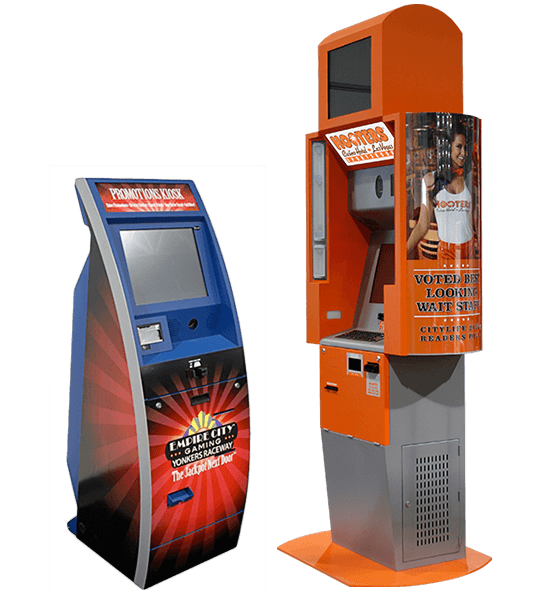
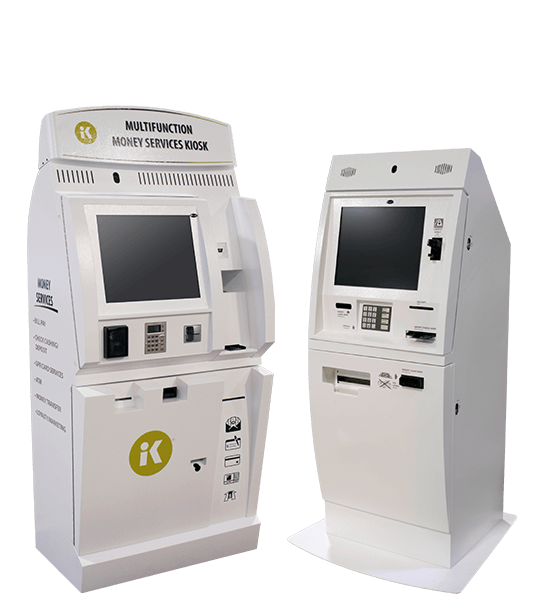
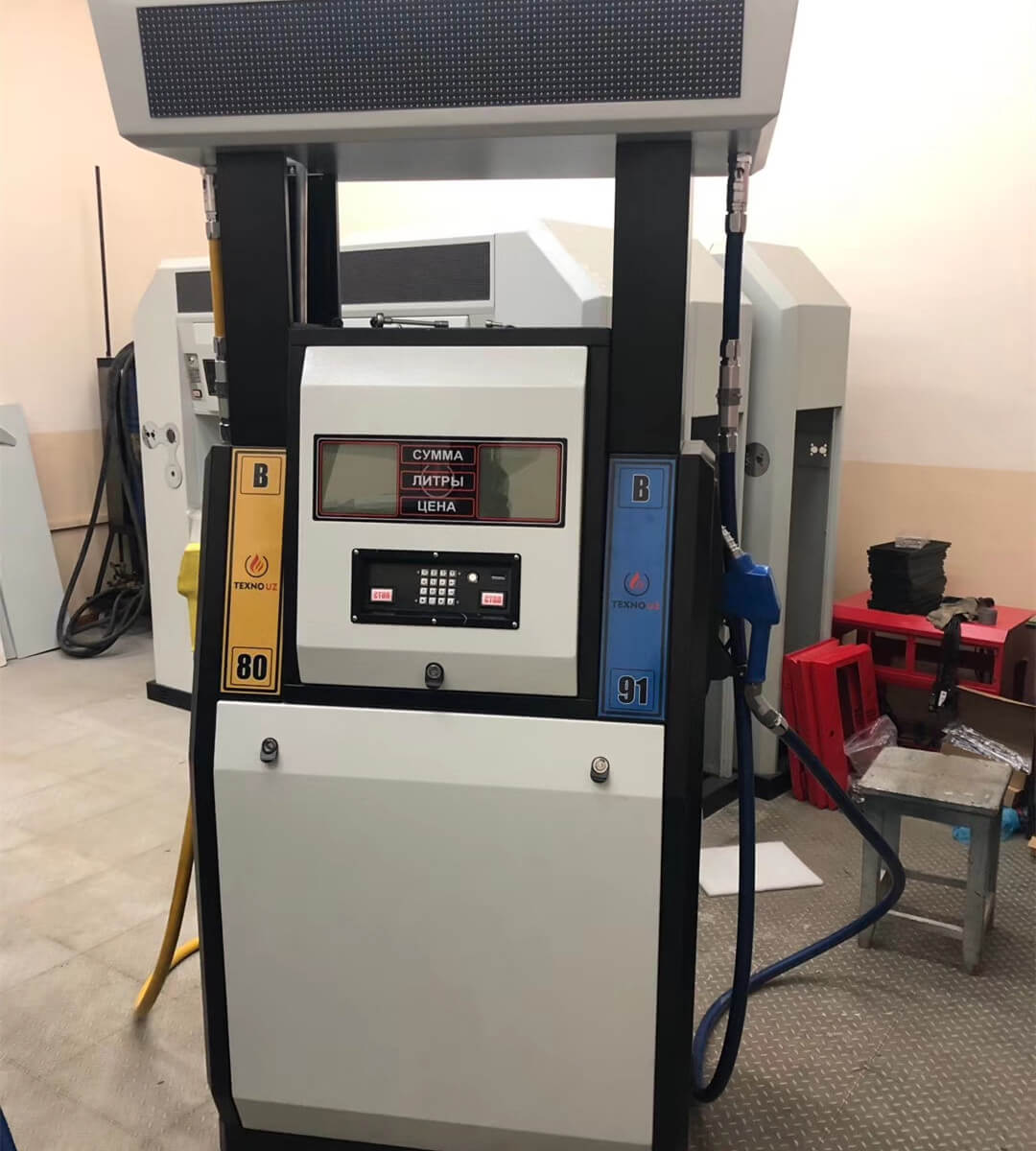
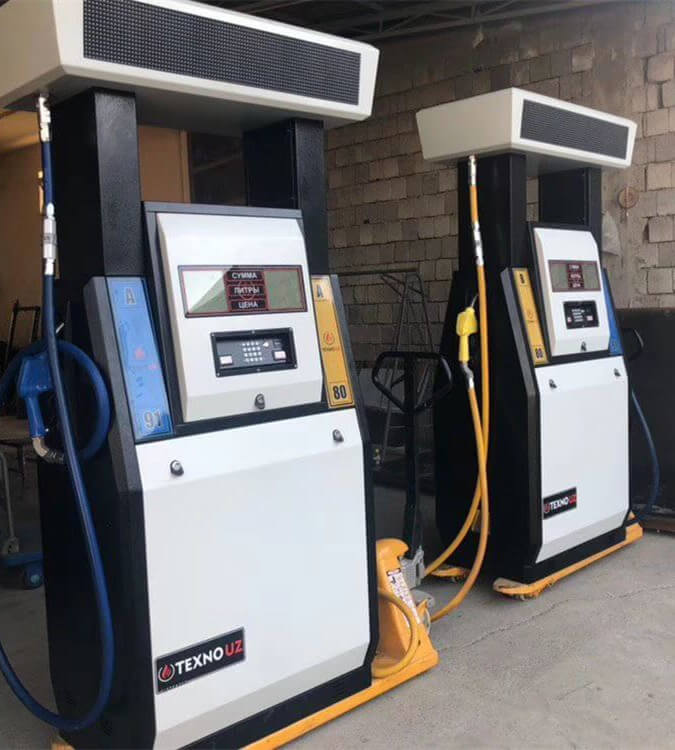
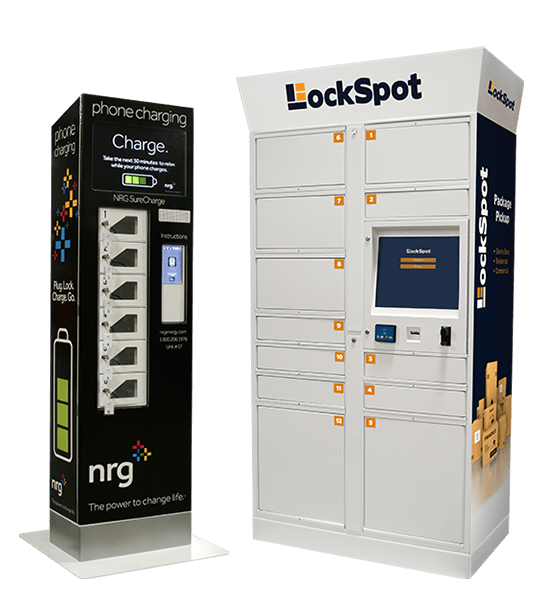
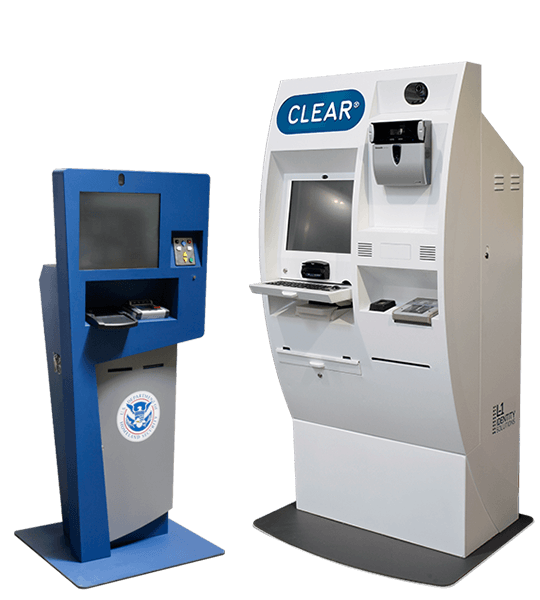
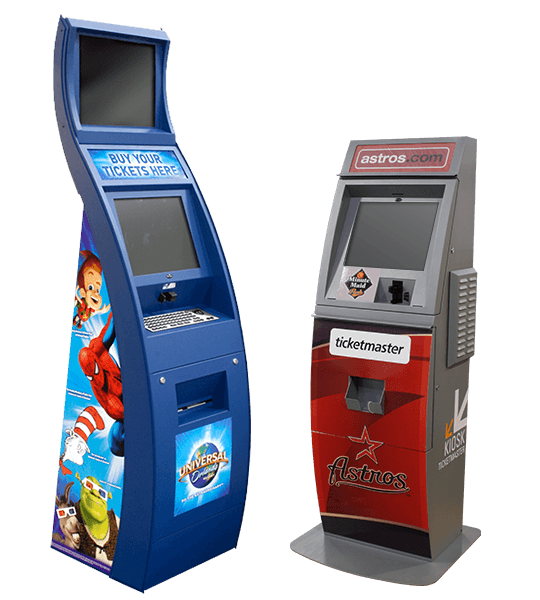
Why Keypado is Your Go-to Choice
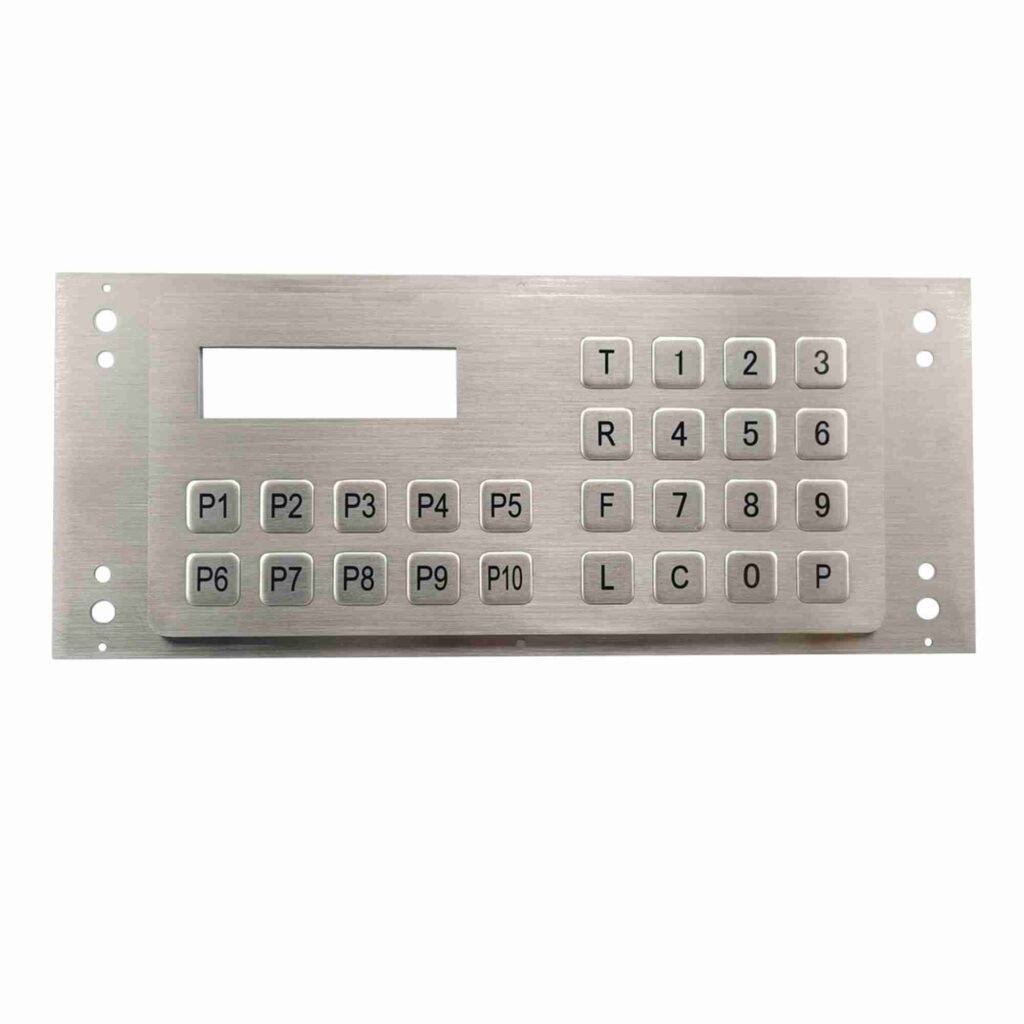
Smarter User Interaction in One Module
Custom keypads with display screen bring input and feedback together, making them ideal for systems that need both control and communication. Instead of relying on a separate screen and keypad assembly, a combined unit can present prompts, status updates, and operational messages directly where the user enters commands. This improves workflow clarity and can reduce errors during operation. For equipment makers, it also simplifies the front panel design and supports a more integrated product experience.
Designed for Clarity and Efficiency
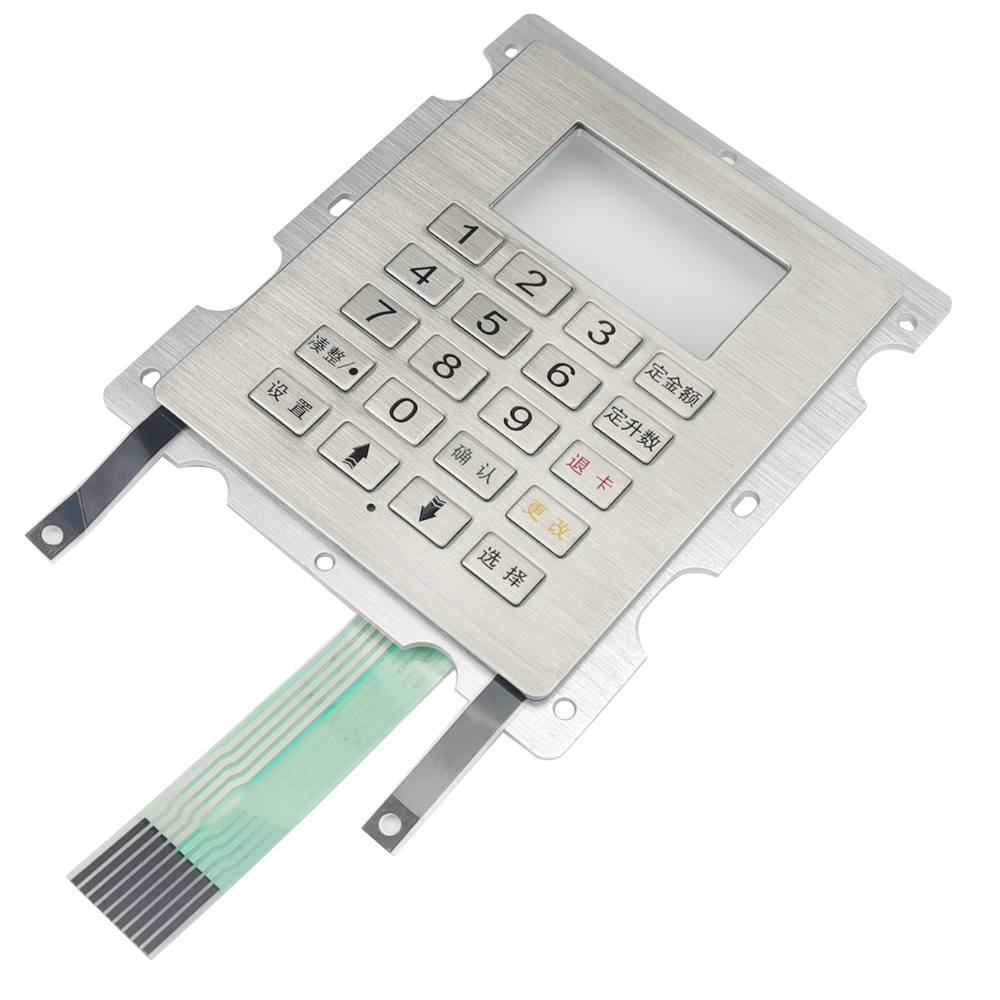
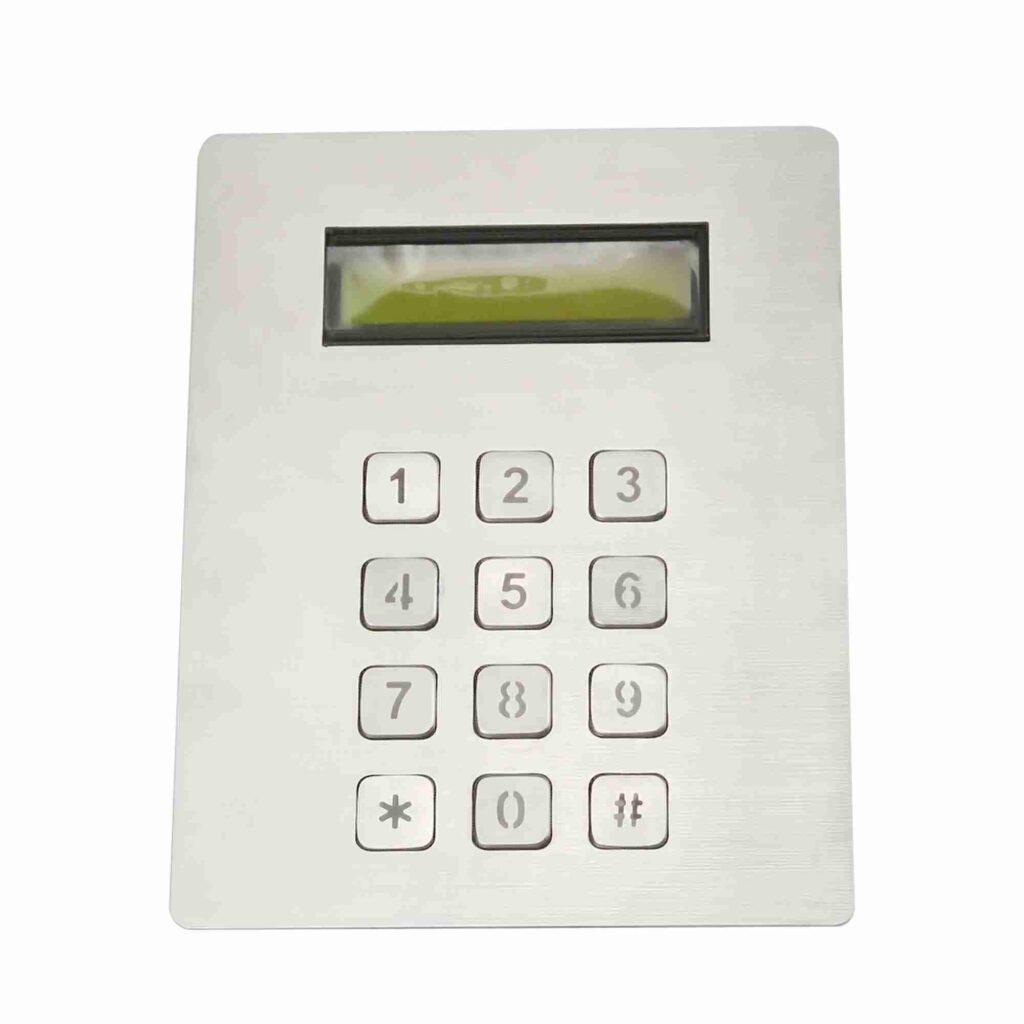
A keypad-screen interface is valuable when the user must make decisions quickly or follow guided steps. The display can show instructions, input confirmation, warnings, or system status, while the tactile keys support precise command entry. Depending on your project, the layout can be optimized for numeric entry, function commands, or multi-step navigation. This makes the solution especially useful for access systems, terminals, industrial controllers, and self-service devices where speed and clarity matter.
Built to Balance Form and Function
Keypado custom keypads with display screen are developed with careful attention to mechanical fit, visual coherence, and interface performance. The front panel can be tailored to match the enclosure, while the display and keypad arrangement are engineered to support easy reading and comfortable operation. Materials, finishes, sealing concepts, and mounting details are selected according to the target environment. The result is a professional interface that looks refined while still delivering dependable everyday use.
Custom Engineering for Real Applications
These integrated keypad-screen assemblies are not one-size-fits-all products. They can be engineered around your specific user flow, operating conditions, and electronics requirements. Whether the application needs a compact control module for a kiosk or a rugged interface for industrial equipment, the design can be adjusted to match. That flexibility helps reduce integration risk and gives your finished product a stronger market-ready appearance.
From Interface Concept to Production-Ready Module
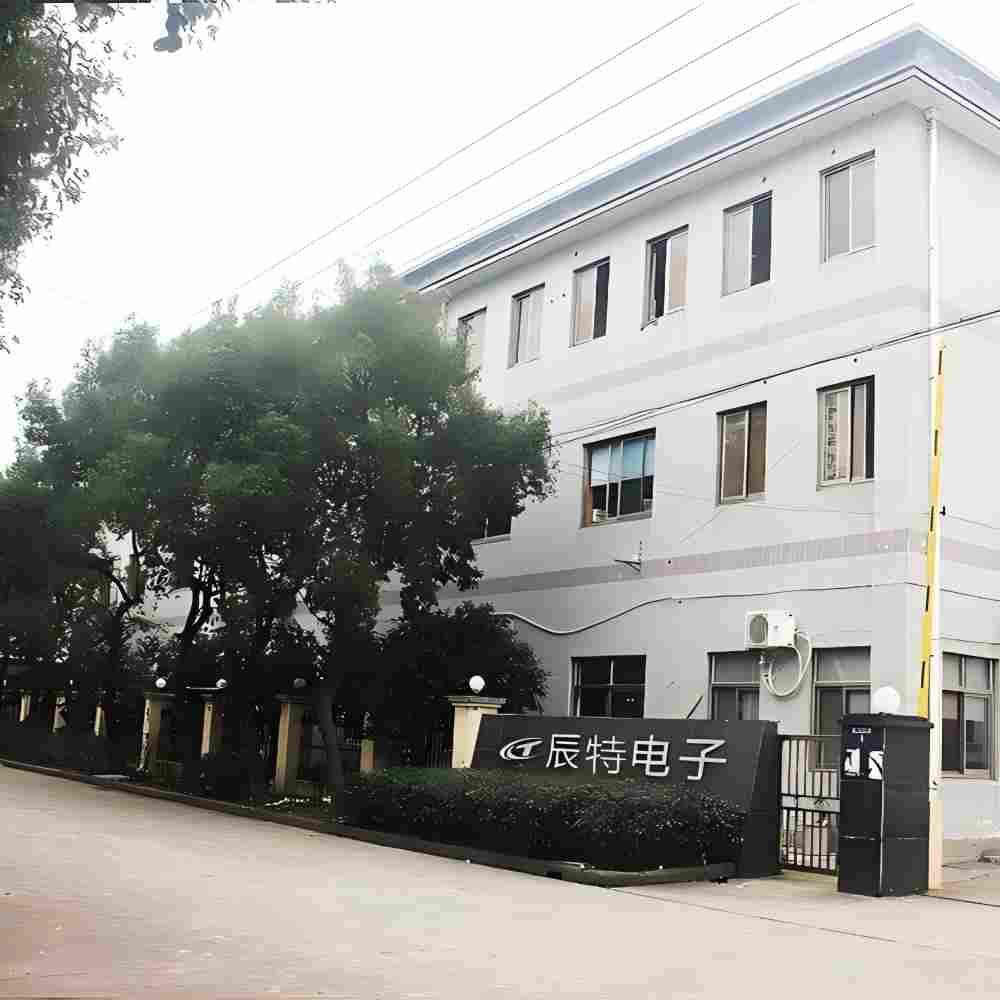
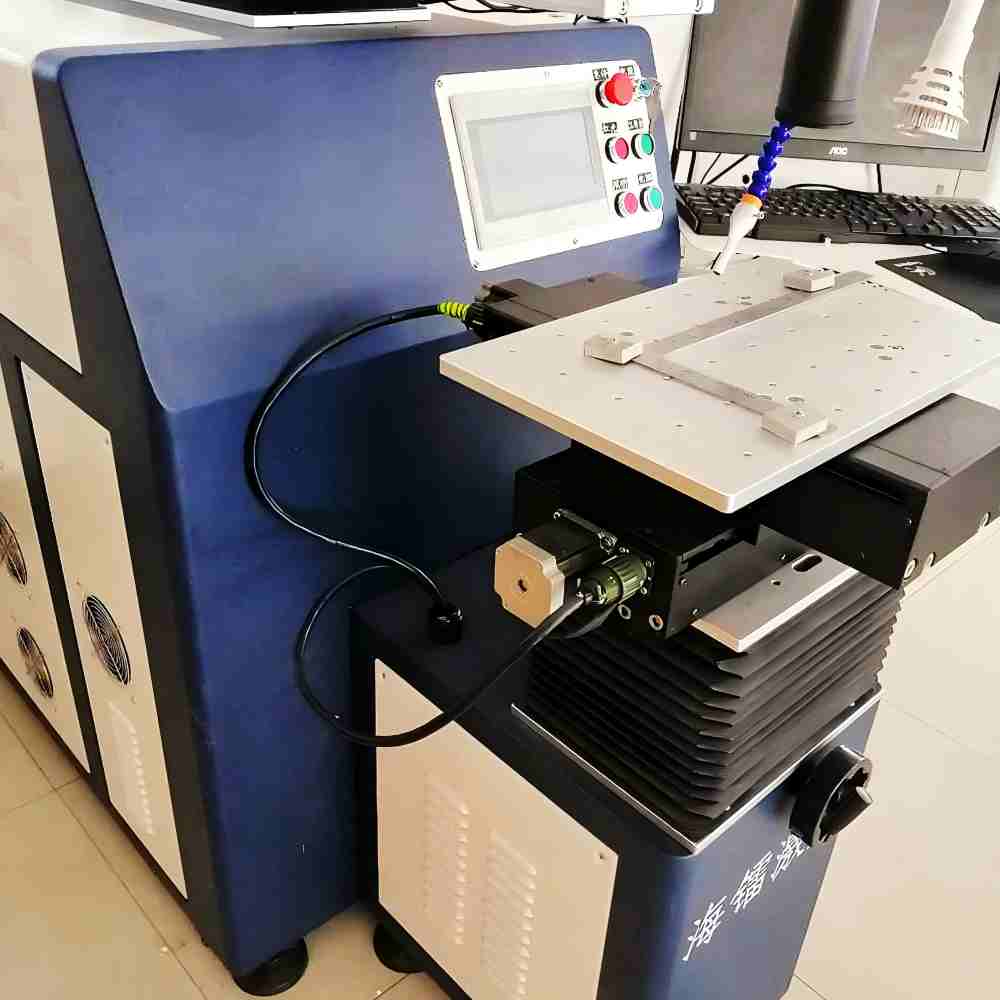
Our production process is structured to align the display, keypad, and enclosure into one reliable and user-friendly solution.
1. Requirement Review and Interface Planning
We begin by studying the application, user interaction flow, panel space, and target environment. This helps define how the keypad and display should work together, what information the screen needs to show, and how the operator will use the interface. We also review installation conditions, electrical requirements, and product goals so the project starts with a clear direction. Early alignment reduces redesign time and improves project efficiency.
2. Mechanical and Visual Design
Next, we develop the keypad layout, display position, front-panel structure, and overall visual composition. This step ensures the module is comfortable to use, readable at a glance, and compatible with your enclosure. We also consider branding, material selection, and mounting details so the final part fits the product identity. The goal is to create a front-end interface that looks professional and functions cleanly.
3. Sample Development and Testing
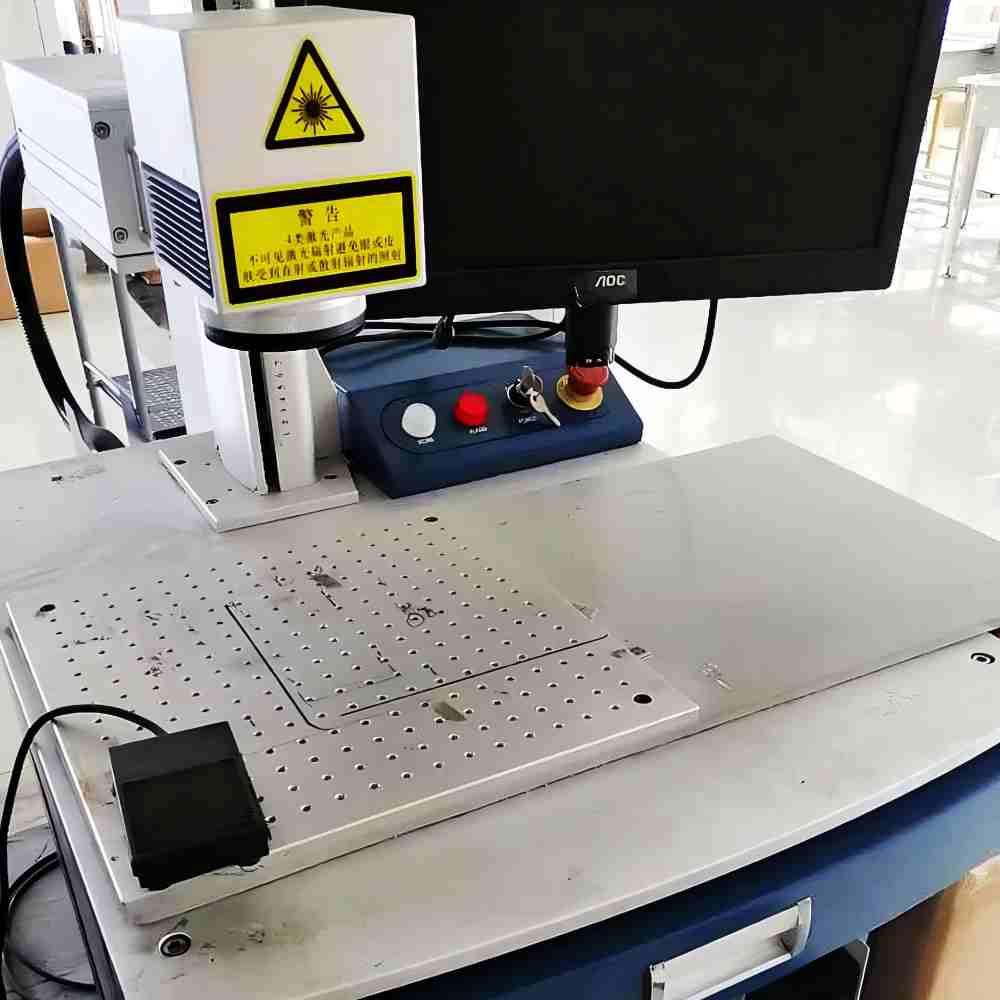
Prototype samples are produced to confirm fit, readability, key response, and display performance. This stage is critical because the keypad and screen must work together as a coherent user interface. If the layout, brightness, or interaction logic needs adjustment, changes are made before mass production. Validation at this point helps prevent later issues in assembly or field use.
4. Controlled Manufacturing and Final Inspection
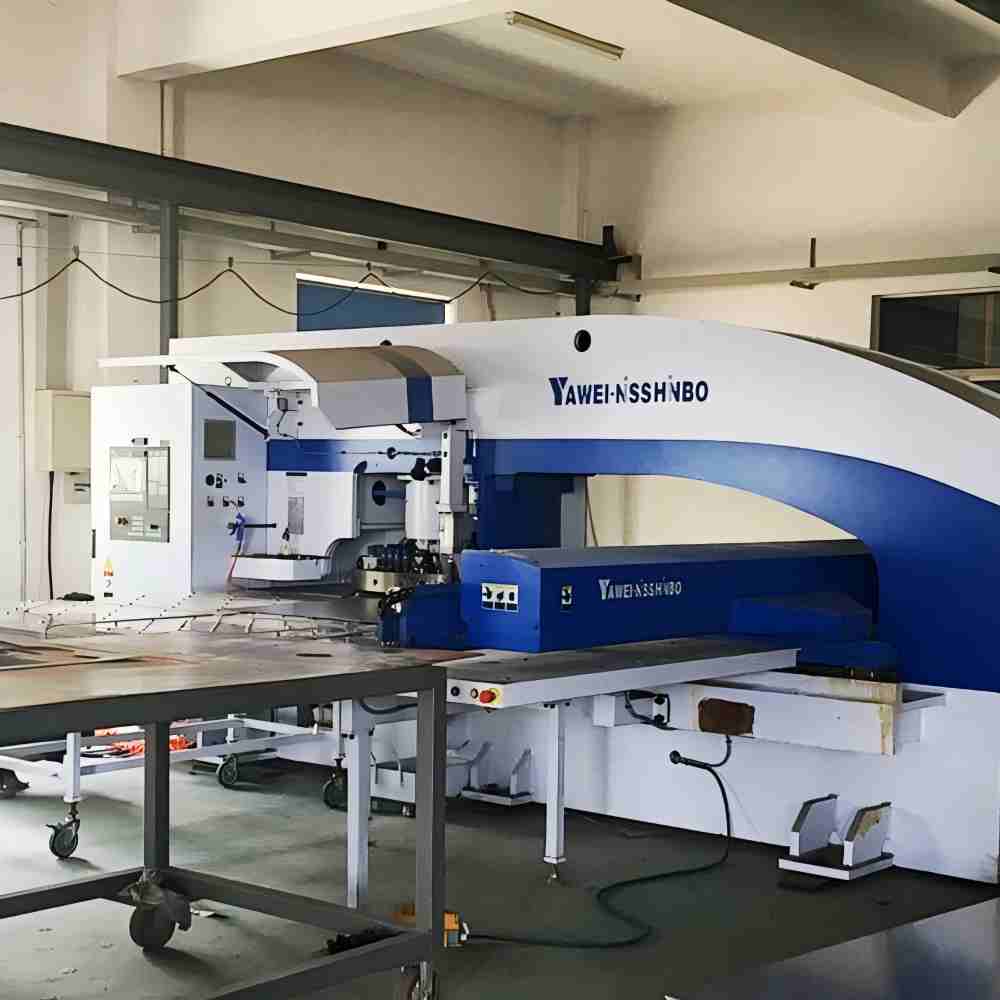
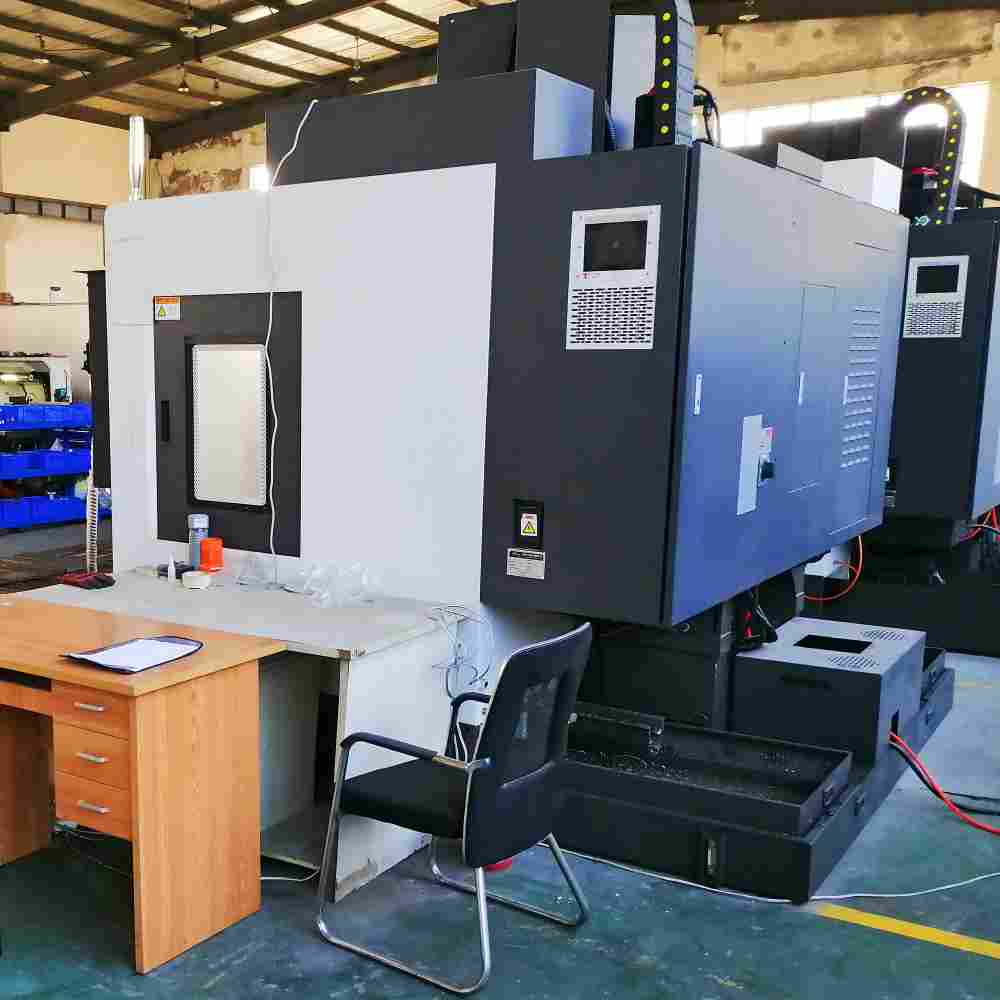
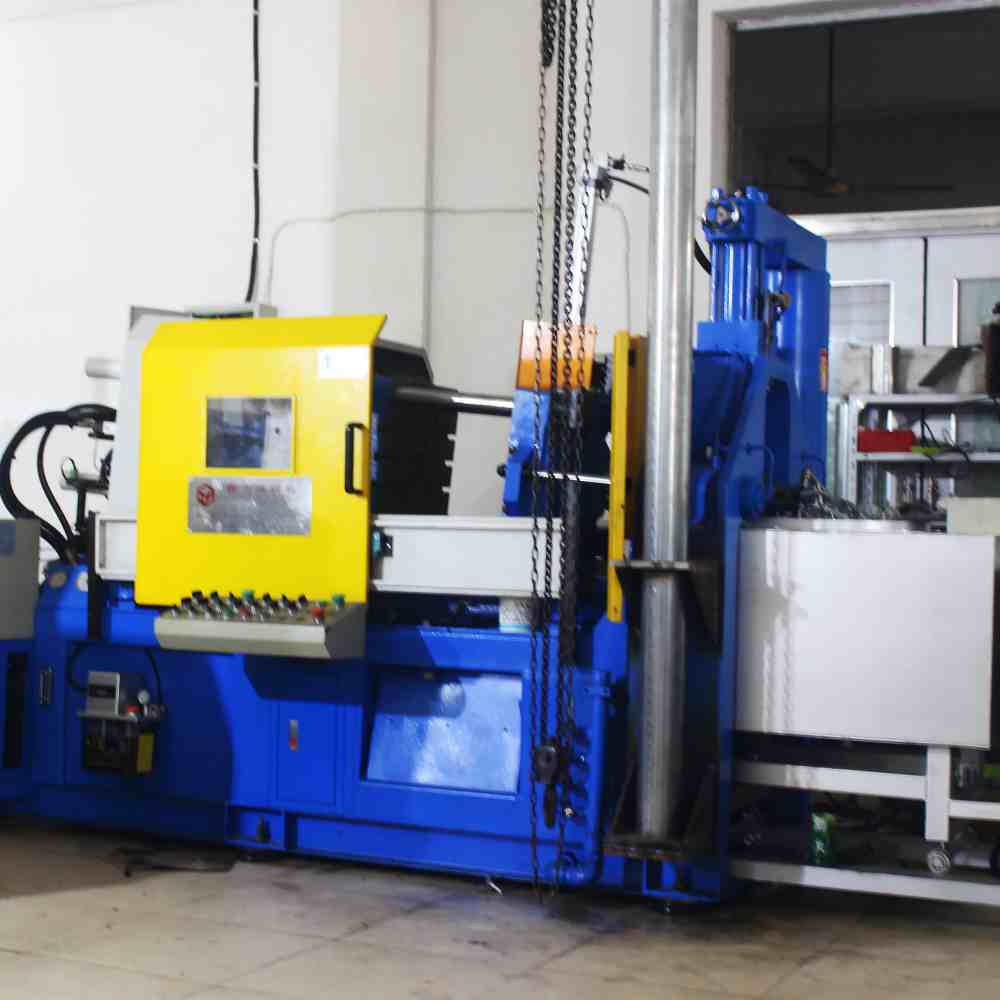
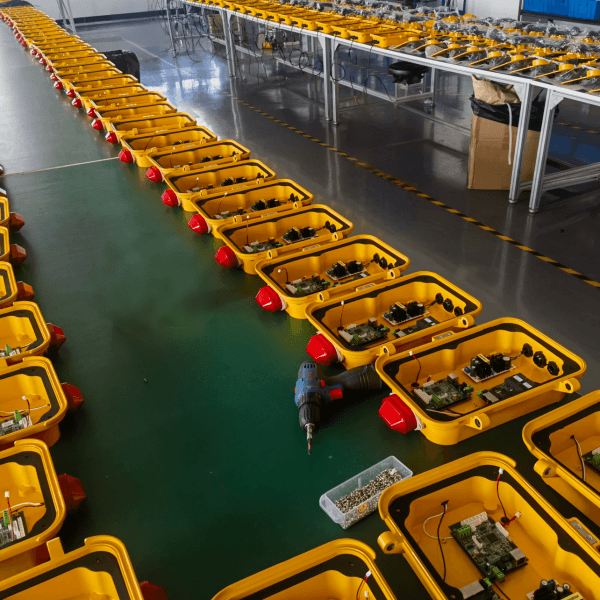
Once samples are approved, production moves into controlled manufacturing with quality checks across key steps. We monitor fit, appearance, functional response, and assembly consistency to maintain stable output. For keypad-display products, consistent integration is especially important because small deviations can affect both usability and presentation. The result is a finished module ready for dependable installation in your equipment.
FAQs
A keypad with display screen is used when a device needs both input and visual feedback in one interface. It is common in kiosks, access control systems, industrial equipment, and self-service machines. The display can show prompts, status messages, or confirmation information while the keypad handles user input.
Combining them simplifies the front panel and creates a more intuitive user experience. It also reduces the number of separate components that need to be installed and aligned. For product designers, this can make the device look cleaner and feel more integrated.
Yes, display size can be tailored to the application and the available panel space. Smaller screens work well for compact products, while larger displays are better for menus, instructions, or more complex status information. The right choice depends on how much information the user needs to see at a glance.
The display type depends on the product concept and performance requirements. Common options may include text-focused screens, graphic displays, or other readable visual modules designed for industrial use. The final selection should balance visibility, power needs, and interface complexity.
They can be designed for outdoor or semi-outdoor applications if the housing, sealing, and display protection are properly specified. Environmental factors such as moisture, dust, sunlight, and temperature changes should be considered early in the project. A well-engineered module can perform reliably in demanding conditions.
Yes, the key layout can be adapted to your exact workflow. That includes the number of keys, placement of function buttons, and the overall arrangement of the interface. A tailored layout helps users operate the product more quickly and with fewer mistakes.
Yes, the display can be configured to show prompts, instructions, status indicators, and other application-specific content. This is one of the main advantages of combining a screen with a keypad. It allows the equipment to guide the user through the process rather than relying on fixed labels alone.
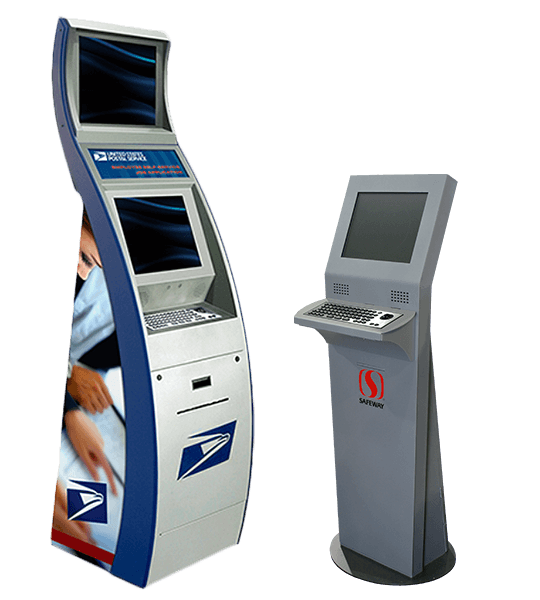
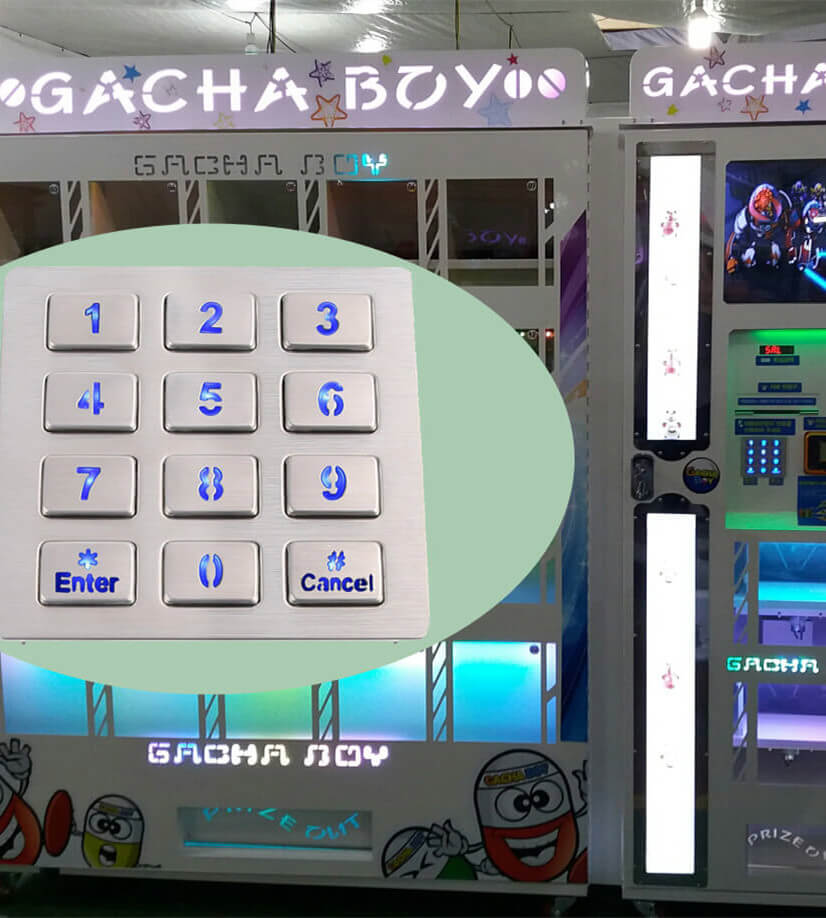
These products are widely used in security systems, terminals, kiosks, industrial controls, and self-service equipment. They are especially helpful in applications where the user needs guidance or feedback during operation. Any device that benefits from a compact and professional interface is a good candidate.
We usually need the application, target dimensions, display preference, key layout, and any interface requirements. If you have drawings, reference photos, or a sample concept, that makes development faster and more accurate. The clearer the brief, the easier it is to define a practical solution.
Keypado focuses on custom manufacturing, so the product is developed around your equipment and user experience rather than a generic standard. That helps improve integration, appearance, and functional clarity. It also supports a more polished final product for end users and buyers.
Some Cool Facts
Collaborated with Global Partners on
 English
  Deutsch
  Français
  Polski
  Português do Brasil
  Español
  日本語
日本語  Русский
  العربية
  Italiano
  Nederlands
  Türkçe
  한국어
한국어