
Custom Self-Service Kiosk Keyboards for Reliable Public Input
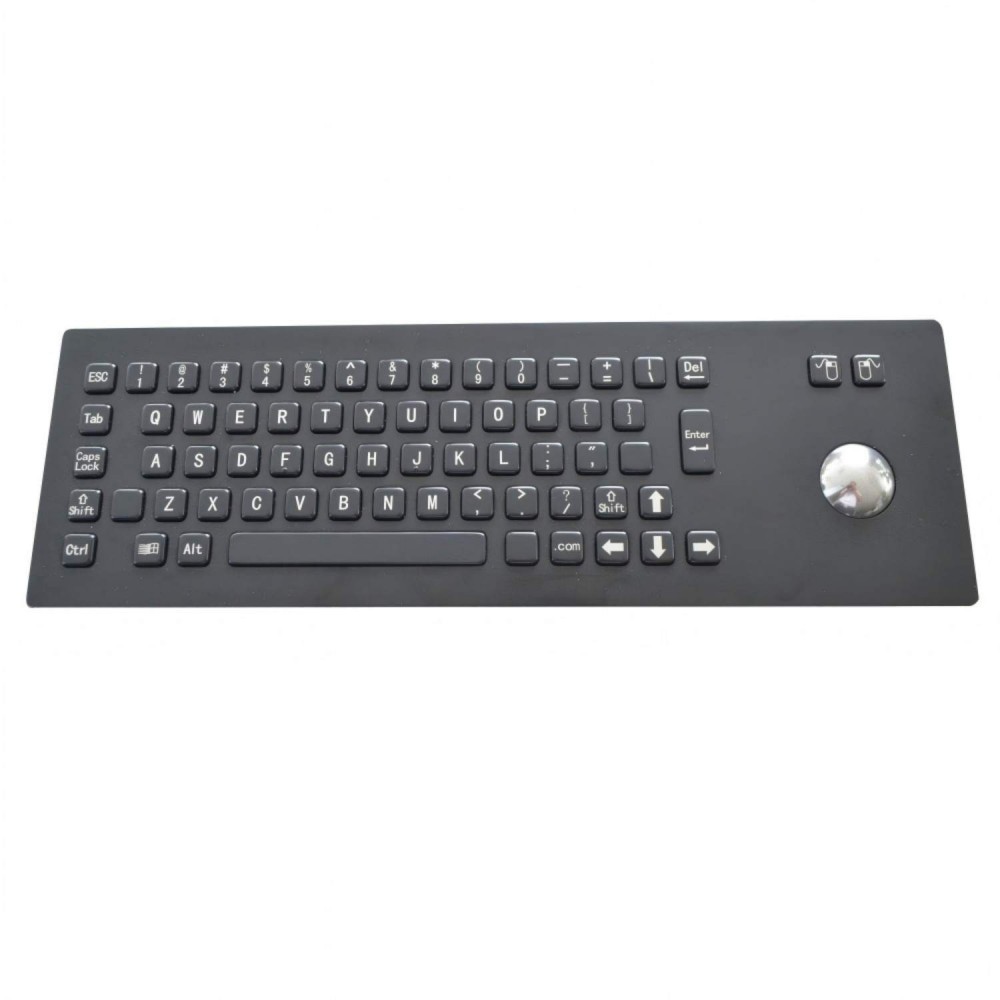
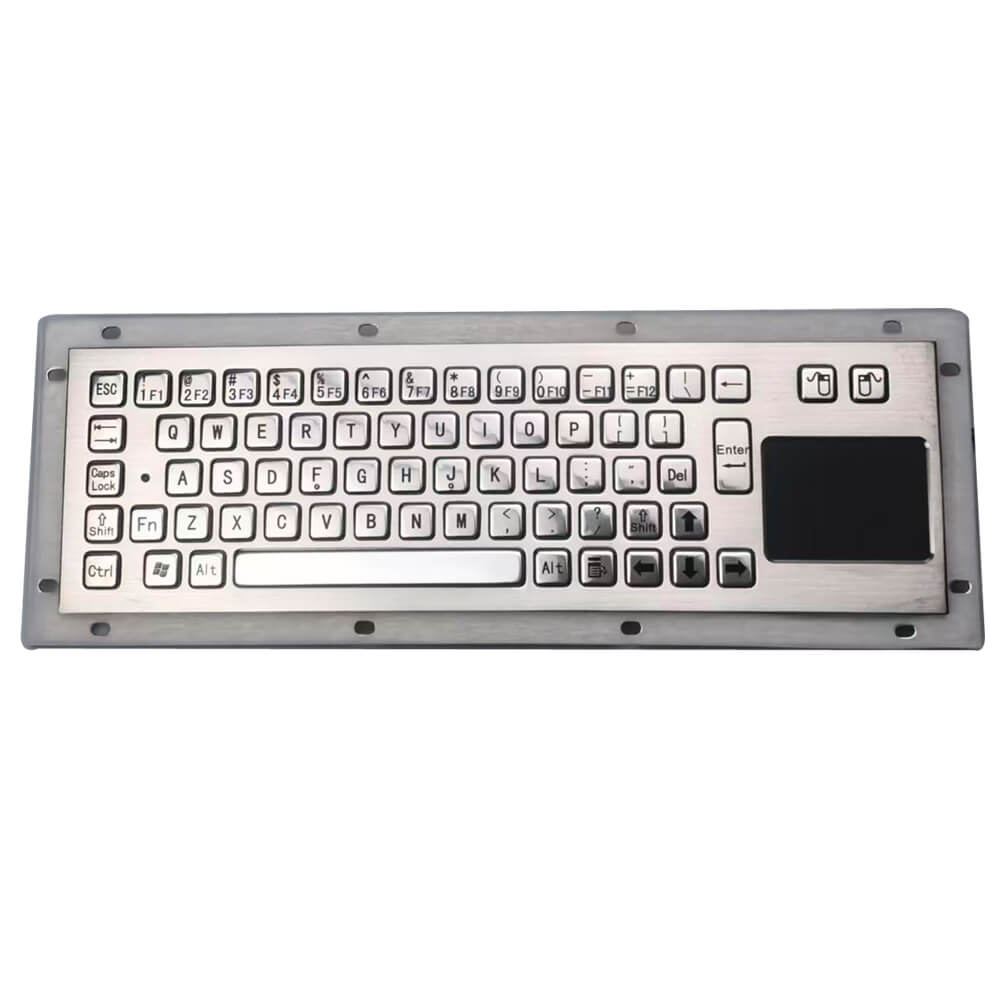
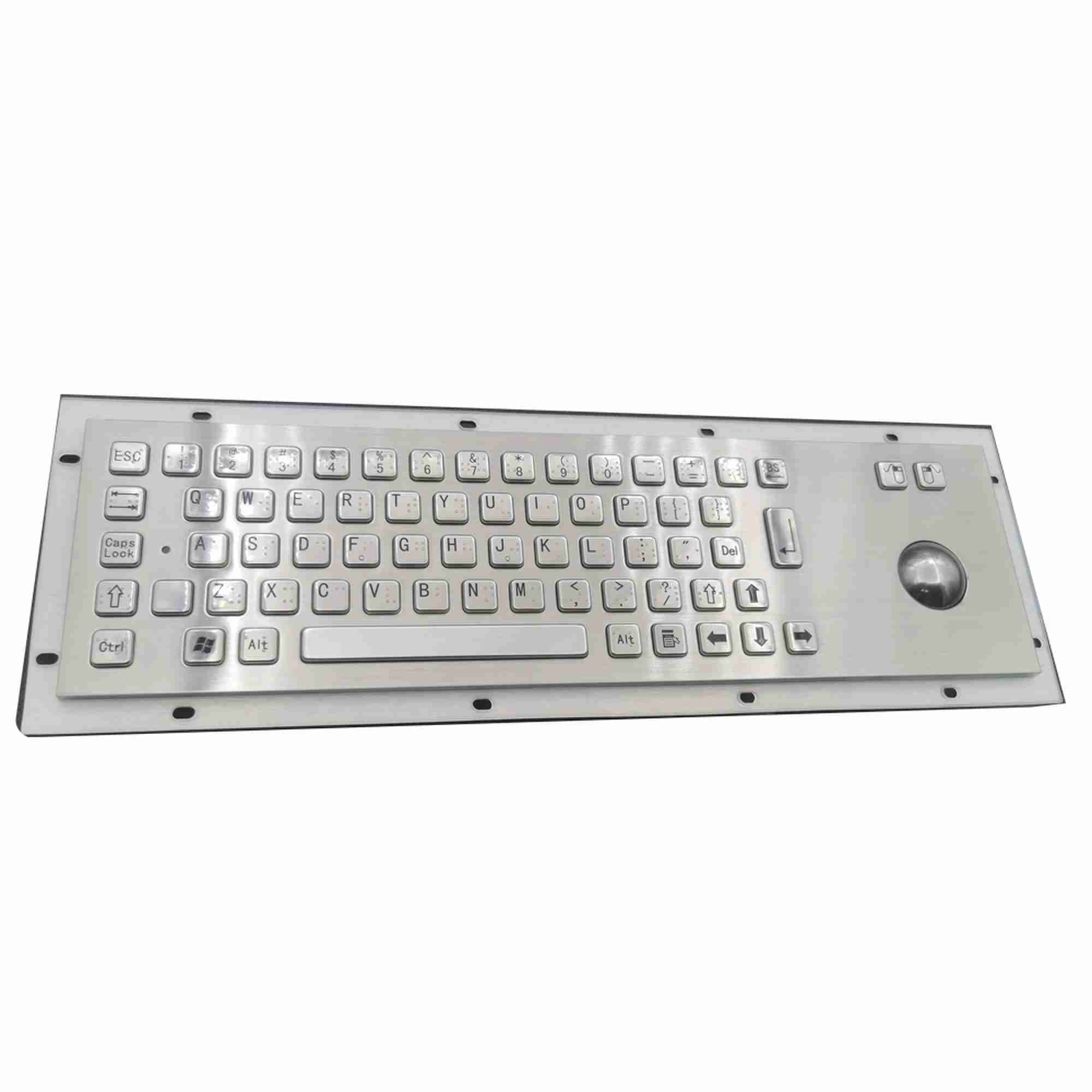
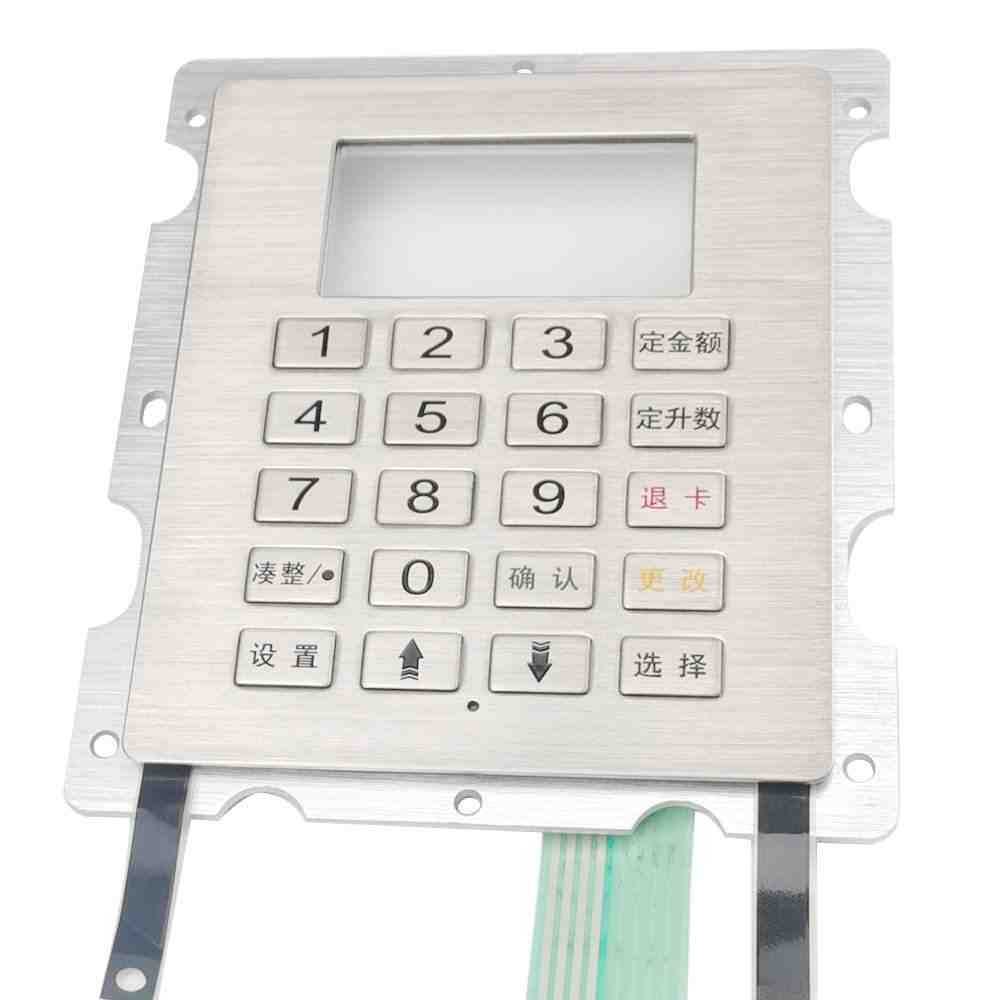
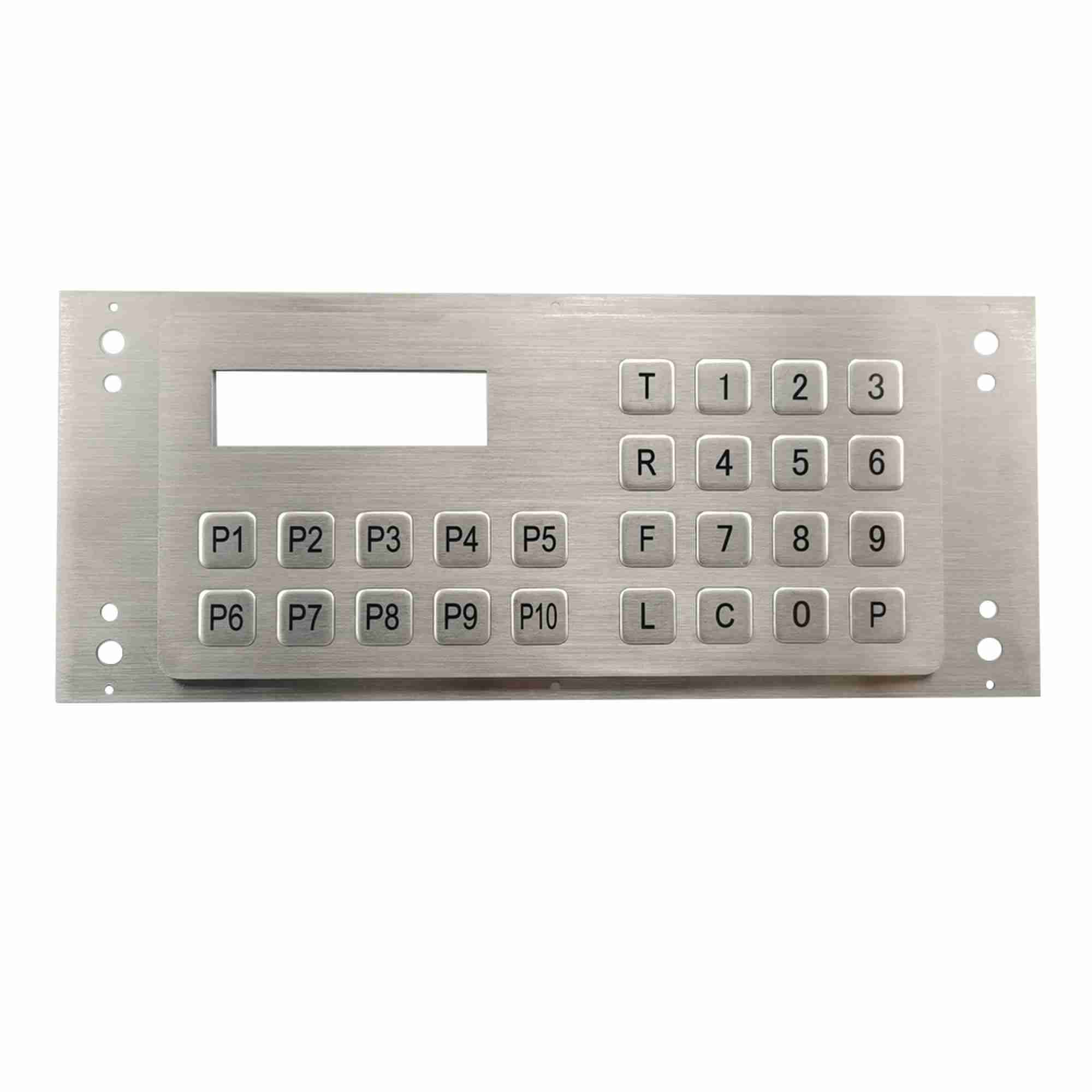
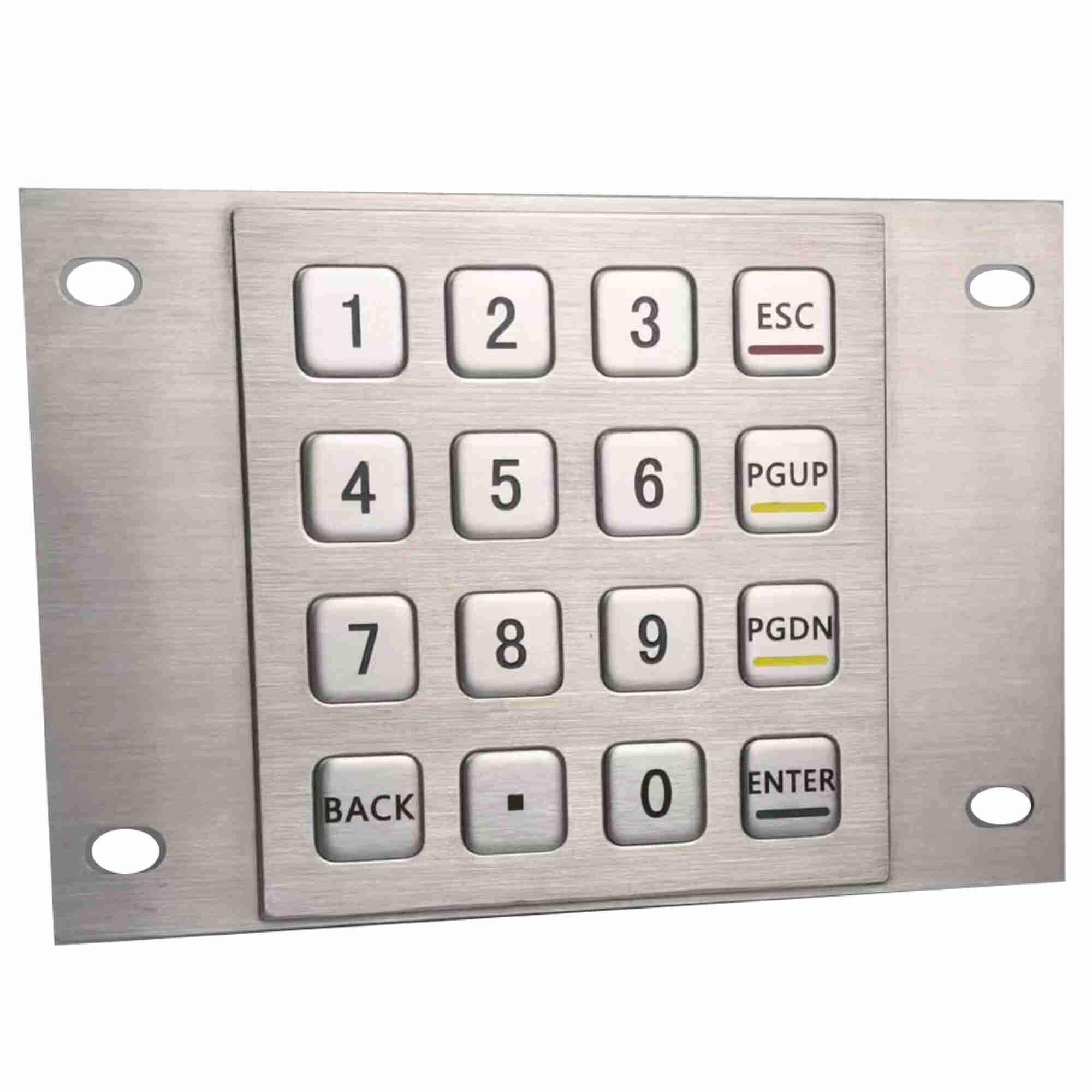
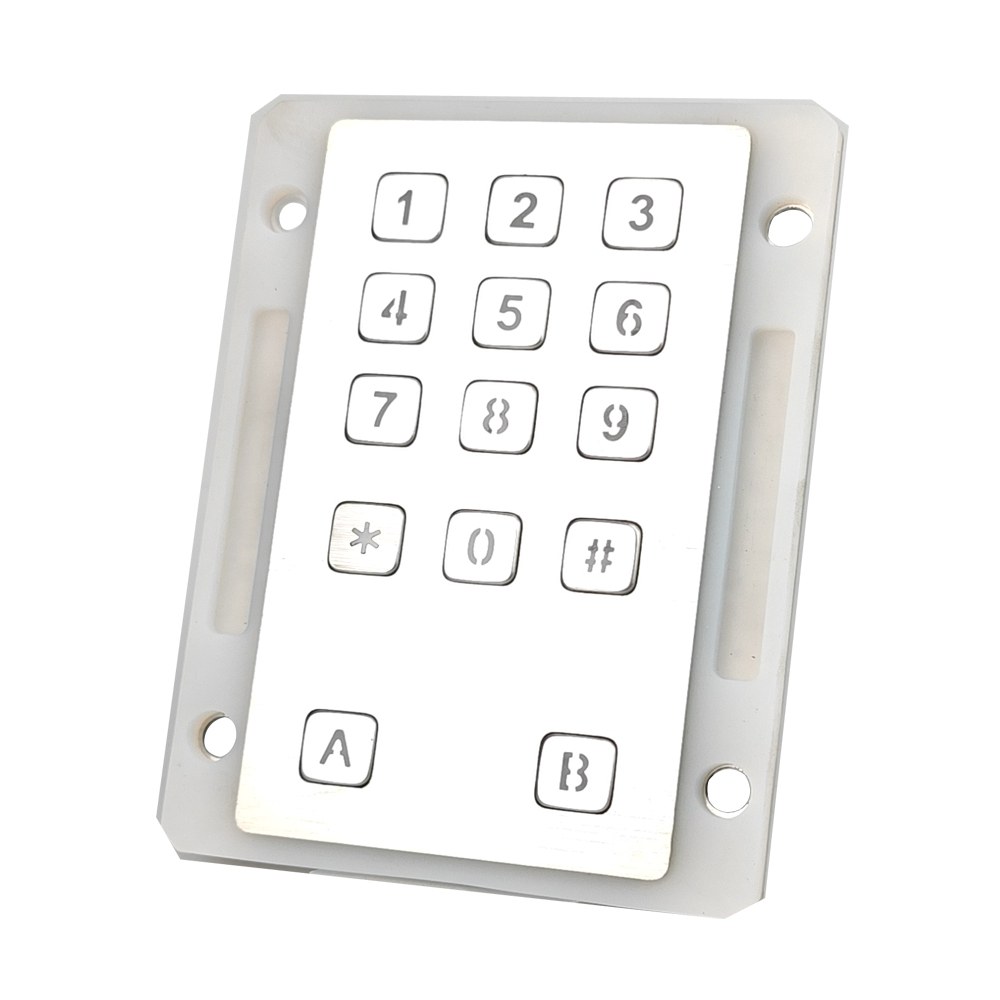
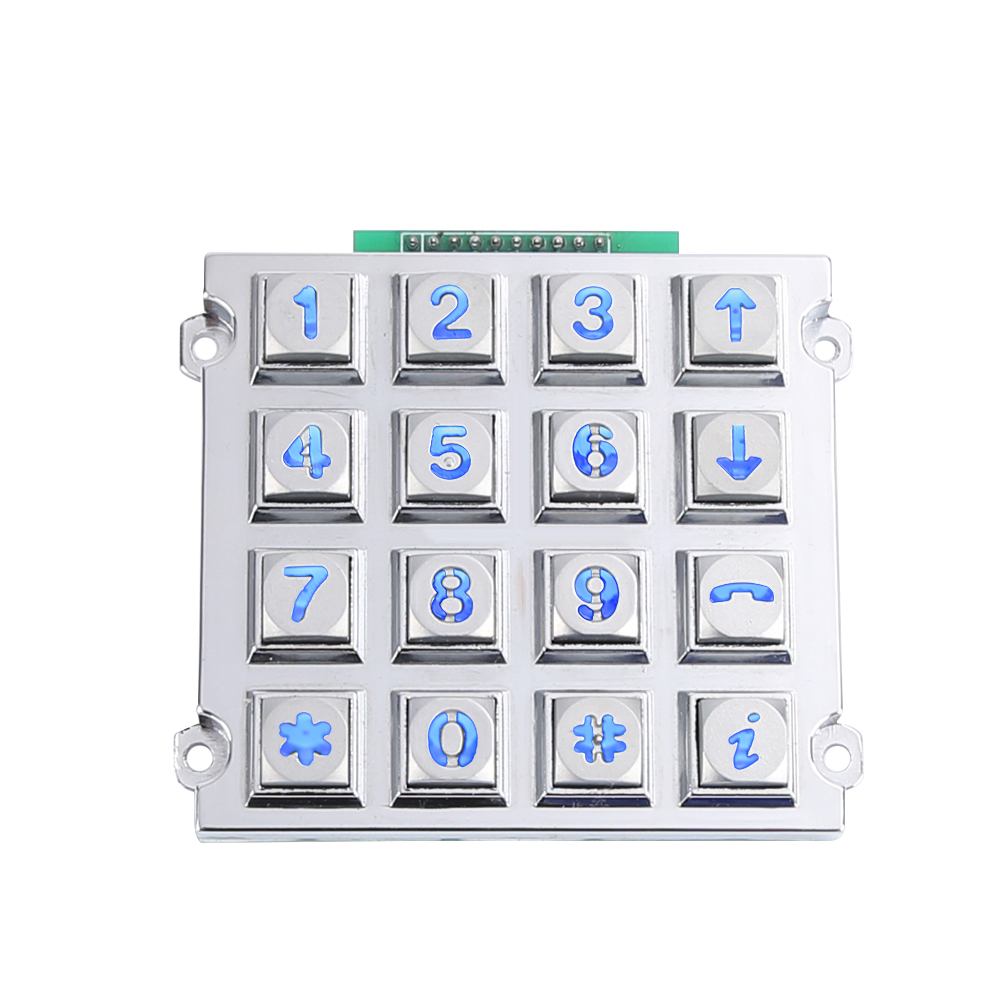
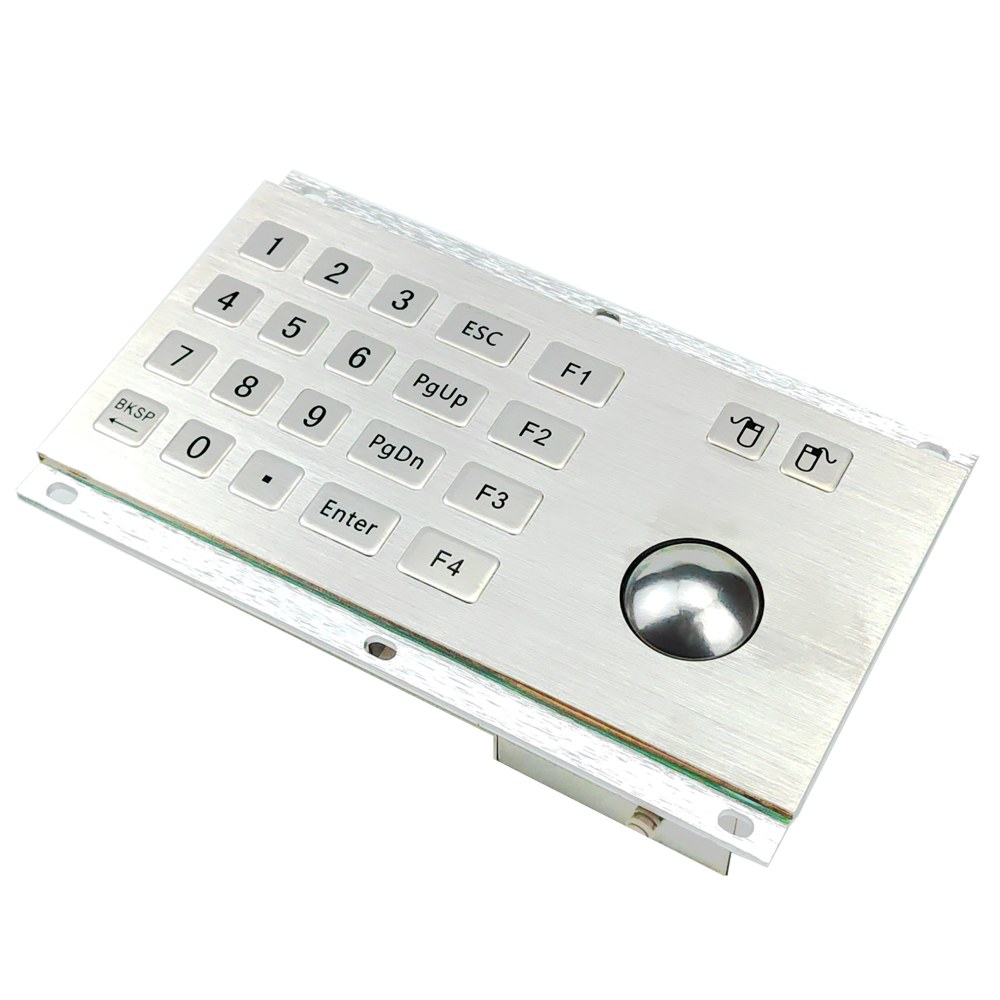
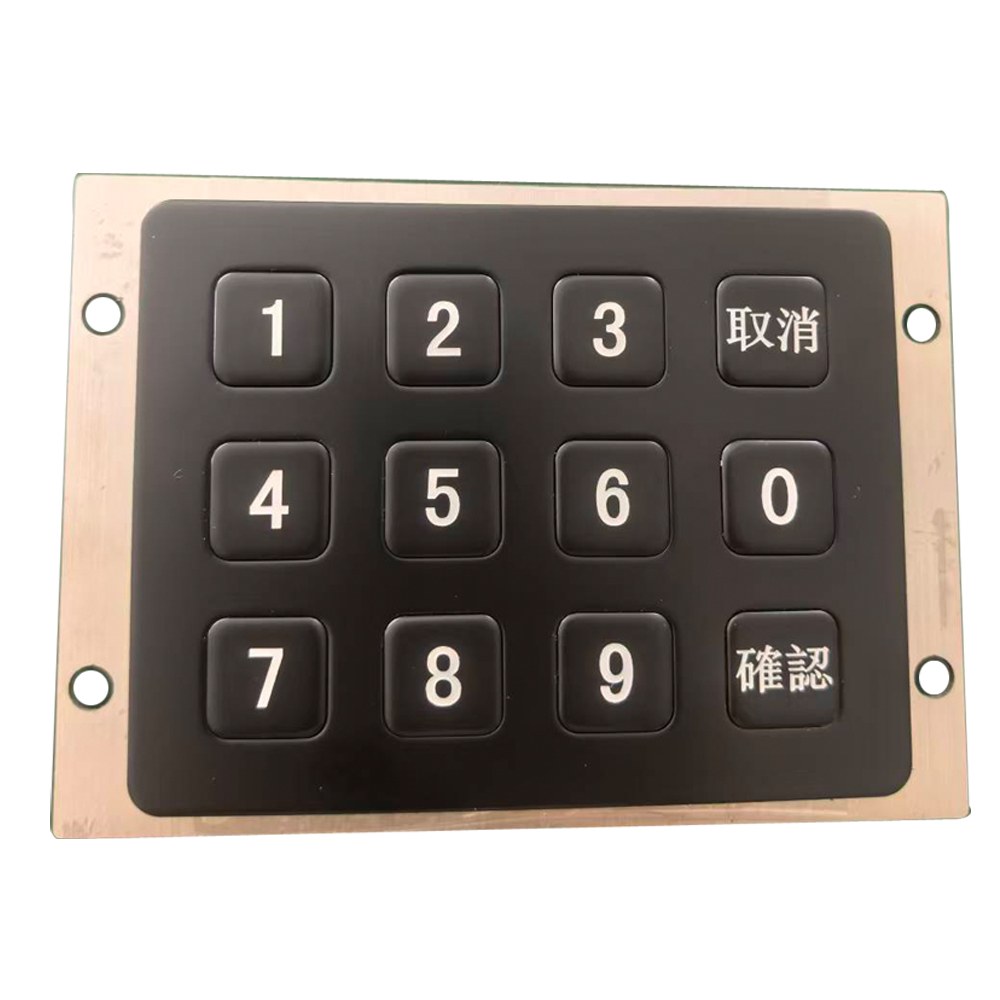
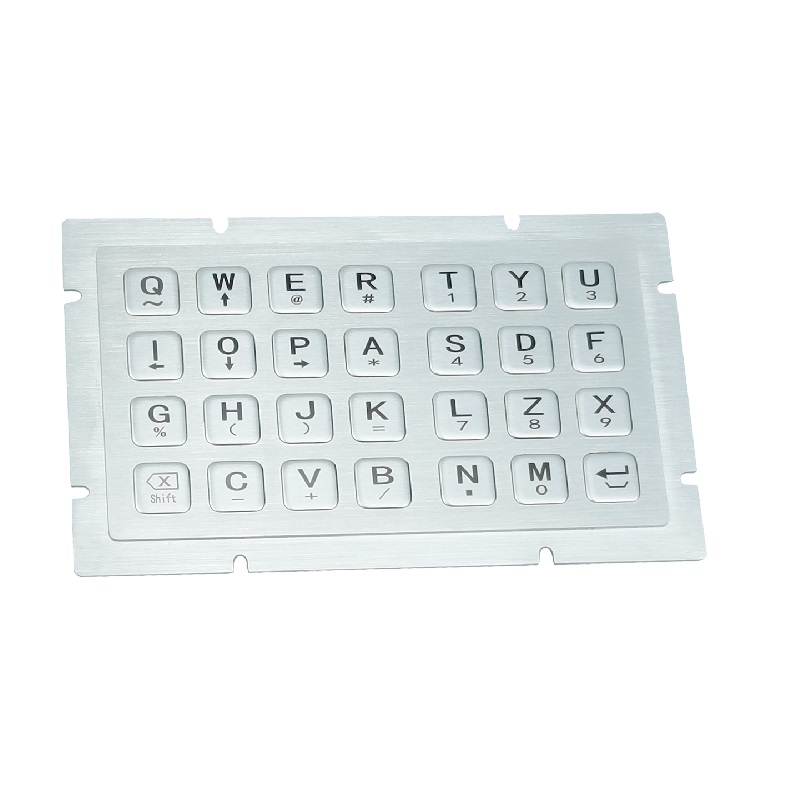
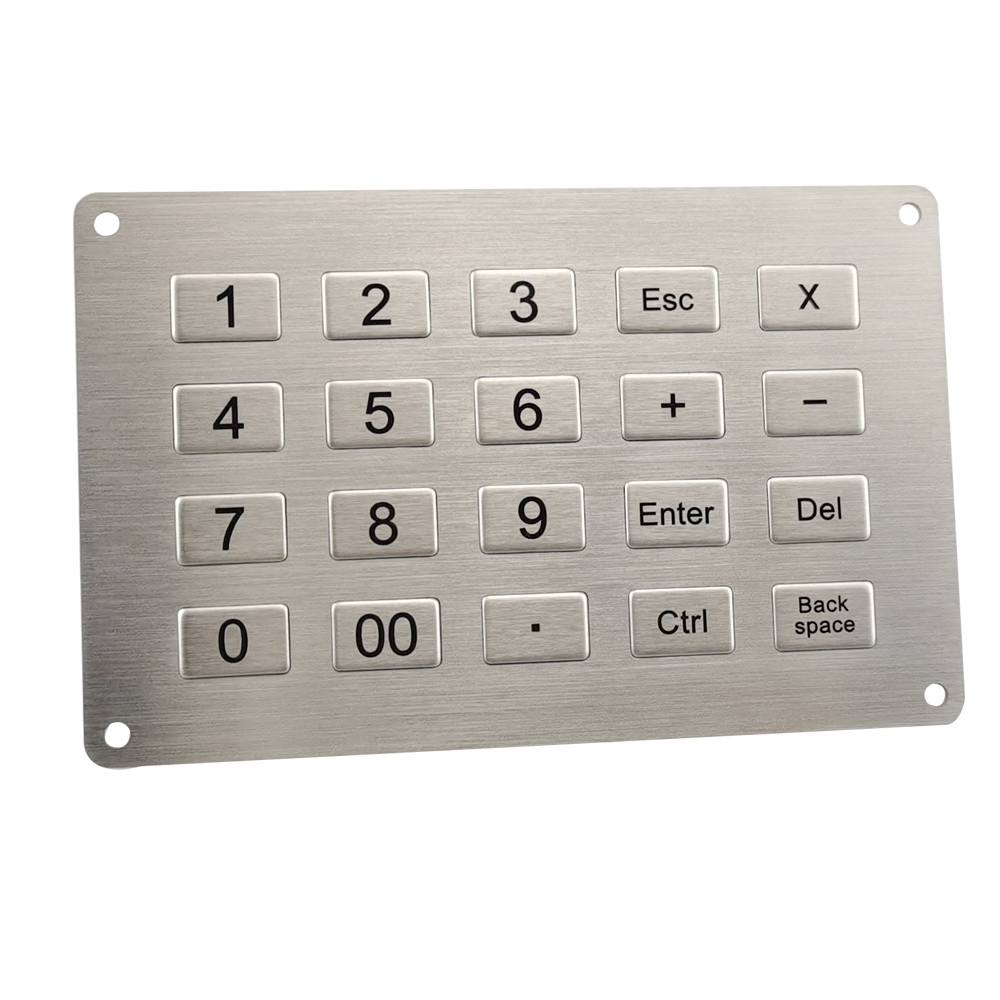
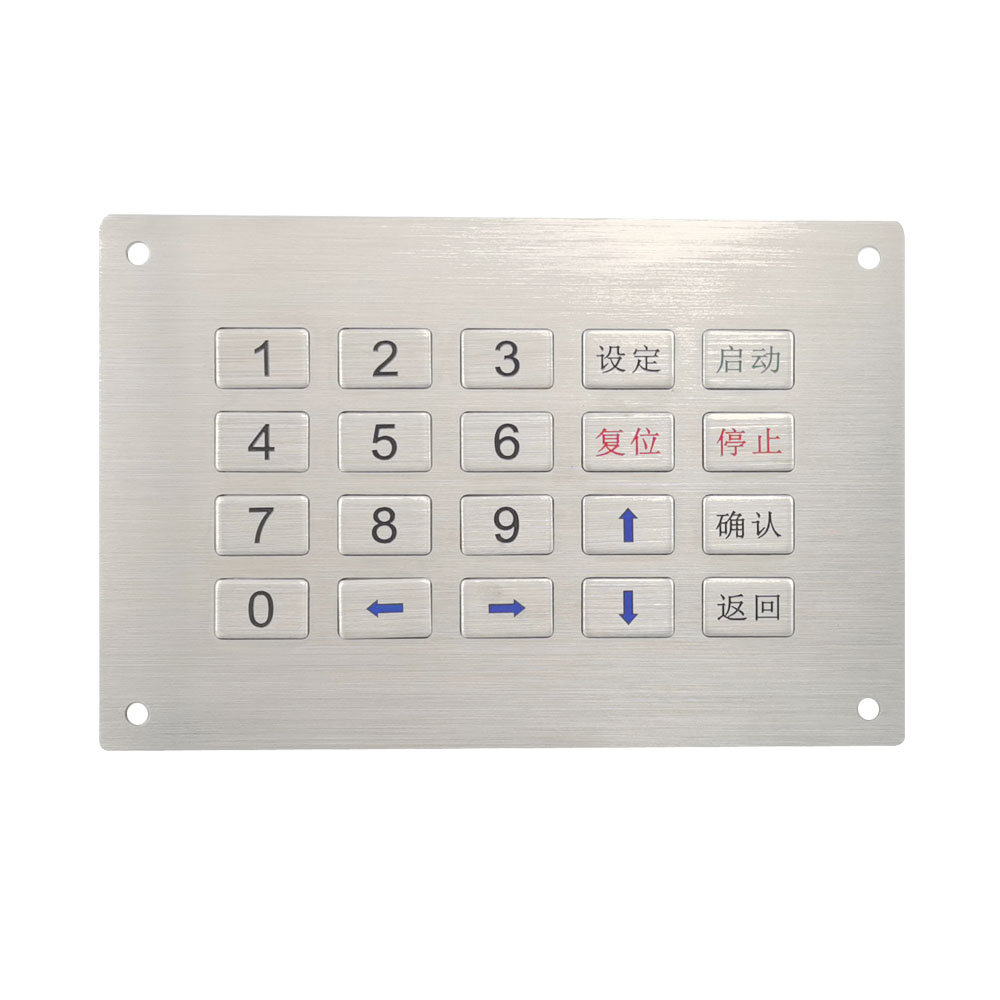
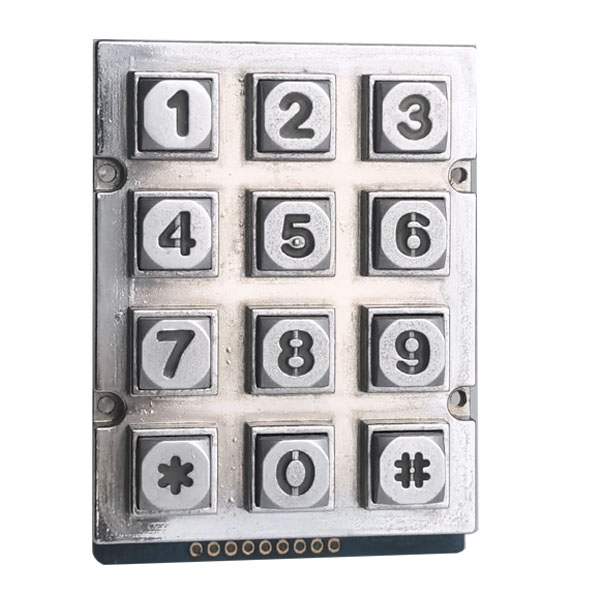
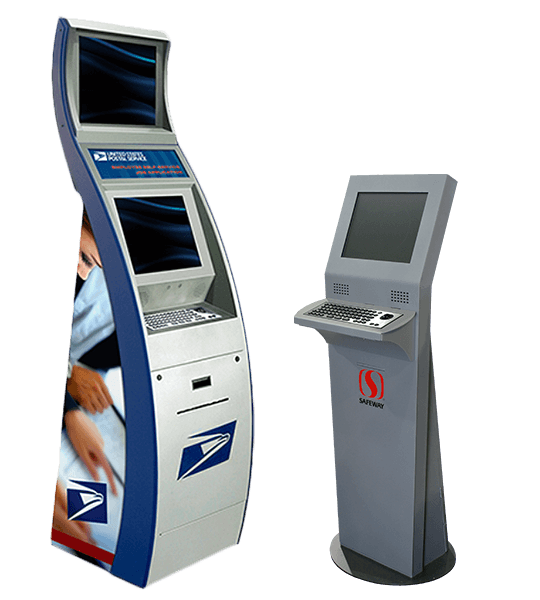
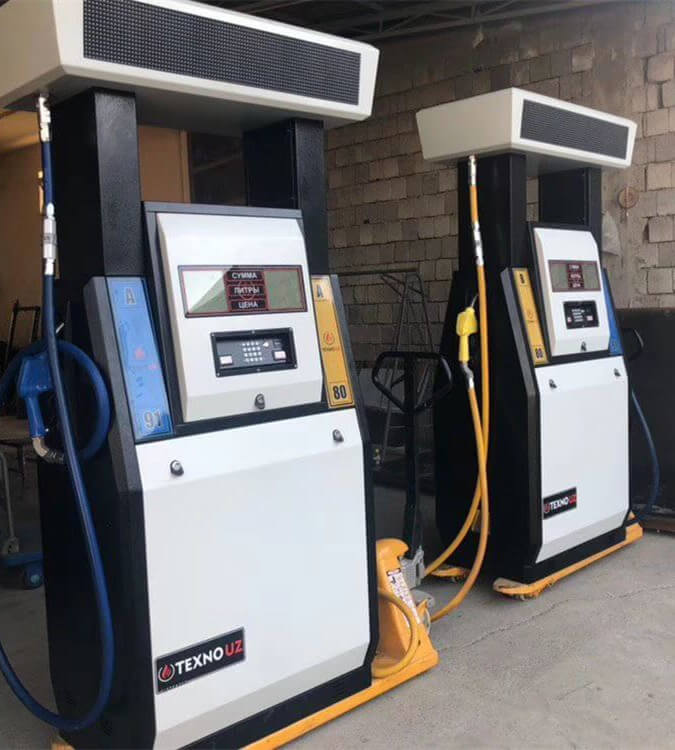
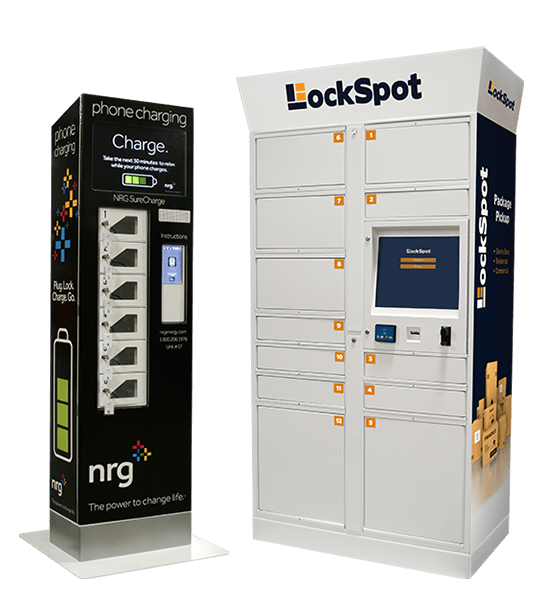
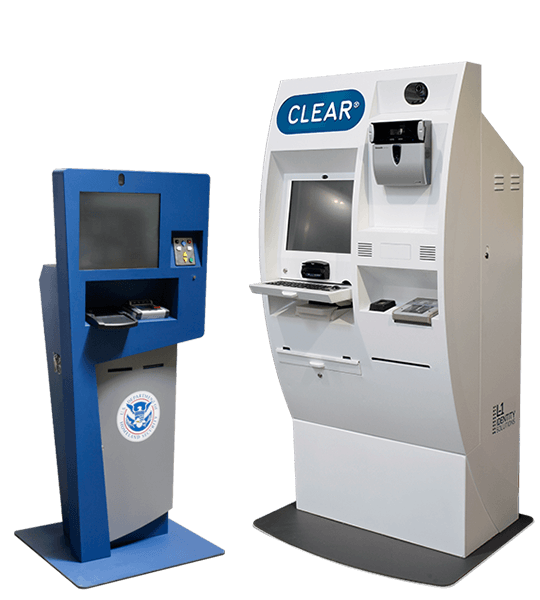
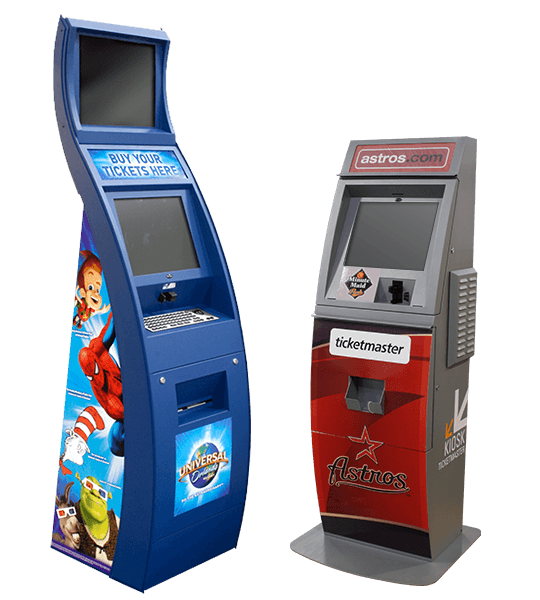
Keypado custom self-service kiosk keyboards are designed for unattended terminals that require durable, intuitive, and accurate user input. Suitable for ticket machines, vending machines, information kiosks, payment terminals, parcel lockers, parking systems, transportation equipment, healthcare terminals, and industrial self-service stations, these keyboards can be configured with stainless steel or aluminum housings, numeric or QWERTY layouts, function keys, Braille markings, backlighting, trackballs, touchpads, USB interfaces, and custom controllers. Panel-mount and integrated-housing structures are available. Keypado develops the keyboard around your kiosk dimensions, user workflow, communication interface, and environmental requirements.
Get Custom Quote
Key Features & Benefits
Make every self-service interaction simple, durable, and dependable.
Vandal-Resistant Metal Housing
Stainless steel, aluminum, or other specified metal materials help resist impact, tampering, scratching, vibration, and intensive public use.
Dust and Water Protection
Sealed keys, gaskets, protected PCB assemblies, and controlled panel interfaces help support reliable operation in public, outdoor, and semi-exposed environments.
Custom Kiosk Layouts
Numeric, QWERTY, function-key, payment, access-control, Braille, and application-specific layouts can be developed around your user interface.
USB and System Integration
USB, PS/2, matrix, serial, or custom interfaces can connect the keyboard to industrial PCs, embedded controllers, POS systems, and kiosk computers.
Integrated Trackball or Touchpad
Pointing devices, mouse buttons, LEDs, and other controls can be integrated where users need navigation without a separate mouse.
Backlit and Accessible Operation
LED illumination, high-contrast legends, raised markings, Braille, multilingual labels, and tactile feedback improve usability in low-light and public environments.
Configure the Keyboard Around Your Kiosk
Keypado customizes the physical structure, key layout, electronics, user interface, and environmental protection to match the complete kiosk system.
Kiosk Keyboard Layout and User Interface
Metal Housing and Mounting Structure
Input Technology and Key Performance
Pointing Devices and Electronic Interfaces
Environmental and Public-Use Requirements
Kiosk Keyboard Layout and User Interface
- Full QWERTY, compact alphanumeric, numeric, function-key, or application-specific layouts.
- Custom key count, key size, spacing, symbols, language, legends, and operating sequence.
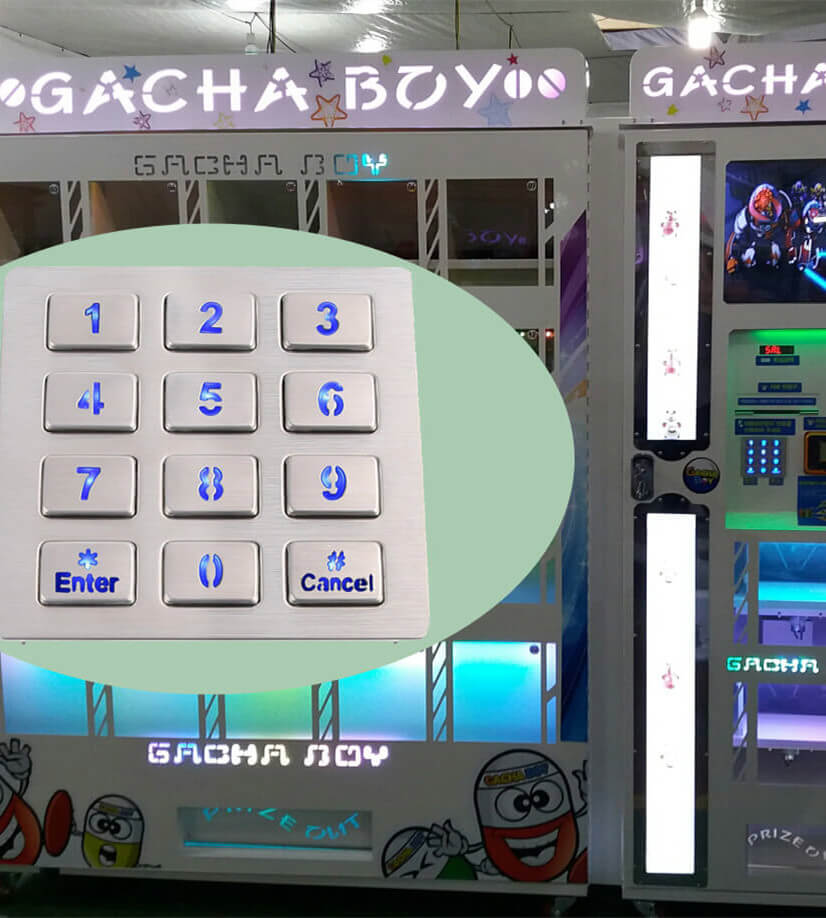
- Numeric layouts for ticketing, vending, access control, payment, parking, and parcel locker systems.
- Dedicated keys for help, cancel, enter, backspace, language selection, payment, or operator assistance.
- Braille, raised symbols, high-contrast markings, and multilingual instructions.
Metal Housing and Mounting Structure
- Stainless steel, aluminum, cold-rolled steel, or other specified metal construction.
- Front-mount, rear-mount, panel-mount, integrated-housing, desktop, or embedded installation.
- Custom faceplate dimensions, panel cutouts, mounting holes, brackets, cable exits, and rear covers.
- Brushed, polished, painted, powder-coated, plated, or custom color finishes.
- Optional gaskets, sealing frames, protective covers, sunshields, and custom kiosk bezels.
Input Technology and Key Performance
- Metal dome, mechanical switch, silicone rubber, membrane, or other specified switching technology.
- Custom actuation force, key travel, tactile feedback, acoustic level, and return behavior.
- Anti-ghosting, multi-key rollover, key-scanning logic, and application-specific firmware.
- Backlit keys, status LEDs, illuminated legends, and low-light operating functions.
- Switching components selected according to expected usage frequency and service conditions.
Pointing Devices and Electronic Interfaces
- Integrated trackball, touchpad, mouse buttons, joystick, or other navigation controls.
- USB, PS/2, matrix, serial, custom connector, or dedicated controller interface.
- Custom PCB, firmware, wiring harness, connector position, voltage, and signal requirements.
- Compatibility review for industrial PCs, embedded computers, POS systems, PLCs, and kiosk controllers.
- Optional anti-static, grounding, shielding, and cable-management provisions.
Environmental and Public-Use Requirements
- IP65, IP67, NEMA, or other protection targets considered during the engineering stage.
- Vandal, impact, vibration, corrosion, temperature, cleaning, and chemical-exposure requirements.
- High-visibility emergency keys, illuminated buttons, audible feedback, or accessibility functions.
- Custom logo, serial number, QR code, warning label, and operating instructions.
- Prototype testing, installation samples, inspection records, and customized export packaging.
Keypado Applications
Why Keypado is Your Go-to Choice
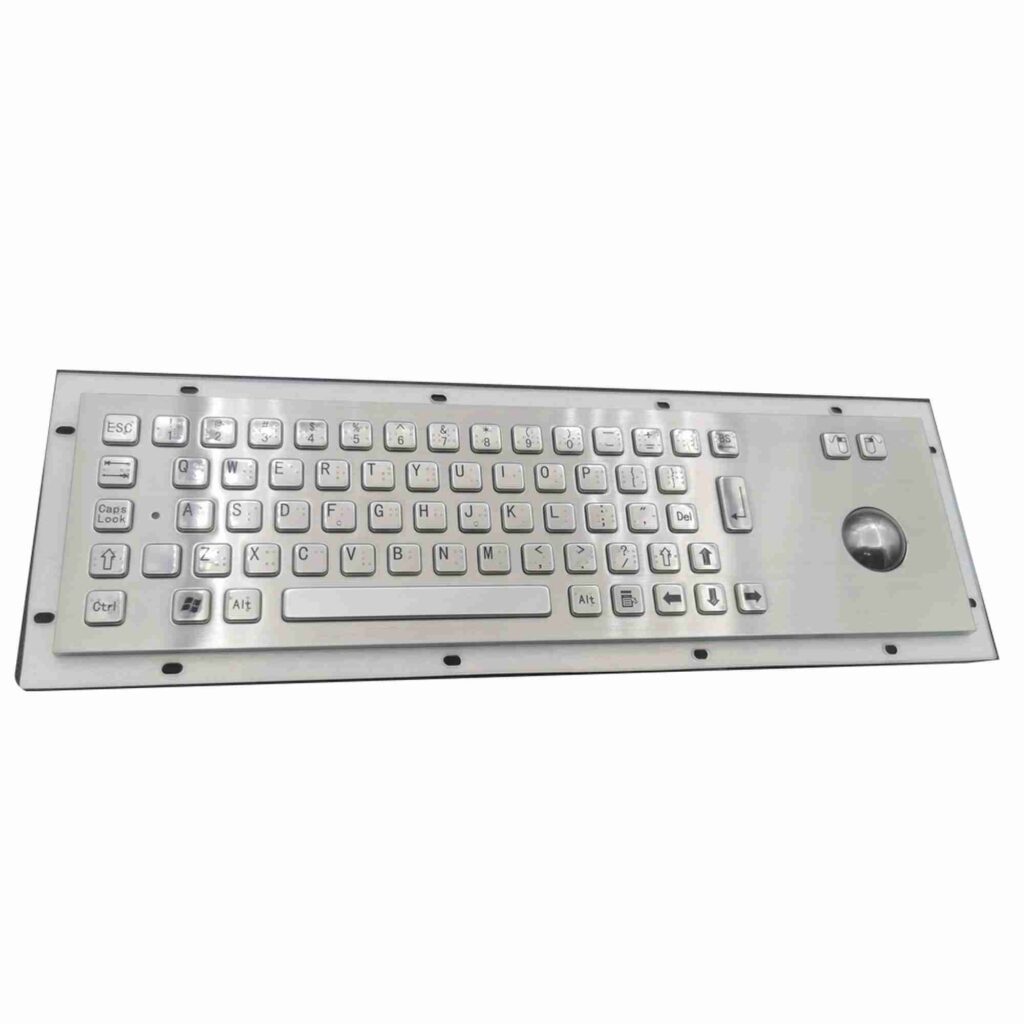
Stainless Steel Kiosk Keyboards for Unattended Operation
Self-service kiosks operate for long periods with limited supervision, making mechanical durability and input reliability essential. Keypado custom kiosk keyboards can be produced from stainless steel, aluminum, cold-rolled steel, or other specified metals, with rigid faceplates, protected switches, concealed PCB assemblies, reinforced mounting points, and tamper-resistant fasteners. The keyboard may be integrated into a complete kiosk housing or supplied as a panel-mounted component. Key count, layout, key spacing, legends, mounting holes, cable exits, surface finish, and rear structure are developed around your enclosure and user-interface requirements.
Weather-Resistant Input for Public and Outdoor Kiosks
Kiosks installed outdoors, in transportation facilities, parking areas, shopping centers, factories, or public buildings may be exposed to dust, rain, spilled liquids, cleaning agents, temperature variation, and repeated contact. Keypado can design the keyboard with sealed keys, gaskets, protected PCB assemblies, controlled panel interfaces, and sealed cable exits. Depending on the final construction, the product may be designed toward IP65, IP67, NEMA, or another specified protection target, subject to verification. Surface treatments and corrosion-resistant materials can be selected for the expected installation environment.
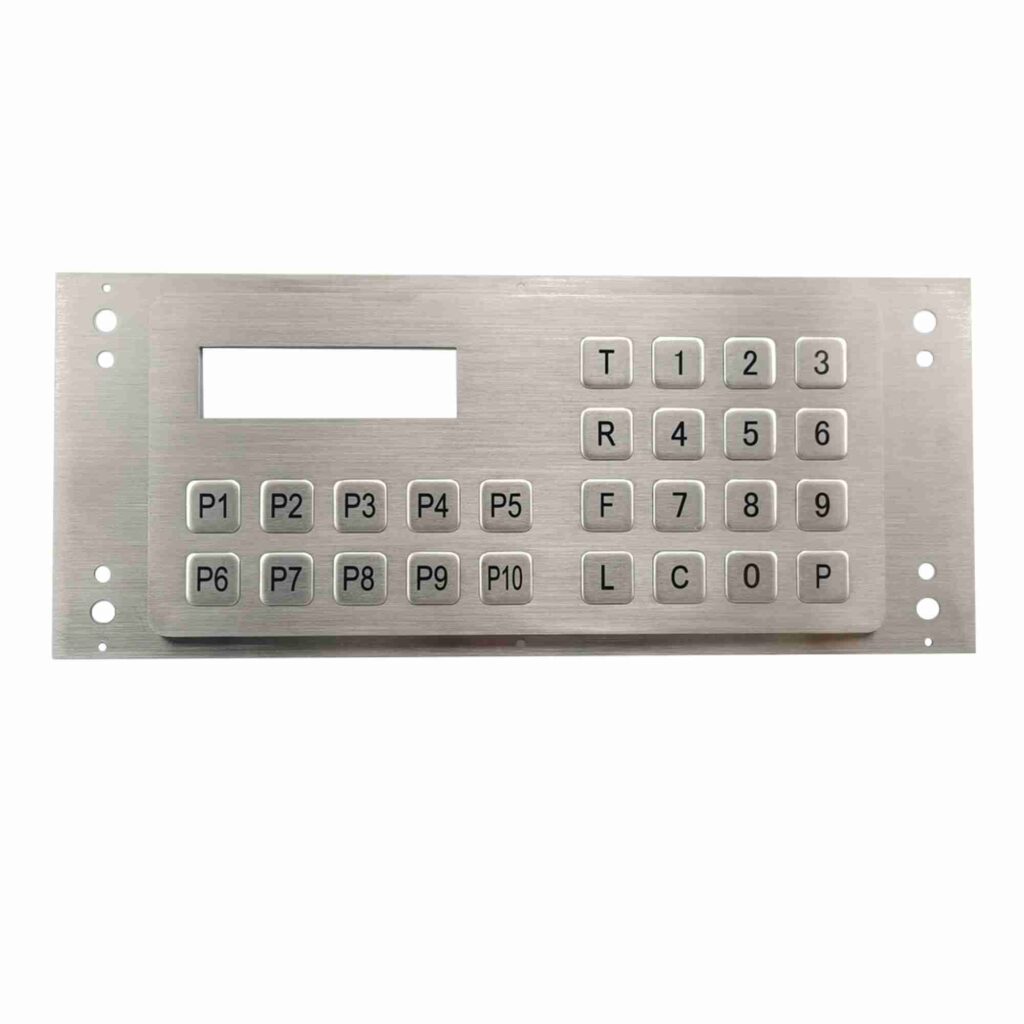
Custom Layouts for Ticketing, Payment, and Access Control
A kiosk keyboard must match the way users interact with the terminal. Keypado can provide numeric keypads, QWERTY keyboards, function-key panels, payment interfaces, Braille layouts, access-control keyboards, and custom shortcut arrangements. Key labels, symbols, languages, actuation force, tactile feedback, key travel, sound level, and illumination can be adjusted around the application. Anti-ghosting, multi-key rollover, key scanning, and controller mapping may be incorporated where multiple or rapid inputs must be recognized accurately by the kiosk computer.
Trackball, Touchpad, and Backlit Navigation
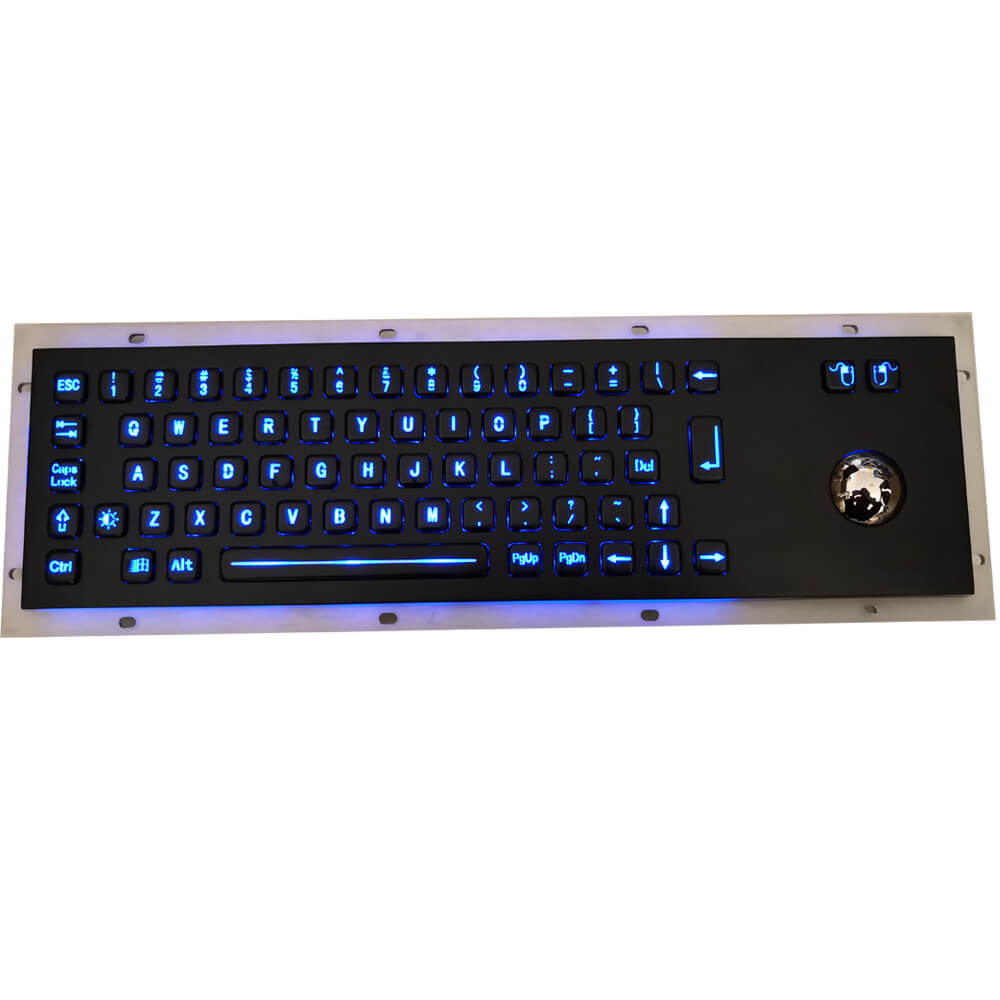
When a kiosk requires cursor movement or menu navigation, an integrated trackball, touchpad, mouse button, or joystick can be added to the metal keyboard assembly. This avoids the need for a separate mouse and keeps the user interface within a single protected panel. LED backlighting, status indicators, illuminated legends, and high-contrast markings improve visibility in low-light locations. Keypado can customize the pointing-device position, interface, protection structure, cable routing, illumination color, brightness, voltage, and controller compatibility according to the kiosk design.
From Kiosk Concept to a Fully Integrated Input Device
Keypado follows a structured engineering and production process to ensure that the keyboard fits the kiosk physically, electrically, and functionally.
1. Kiosk and User-Interaction Requirement Review
The process begins with a review of the kiosk’s purpose, user workflow, installation location, available panel space, expected daily operation, maintenance method, and host computer. Keypado confirms whether the application requires a numeric keypad, full QWERTY keyboard, function keys, Braille, payment controls, trackball, touchpad, backlighting, or emergency buttons. Environmental exposure, vandalism risk, cleaning process, temperature range, power input, connection interface, and target protection level are also documented before design work begins.
2. Layout, Mechanical, and Electrical Engineering
Engineers develop the key layout, legends, faceplate, mounting holes, panel cutout, key mechanism, PCB location, cable outlet, rear cover, gasket, and internal supports. The electronic design is matched to USB, PS/2, matrix, serial, or custom system requirements. Important details such as actuation force, key travel, tactile response, anti-ghosting, key rollover, backlight current, trackball or touchpad interface, and controller mapping are specified. Drawings, key maps, wiring diagrams, and installation instructions are reviewed before sampling.
3. Prototype and Kiosk Integration Testing
A prototype or pre-production keyboard can be installed in a representative kiosk panel to evaluate fit, mounting, user reach, key visibility, tactile response, backlight performance, pointing-device operation, cable routing, and access for maintenance. Electrical testing may include USB recognition, matrix scanning, key rollover, anti-ghosting, signal stability, voltage, grounding, shielding, and compatibility with the host computer. Where required, environmental protection and impact testing are planned around the final structure and agreed test method.
4. Metal Fabrication, Surface Treatment, and Assembly
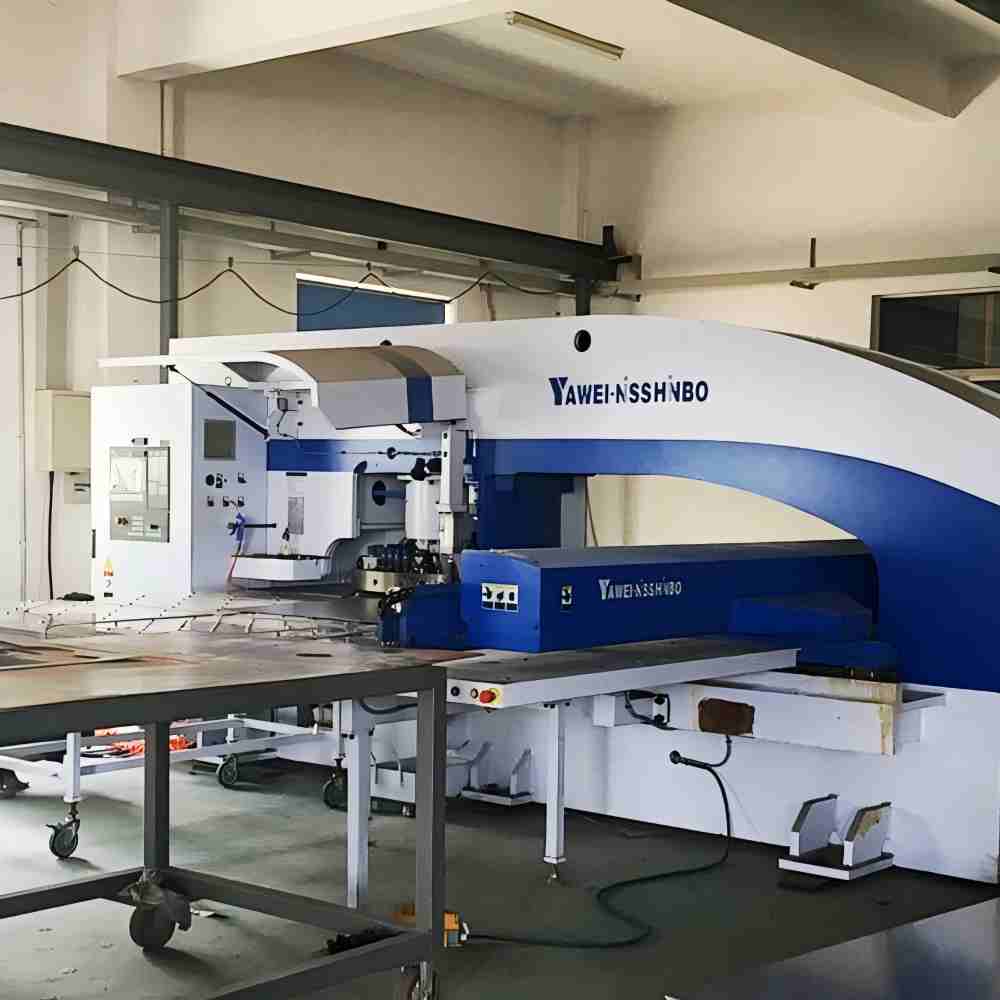
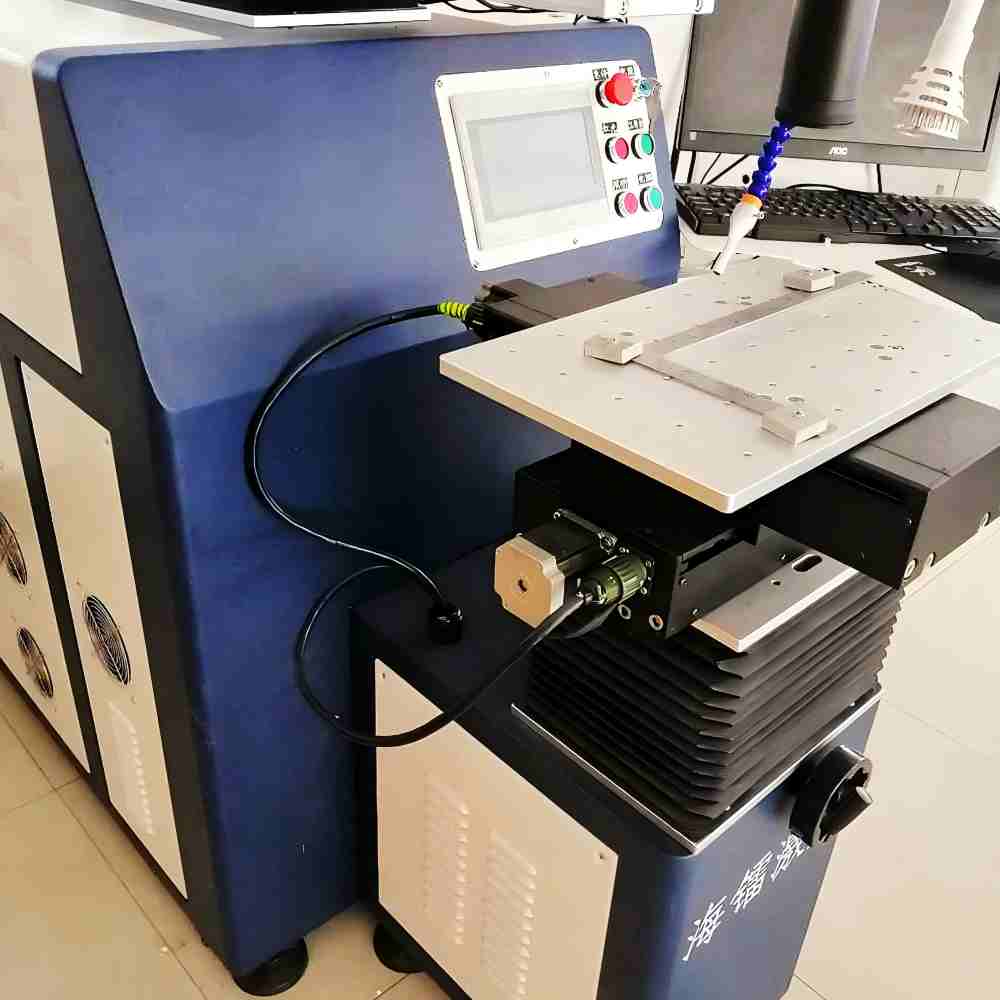
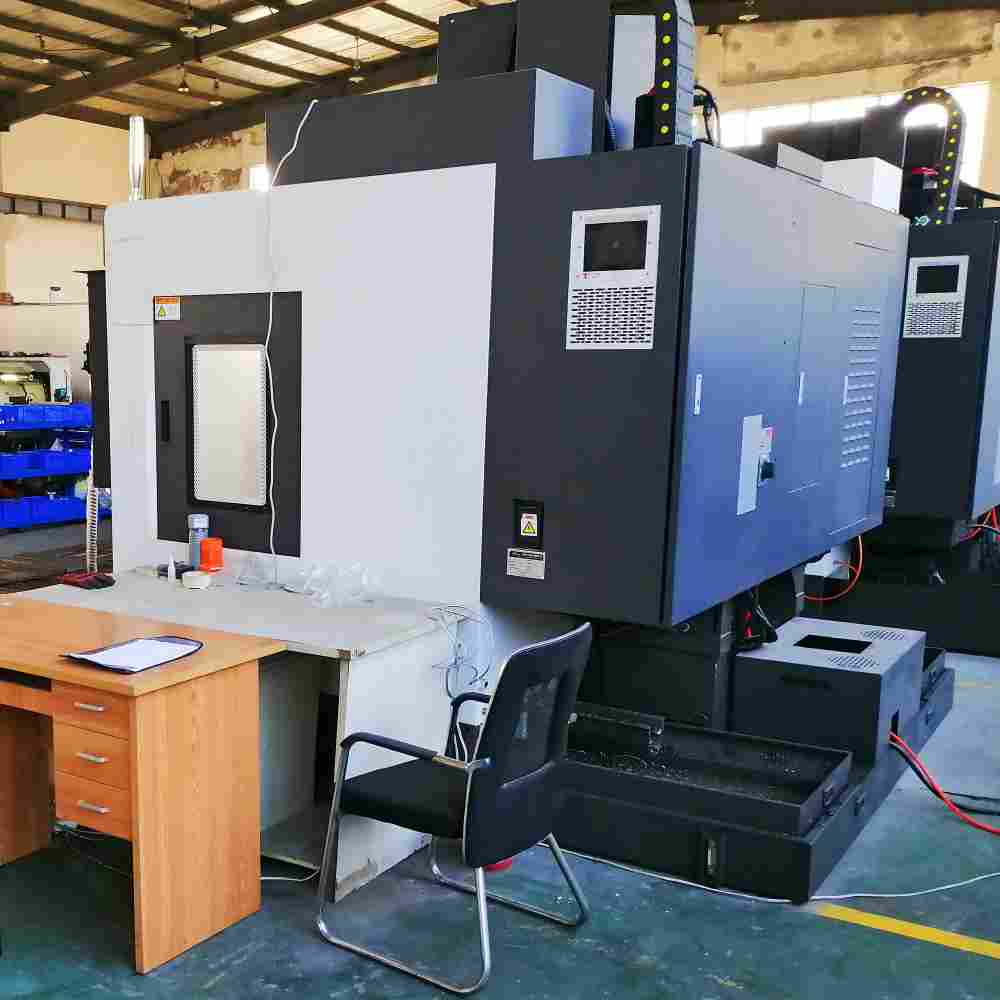
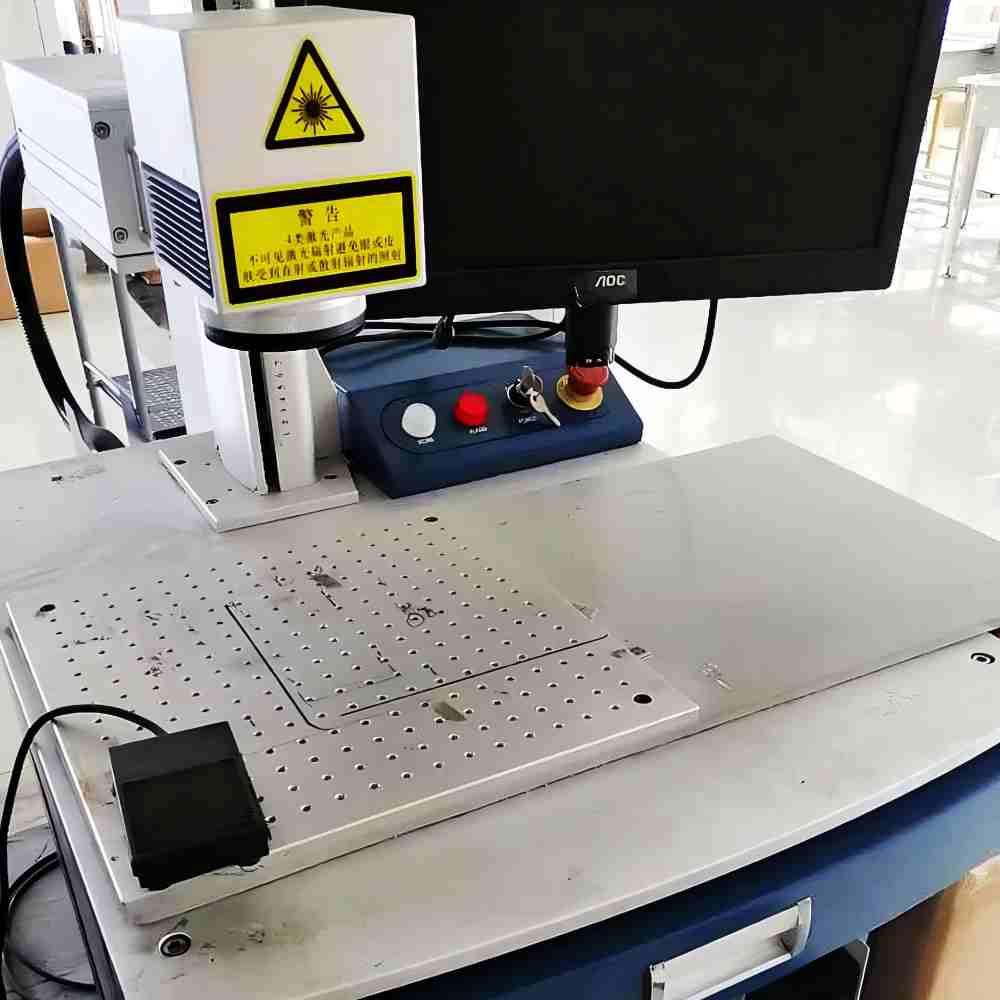
Approved metal components are produced through laser cutting, stamping, CNC machining, bending, drilling, welding, polishing, brushing, deburring, and surface finishing. The faceplate may receive powder coating, painting, plating, laser engraving, silk-screen printing, or another specified treatment. Keys, switches, PCB, LEDs, trackball, touchpad, controller, connectors, and wiring harness are assembled according to the approved drawings. Inspection focuses on key alignment, mounting-hole accuracy, surface quality, connector position, cable routing, and component fit.
5. Final Functional Inspection and Packaging
Finished keyboards are inspected for dimensions, key legends, surface finish, mounting accuracy, key response, actuation consistency, electrical output, backlight operation, pointing-device performance, and connector condition. Additional checks may include continuity, insulation, grounding, sealing interfaces, vibration resistance, or protection-level verification when specified. Keypado can supply key maps, wiring information, installation instructions, test records, inspection documents, and spare parts. Packaging is designed to protect the faceplate, keys, PCB, pointing device, cable, and accessories during shipment.
FAQs
A self-service kiosk keyboard is an input device installed in a terminal that allows users to enter numbers, letters, commands, payment information, access codes, or search data without staff assistance. It is commonly used in ticket machines, vending machines, parcel lockers, parking systems, public information kiosks, and payment terminals.
Metal keyboards provide stronger resistance to impact, tampering, repeated operation, dust, moisture, and public misuse than many standard office keyboards. Their rigid construction and protected electronics are especially suitable for unattended terminals in high-traffic or outdoor environments.
Yes. Keypado can work with kiosk drawings, panel cutouts, mounting dimensions, key maps, wiring diagrams, and computer-interface requirements. The keyboard can be developed as a standalone panel-mount component or as part of an integrated metal kiosk housing.
Available layouts may include numeric, compact alphanumeric, full QWERTY, function-key, payment, access-control, Braille, and application-specific designs. Keypado can customize the key count, spacing, labels, language, symbols, enter/cancel functions, and special shortcut keys.
Yes. A trackball, touchpad, mouse button, joystick, or other pointing device can be integrated into the keyboard. This allows users to navigate menus or select items without using a separate mouse, which is useful for public kiosks and enclosed terminals.
Yes. LED backlighting can be added for terminals used at night, indoors with low lighting, or in transportation and parking environments. Backlight color, brightness, illuminated area, legend style, voltage, current, and control method can be customized.
Yes. USB is one of the possible interfaces for connecting the keyboard to an industrial PC, embedded computer, POS system, or kiosk controller. Other options may include PS/2, matrix, serial, or a custom interface, depending on the host system and software requirements.
The keyboard can be designed with sealed keys, gaskets, protected PCBs, reinforced faceplates, concealed wiring, and tamper-resistant mounting features. Depending on the final construction, IP65, IP67, NEMA, or another protection target may be considered. The actual performance must be confirmed by testing the completed product.
Anti-ghosting and multi-key rollover can be considered where the application requires accurate recognition of multiple simultaneous or rapid inputs. The final solution depends on the key matrix, controller, firmware, interface, and host computer. The project specification should define how many simultaneous inputs must be recognized.
Important information includes the kiosk drawing, panel cutout, mounting method, key layout, language, interface, power supply, backlight requirements, pointing device, environmental exposure, protection target, expected operation frequency, surface finish, quantity, and certification needs. Photos, installation samples, wiring diagrams, and host-computer details can make the engineering process faster.
Some Cool Facts
Collaborated with Global Partners on
 English
  Deutsch
  Français
  Polski
  Português do Brasil
  Español
  日本語
日本語  Русский
  العربية
  Italiano
  Nederlands
  Türkçe
  한국어
한국어