
Custom Ticket Machine Keypads That Keep Every Journey Moving
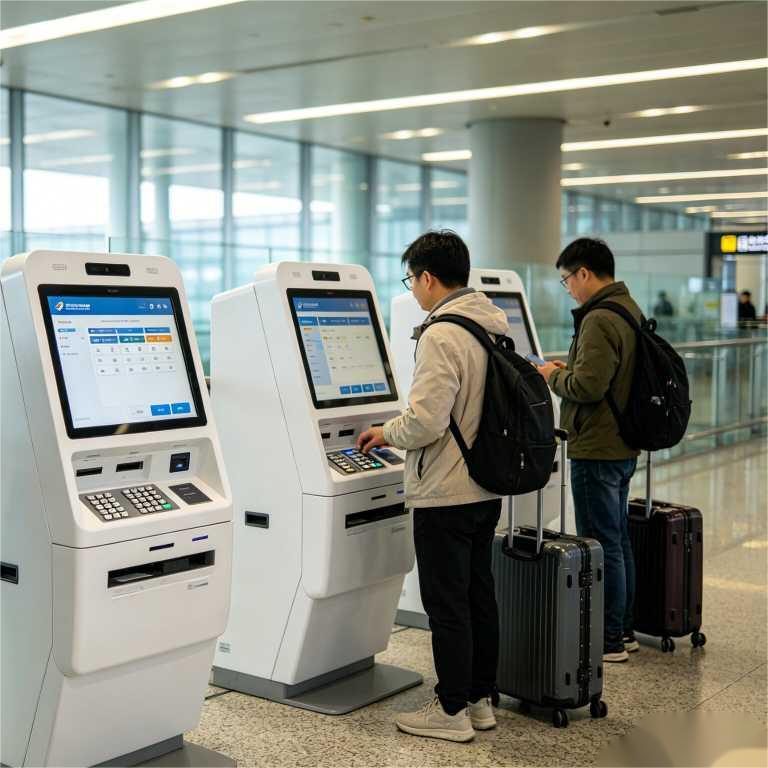
A traveler at a ticket machine wants to finish quickly, not figure out the hardware. Keypado manufactures custom ticket machine keypads for transit, parking, cinema, and other self service ticketing terminals. We help you build the physical controls around your ticketing flow, whether users need to enter a zone, route number, account reference, vehicle plate, or transaction amount. From metal keys and tactile markings to panel fit, mounting, wiring, and optional illumination, each keypad is developed for your machine. Share your terminal drawing and user flow, and we will help turn them into a keypad that feels clear, solid, and ready for public use.
Get Custom Quote
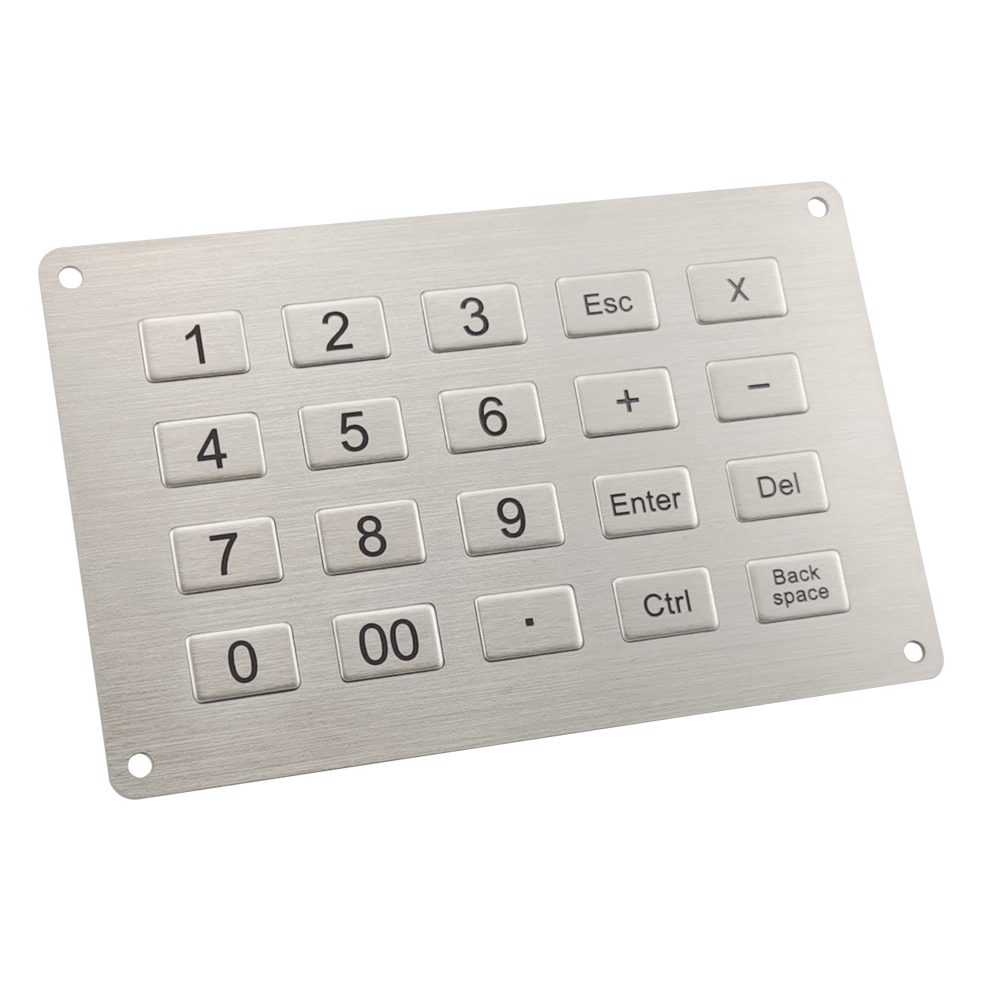
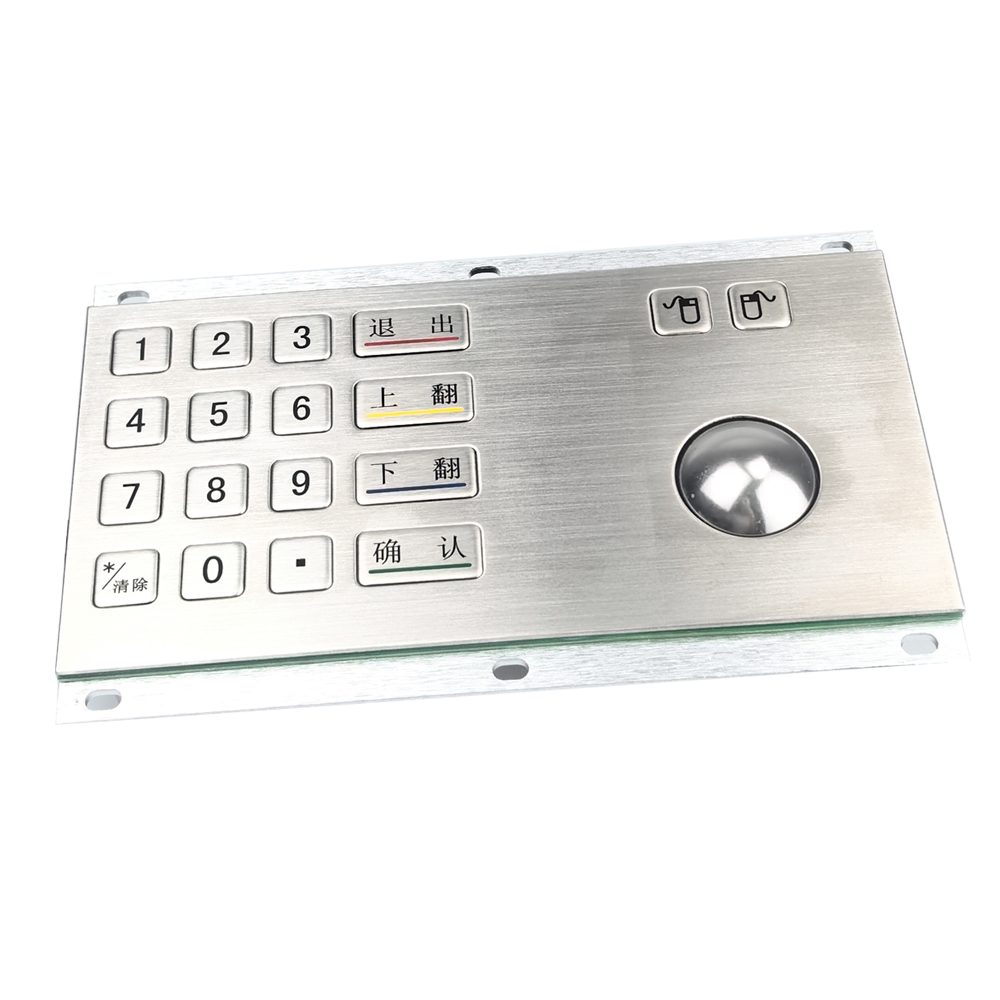
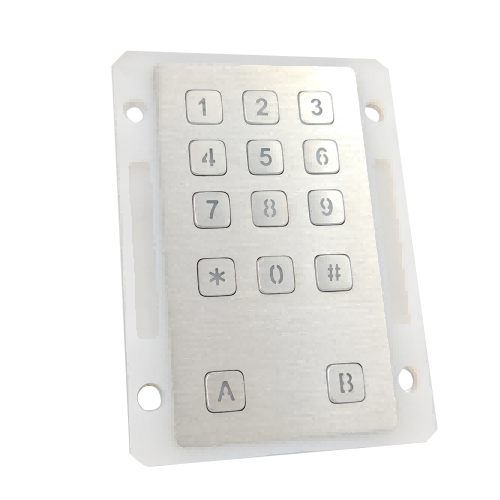
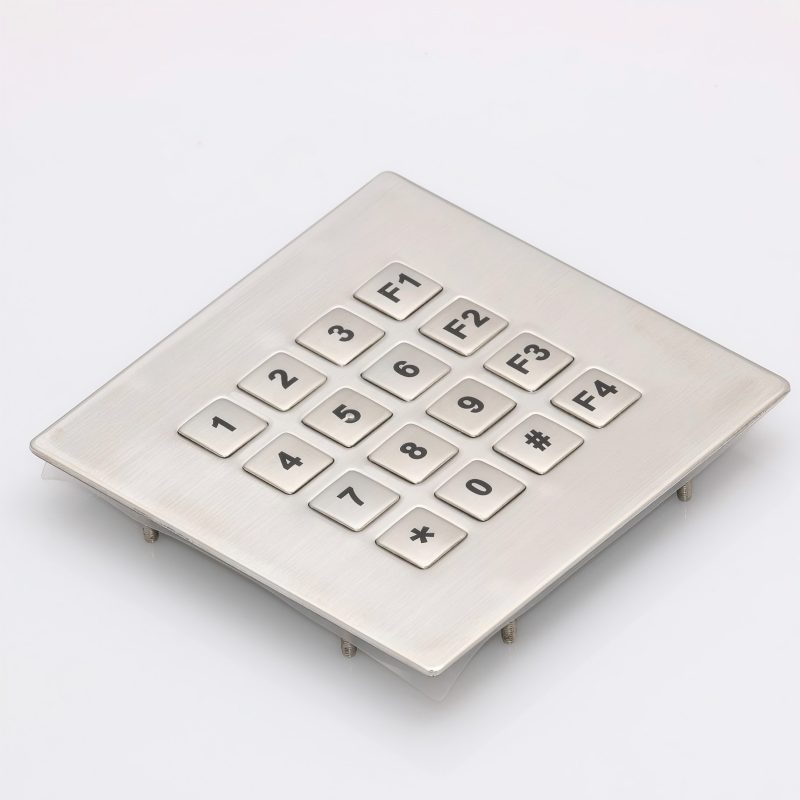
Built around the ticket journey
Set up number, function, and confirmation keys to match the steps users see on screen.
Clear input in busy places
Distinct metal keys help passengers and customers enter details with less hesitation.
Designed for public terminals
Metal front panels and keys offer a durable, professional contact surface for frequently used machines.
Tactile options for inclusive use
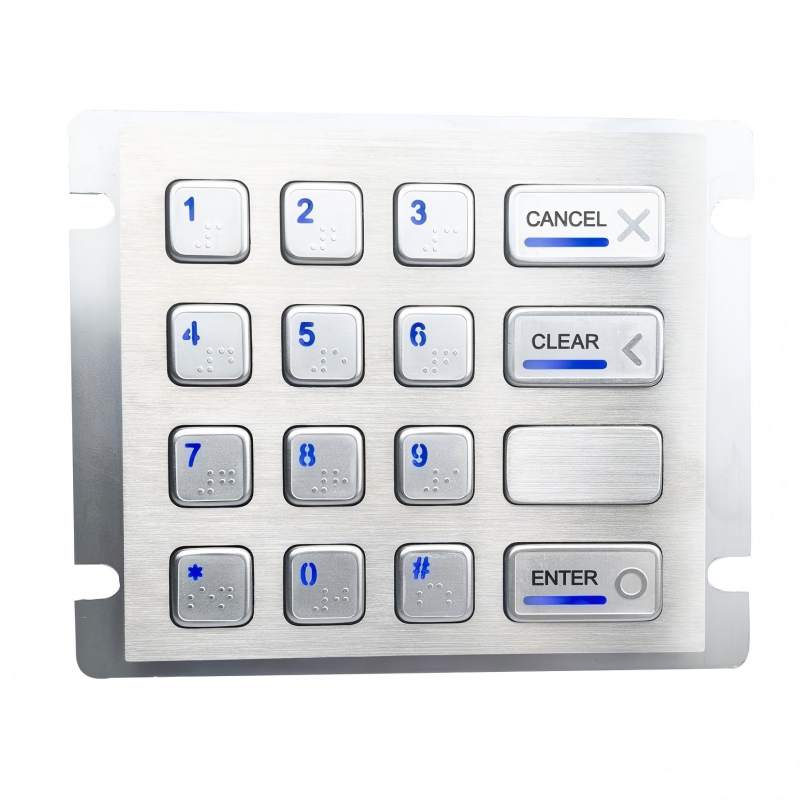
Discuss raised key profiles, a tactile reference point on key 5, Braille, and function symbols where your project requires them.
Fits the terminal you designed
Specify panel dimensions, mounting points, cable exit, and connector details around your enclosure.
Visible when queues do not stop
Consider backlit keys for stations, parking sites, and other low light locations.
Build around the transaction
A ticket machine can sell a journey, collect a parking payment, print an event ticket, or update travel credit. The keypad should serve that exact task.
Key layout and functions
Tactile and visible markings
Metal panel and finish
Mounting and electrical connection
Key layout and functions
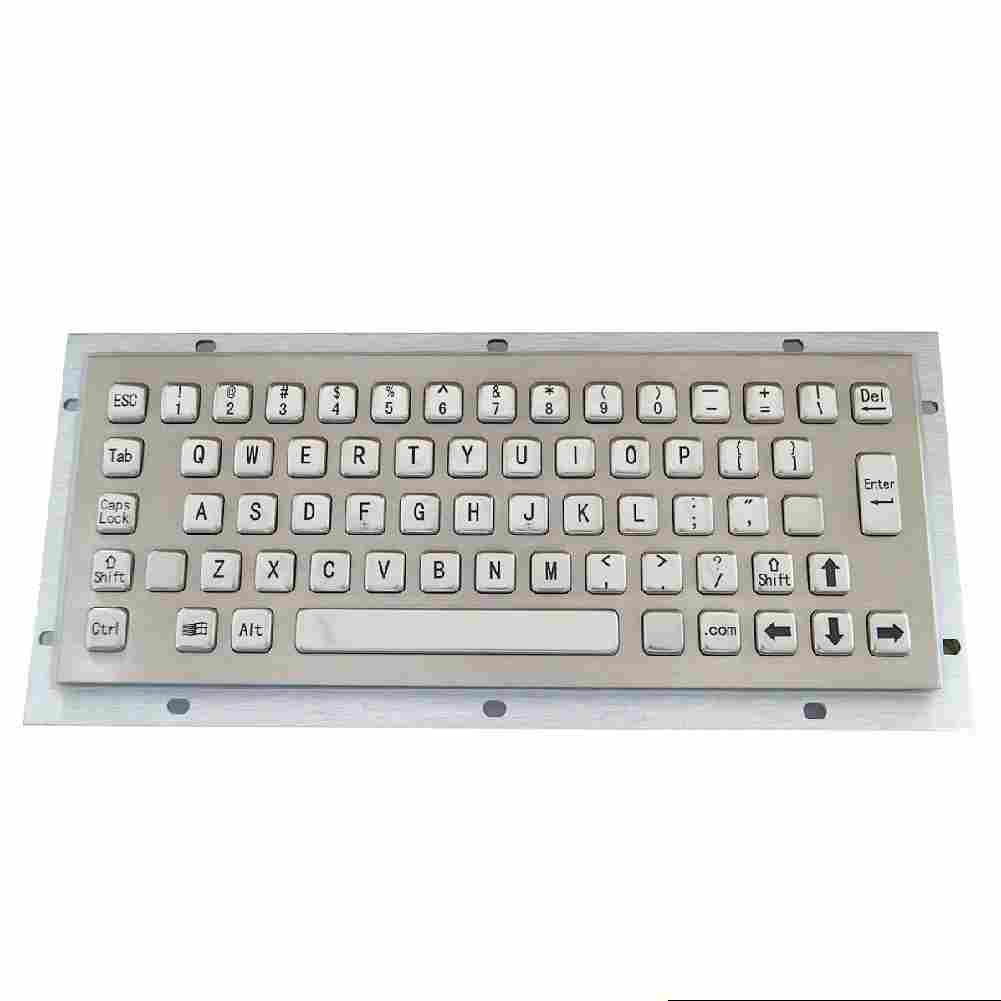
- Select a numeric arrangement for fares, zones, ticket quantities, account references, or vehicle plate details.
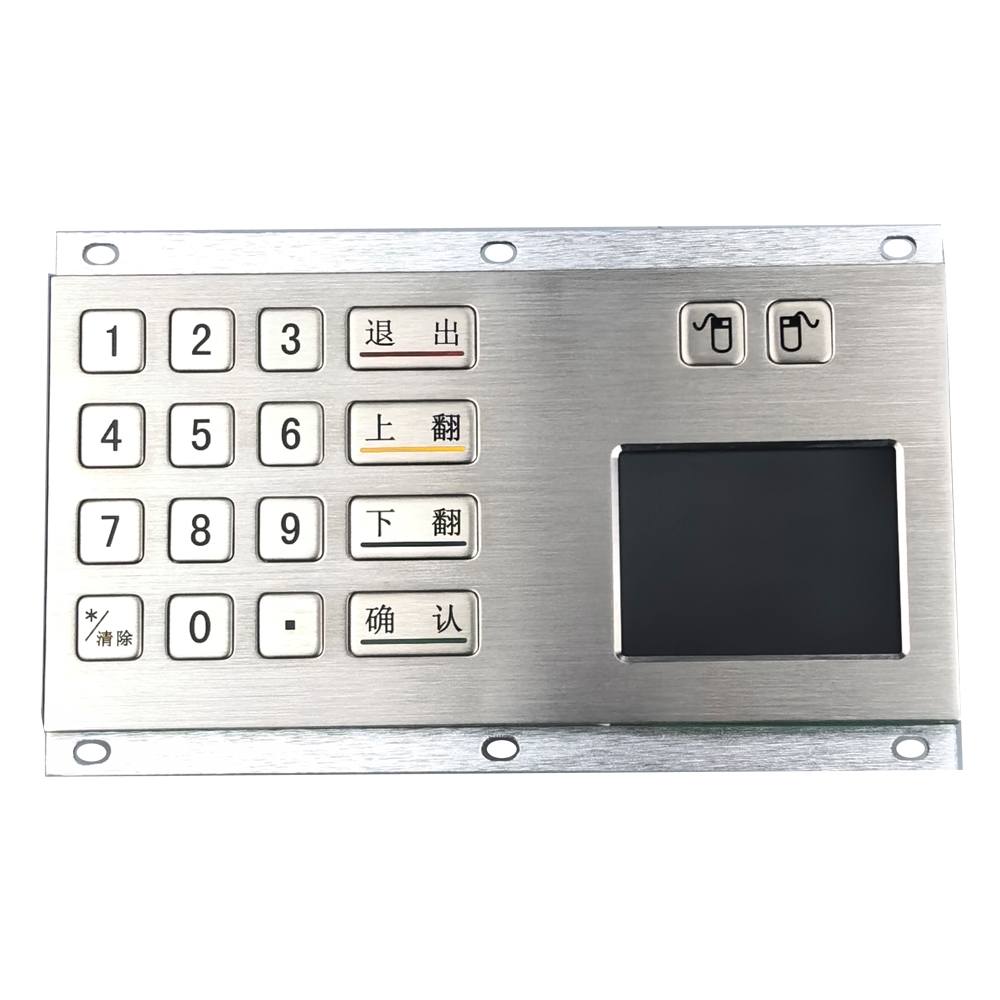
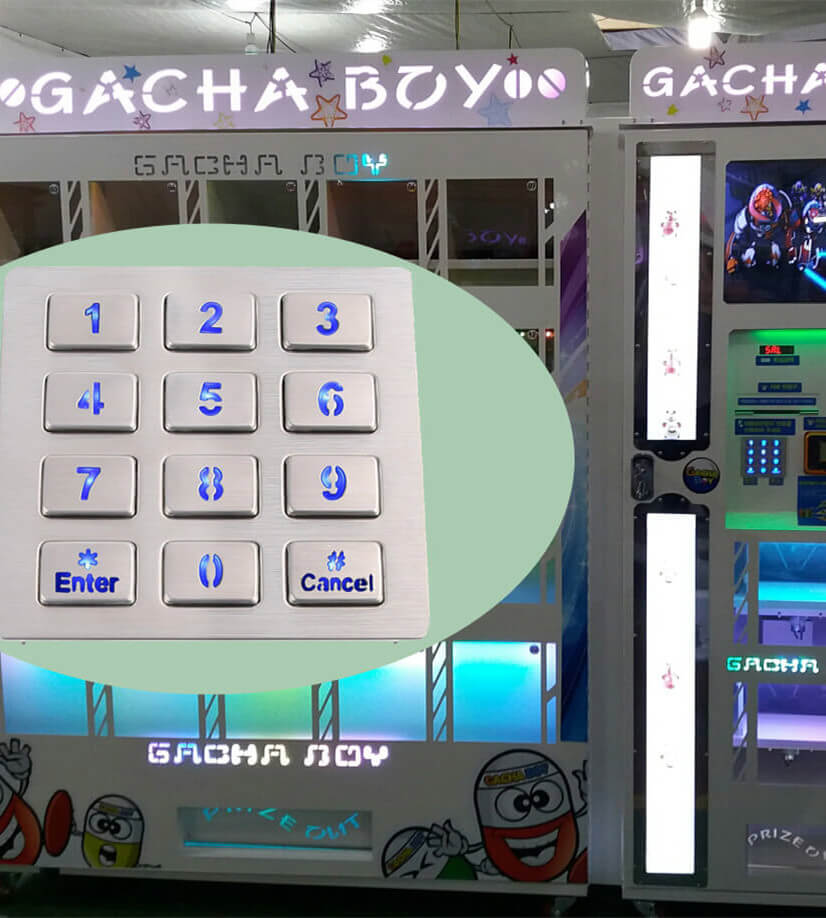
- Add Enter, Clear, Cancel, navigation, or dedicated fare keys where they support the on screen flow.
- Review the placement of keys alongside the display prompts before finalizing the panel.
Tactile and visible markings
- Discuss raised key surfaces and a tactile reference point on key 5.
- Add Braille or tactile function symbols when required by the terminal accessibility plan.
- Specify high contrast legends and clear function labels for public use.
Metal panel and finish
- Choose metal keys and a front panel that suit the expected use and appearance of the terminal.
- Discuss stainless steel construction for exposed, frequently touched surfaces.
- Review engraved characters and symbols for the required language or regional version.
Mounting and electrical connection
- Share the fascia cutout, panel thickness, fixing points, and available space behind the terminal.
- Define the key map, wiring, cable, and connector with your controller requirements in mind.
- Consider backlighting and its power requirements for low light installations.
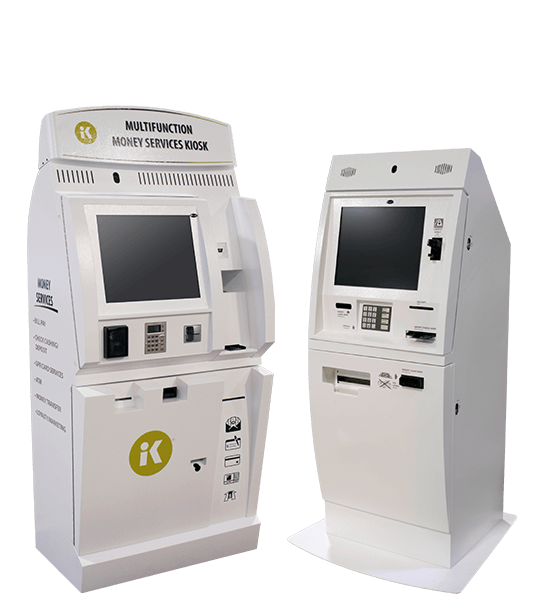
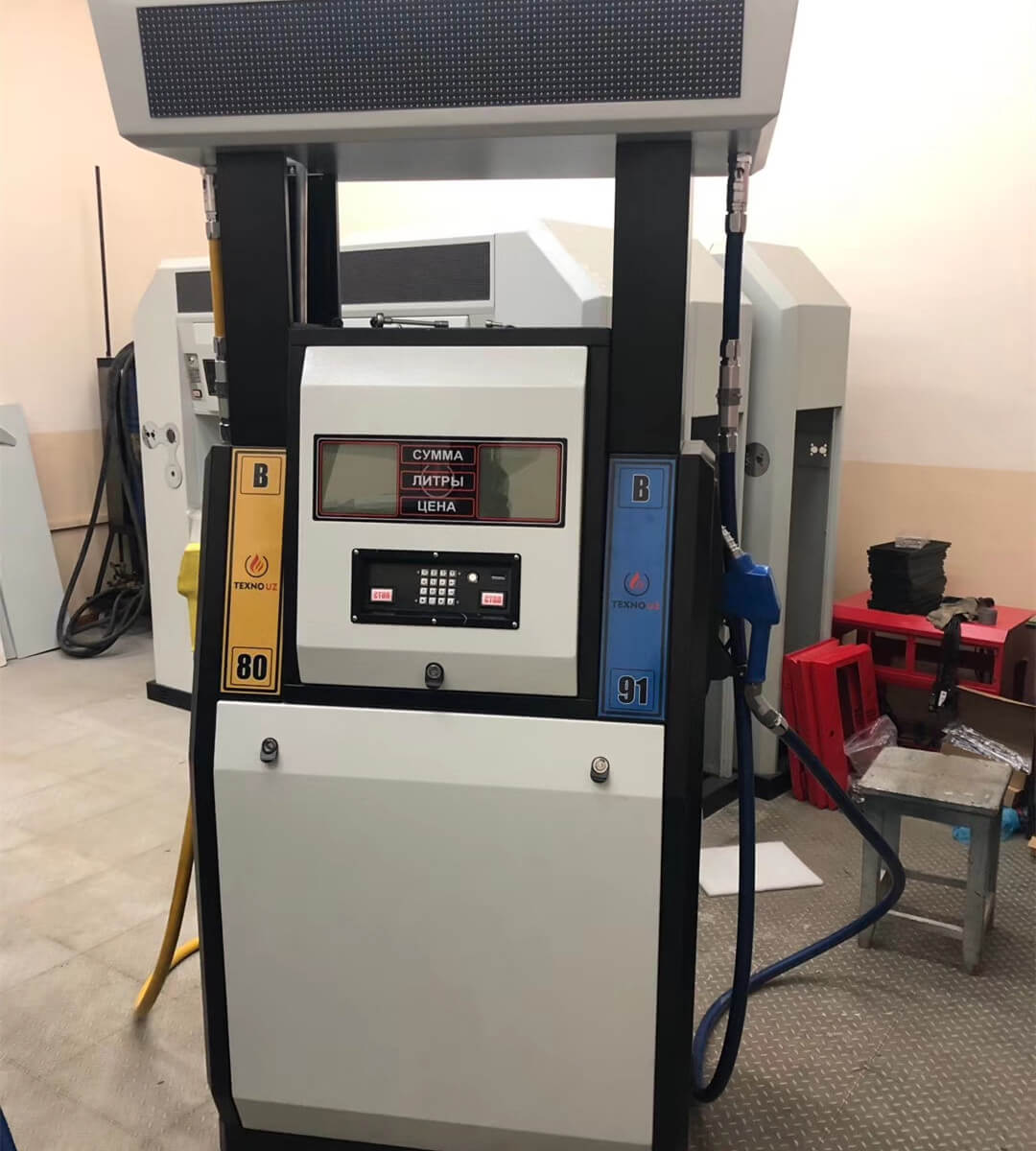
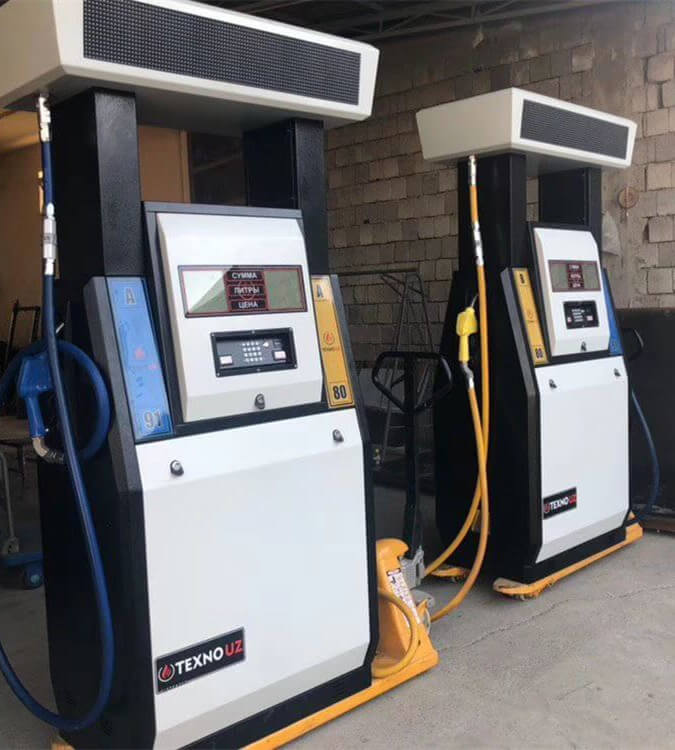
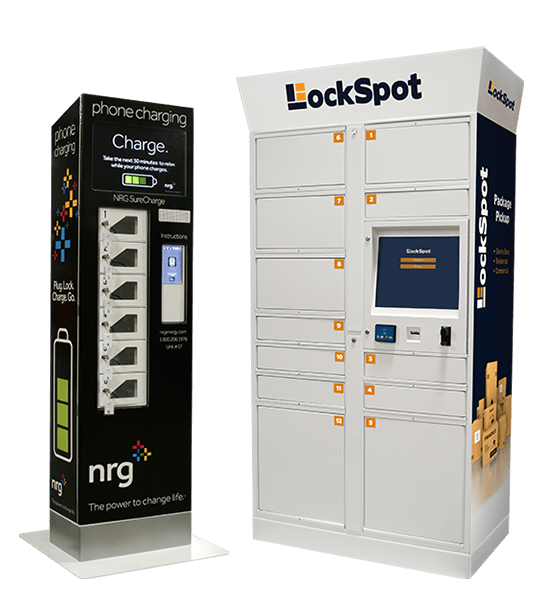
Keypado Applications
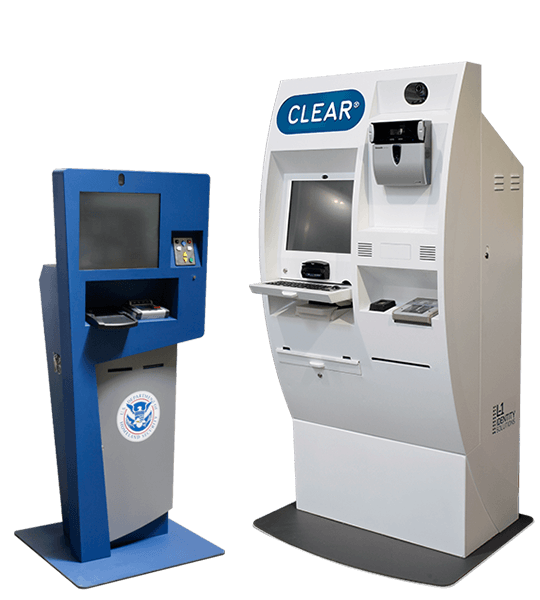
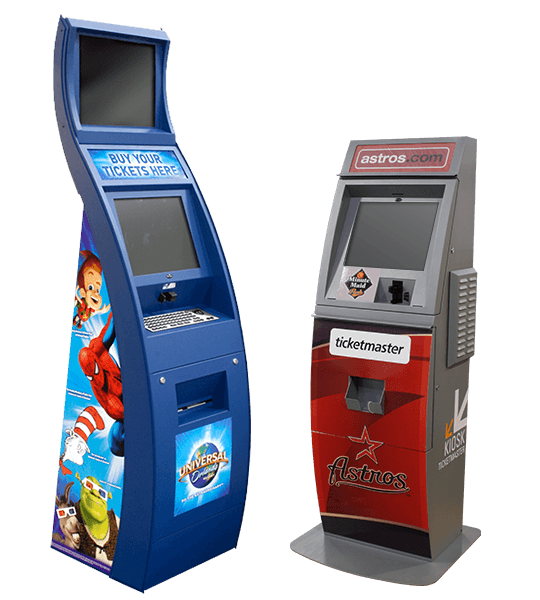
Why Keypado is Your Go-to Choice
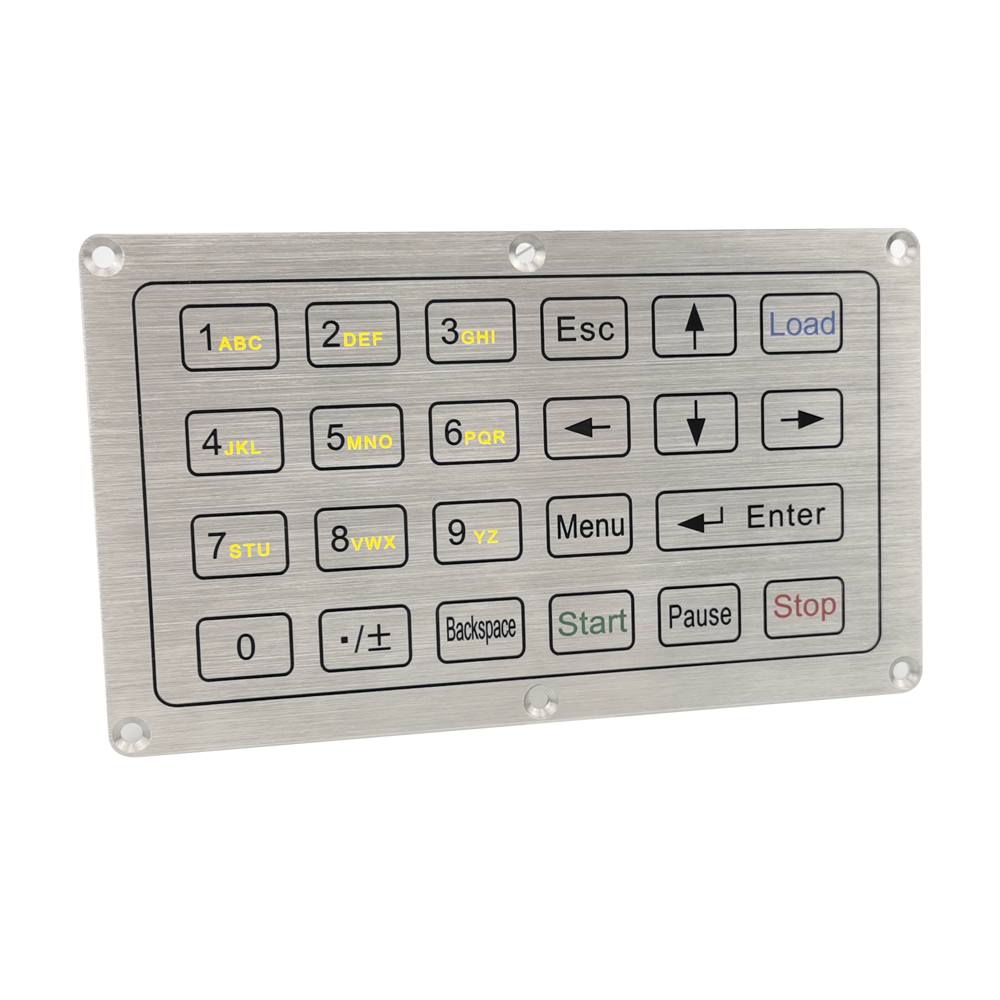
Turn a screen prompt into a simple action
A ticket machine may ask a passenger to enter a fare zone, choose a quantity, confirm a booking reference, or type part of a vehicle plate. The keypad should support that action without adding confusion. Keypado can develop numeric and function key layouts around your actual transaction sequence. We look at what users see on the display, what they must enter, and what they need to do if they make a mistake. Enter, Clear, and Cancel keys can be positioned and marked to make their purpose easy to understand. The result is a physical interface that supports the software, rather than competing with it.
Help more people use the terminal
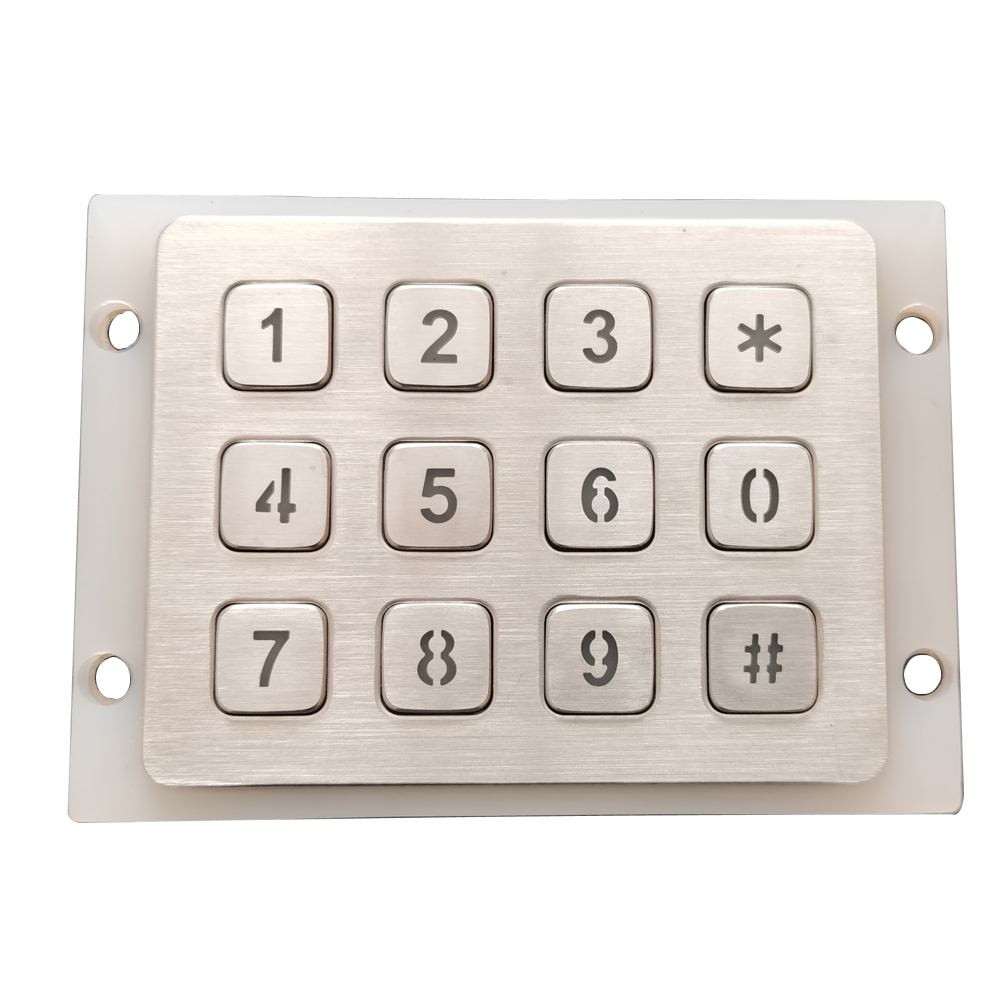
For fare and ticket machines used by the public, physical input can play an important role in the accessibility of the full terminal. A familiar 12 key numeric layout, a tactilely distinct key 5, raised key surfaces, and tactile symbols on selected function keys may be relevant to your project. We can discuss these features as part of the keypad design, along with Braille and visual contrast requirements where specified. The complete machine must still be evaluated as a system, including screen content, speech output, reach range, audio, and installation height. Our role is to provide a metal keypad that supports the accessibility strategy you are building.
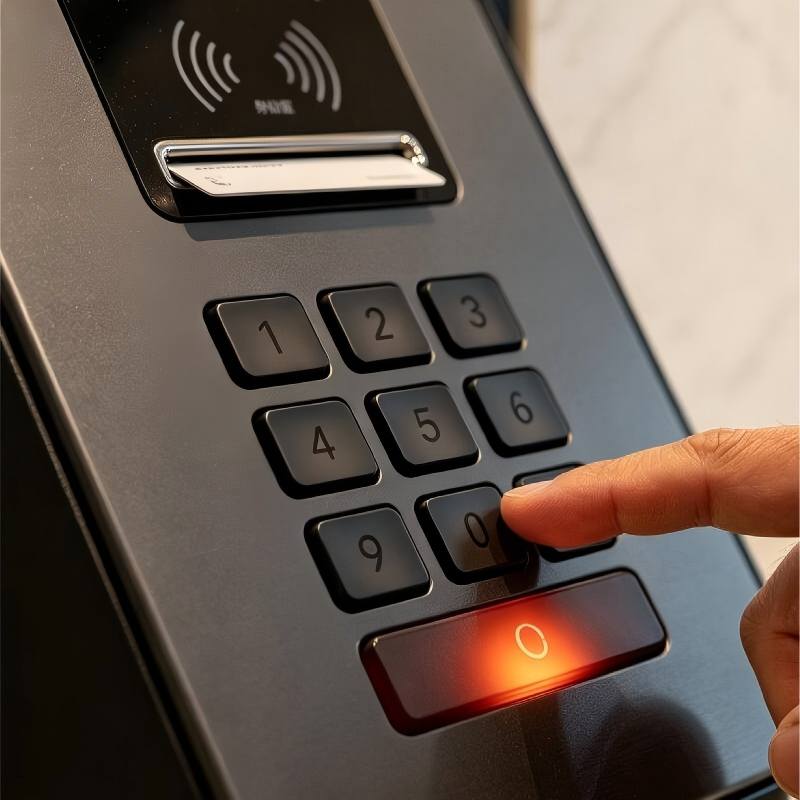
Built for the real terminal environment
Ticket machines are often installed where usage is high and supervision is limited. A keypad may be used by commuters in a station, drivers at a parking pay station, visitors at a venue, or passengers at a transport terminal. Metal keys and a metal panel provide a solid surface for these public touchpoints. We can review the required panel finish, key profile, markings, and mounting approach against your enclosure design. If the machine will be outdoors or subject to dust, moisture, cleaning, or temperature changes, let us know from the start. This allows the construction and protection target to be discussed for the installed assembly.
Keep the keypad separate from payment security
A ticket machine may include a keypad for ticket selection or data entry, plus a separate payment PIN device. These components have different jobs. Keypado can manufacture a custom metal keypad for ticketing controls, reference entry, or operator functions. It should not be used as a replacement for a secure payment PIN pad where payment regulations require an approved device. If both components sit on the same fascia, share the complete layout with us. We can then help ensure that the ticket machine keypad fits naturally around the display, printer, scanner, payment terminal, and other hardware without confusing the user.
From passenger flow to finished keypad
Start with the task, then engineer the panel
Map the ticketing journey.
Show us what users see on the display and what they need to enter at every keypad step. This might be a fare zone, ticket quantity, account number, plate number, or confirmation. Tell us whether the terminal serves commuters, drivers, visitors, or staff, because their needs can differ. A fascia drawing, an existing keypad, or a screen mockup gives us helpful context. We will also review the controller input, machine environment, and estimated quantity before discussing the best keypad configuration.
Define the keys people will touch.
Together, we can review the number layout, function keys, key legends, panel size, and finish. If the terminal has accessibility requirements, this is the time to discuss tactile key details, key 5 reference marking, Braille, contrast, and function symbols. Your engineering team can confirm the key map, connector, cable, and electrical interface. For terminals used outdoors or in exposed sites, we should define the relevant environmental conditions early. The result is a design that reflects both the passenger journey and the realities of terminal assembly.
Test in the actual ticket machine.
A sample needs to be checked where it will be used. Install it in the terminal, follow the ticket purchase or payment journey, and test every key with the live controller. Confirm that the legends match the screen prompts and that the panel fits correctly alongside devices such as ticket printers, scanners, card readers, and payment terminals. Review cable routing and access for assembly or service. If the panel includes tactile features or illumination, assess them in the intended operating environment before approving production.
Release a version your teams can recognize.
After sample approval, production follows the agreed drawing, material, key layout, markings, and connection details. If your machine is supplied in different cities, countries, or ticketing versions, each keypad configuration should be clearly identified. A different language, fare function, controller map, or connector can turn a similar looking part into a separate design. Clear documentation helps your purchasing team, production line, and field service team receive and fit the correct keypad every time.
FAQs
Yes. We can develop a metal keypad around your ticketing flow and terminal fascia. Share the screen sequence, required keys, panel drawing, and controller interface so we can review the right configuration.
Yes. A keypad can be configured for parking ticket numbers, payment references, or vehicle plate entry, depending on your software flow. We will review the required characters and functions before proposing the layout.
Yes, a 12 key telephone or computer style numeric arrangement can be discussed for your project. For public fare machines, the required layout and tactile features should be reviewed against the accessibility requirements that apply to the finished terminal.
Yes, this can be included where your design calls for it. A tactilely distinct key 5 can help users orient themselves on a numeric keypad without relying only on vision.
We can discuss raised function symbols, Braille, and other tactile markings as part of the keypad design. Provide your applicable specification or accessibility requirements early so the details can be reviewed before sampling.
Yes. Key legends can be adapted to the language, symbols, and terminology used by your ticketing software and market. Each language or regional version should be reviewed and documented as its own configuration.
Outdoor conditions can be considered when developing the construction and mounting design. Tell us about rain, dust, temperature, sunlight, cleaning, and installation details so we can discuss a suitable project specification.
A ticket machine keypad and a secure payment PIN pad serve different functions. We can design the ticketing keypad around the payment device within your fascia, but payment PIN entry should use an appropriately approved payment component.
Yes, backlighting can be reviewed for installations with limited ambient light. Let us know your preferred appearance, available power, and control method so it can be included in the electrical design.
Please send your ticket machine drawing, required key functions, screen flow, controller interface, installation environment, and estimated order quantity. An existing keypad sample or a fascia mockup is also helpful, especially when multiple devices share the same terminal panel.
Some Cool Facts
Collaborated with Global Partners on
 English
  Deutsch
  Français
  Polski
  Português do Brasil
  Español
  日本語
日本語  Русский
  العربية
  Italiano
  Nederlands
  Türkçe
  한국어
한국어