
Numeric keypad origins remain debated among historians. Available sources do not attribute the telephone’s 1-2-3 top-row layout to Bell Labs researchers conducting human-factors testing in the late 1950s. That inverted arrangement became the telephone standard, while calculators like early adding machines kept their original 7-8-9 sequence.
Who Actually Invented the Numeric Keypad?
Credit belongs to David Sundstrand, a Swedish-born American inventor who lived from 1880 to 1930. Engineers and product managers designing today’s metal numeric keypad owe a debt to a machine most people have never seen.
Sundstrand’s fingerprints show up on multiple inventions: a 10-key adding machine, a 10-key calculator keyboard, and the 10-keypad layout still found on computer keyboards today. He also co-founded Sundstrand Corporation, turning his design work into a lasting business. That’s a rare combination — inventor and entrepreneur in one person.
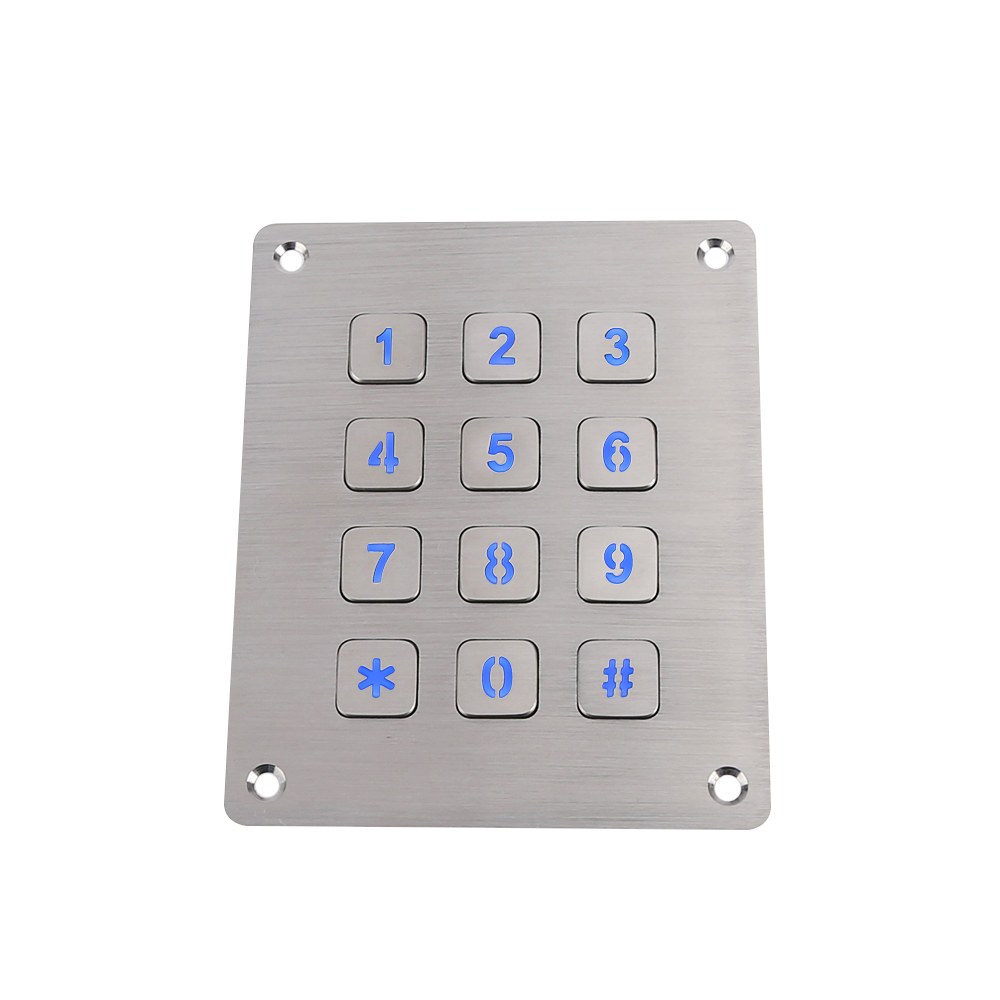
Get a Custom Numeric Keypad Quote From Keypado
When Did the Modern Numeric Layout First Appear?
The breakthrough came in 1914, when Sundstrand’s adding machine debuted the first widely adopted 10-key keyboard layout for calculators. This design became the template for numeric input devices that followed it for decades.
Was the Invention Ever Patented?
Yes. Sundstrand filed the design formally as a patent, locking in legal recognition for the layout. That filing matters for hardware historians because it separates casual claims from documented invention.
A few quick facts worth remembering:
Inventor: David Sundstrand (1880–1930)
Breakthrough year: 1914
Patent status: Formally patented
Legacy: Foundation for modern calculator and numeric keypad layouts
For OEM engineers, that century-old patent is a reminder — durable, well-engineered input design tends to outlive its creator.
Why Do Phone and Calculator Keypads Differ?
Layout, not logic, sets calculators and telephones apart. Calculators stack 7, 8, and 9 across the top row, while telephones lead with 1, 2, and 3. Both devices exist for the same job — entering numbers — yet engineers gave them mirrored arrangements. No functional rule demands this split; a user pressing buttons in either sequence gets the same result. The inversion survives purely as inherited convention, passed down through decades of manufacturing rather than dictated by ergonomics or math.
That history matters for anyone specifying a metal numeric keypad for industrial equipment today. Layout choice shapes muscle memory. OEM engineers building access panels, vending interfaces, or kiosk terminals inherit these decades-old assumptions whether they realize it or not.
Does the Layout Difference Affect Usability?
No measurable performance gap separates the two formats on a functional level. Both arrangements input the same ten digits with equal accuracy once a user learns the pattern. The real difference lies in expectation: switch a calculator user onto a phone-style pad, and the mismatch trips them up.
Quick comparison:
Design teams selecting layouts for rugged input hardware should weigh which convention their end users already know.
How Did Keypads Land on Computer Keyboards?
Ergonomics, not accident, drove the layout of the modern numeric keypad. Digit placement traces back to real-world number habits: zeros show up constantly in prices and totals, so the zero key sits large and centered at the bottom for easy thumb access. Smaller digits cluster nearby too. They get used more often than larger ones, cutting down on finger travel across the pad.
Tech historians have traced this migration in detail. Writers like Benj Edwards have documented how the calculator-style numeric keypad made its way onto PC keyboards, carrying that same efficiency logic into computing hardware.
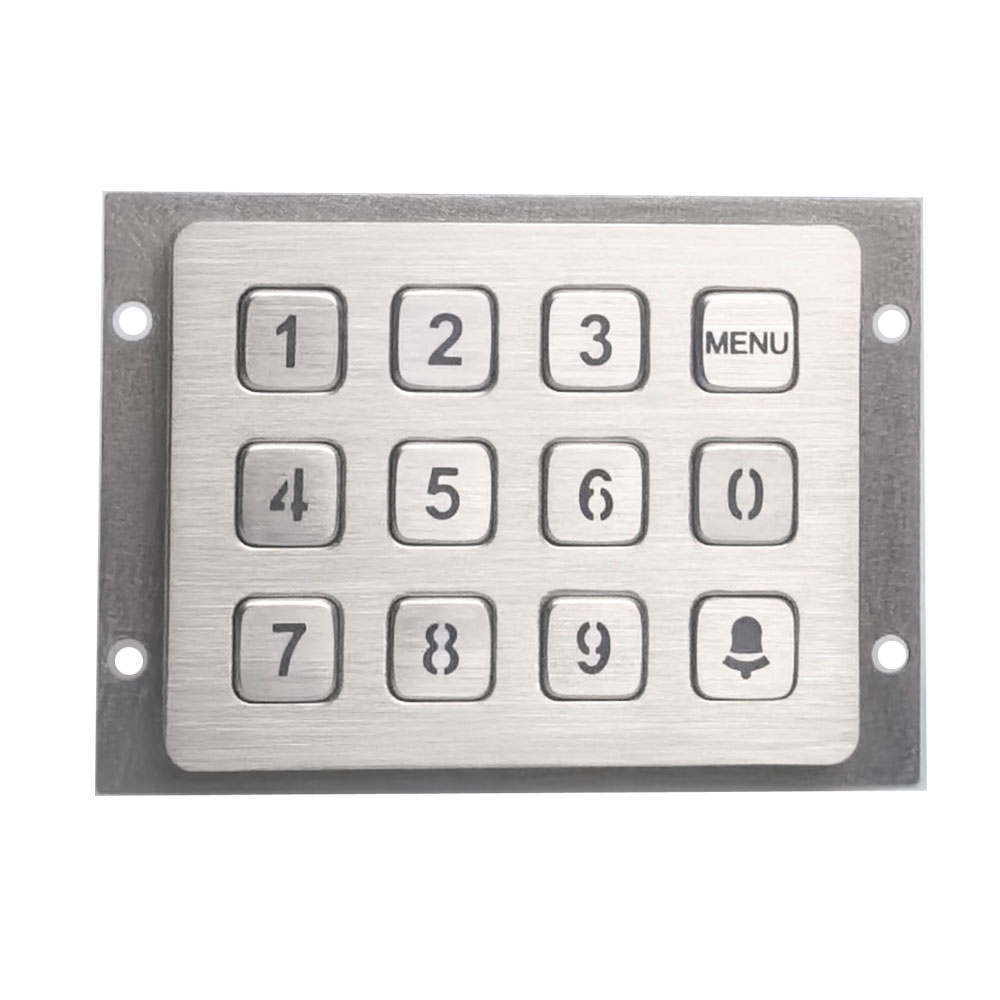
Get a Custom Numeric Keypad Quote From Keypado
Why does the zero key sit at the bottom?
Prices, quantities, and totals lean heavily on zeros. Placing an oversized zero at the base of the layout means less reaching and fewer mis-presses during rapid entry.
Did frequency of use shape the whole layout?
Yes. Keys for smaller, more common digits sit closer to that zero position. Larger, less-frequent digits land farther away, since they don’t need the same quick access.
For OEM engineers designing rugged input hardware, that legacy still matters. A well-placed digit grid keyed to real usage patterns:
Reduces operator fatigue on high-volume terminals
Speeds transaction entry in kiosks and vending equipment
Preserves familiar ergonomics operators already trust
What Defines a Modern Metal Numeric Keypad?
Six qualities separate a modern metal numeric keypad from the plastic push-button panels of decades past: material, key durability, layout flexibility, output interface, environmental sealing, and overall build toughness. Together, these traits determine whether a keypad survives years of heavy industrial use or fails within months.
Material choice sits at the foundation. Stainless steel and zinc alloy dominate today’s designs, giving kiosks, lockers, and access panels a level of secure, tamper-resistant input that older consumer-grade keypads never achieved. These metals resist corrosion, scratching, and the kind of daily abuse that plastic housings simply can’t take.
Durability shows up most clearly in the keys themselves. Vandal-proof metal keys are engineered to survive millions of presses without sticking, cracking, or losing tactile response. For OEM engineers designing equipment meant to last a decade in the field, that press-count resilience matters more than almost any other spec.
What layout and interface options do these keypads support?
Layouts typically come in 3×4 or 4×4 grid configurations, sized to drop into an existing panel cutout without redesigning the enclosure. On the connectivity side, USB and matrix output options let engineers wire a keypad into existing controllers without custom firmware or awkward workarounds.
How well do metal keypads hold up in harsh environments?
Sealing rated at IP65 or higher blocks dust and water from reaching internal components, which is critical for outdoor kiosks, fuel dispensers, and equipment exposed to washdowns or weather. That sealing, paired with metal housings, is what makes vandal-proof, IP-rated durability possible in the first place. A combination plastic keypads from earlier generations were never built to deliver.
Here’s how the core attributes stack up:
Designers weighing input devices for kiosks, lockers, or fuel dispensers should treat these five attributes as a checklist. Skip any one of them, and the keypad’s real-world lifespan drops fast. A costly gap in equipment meant to run untouched for years.
How Should OEMs Pick a Keypad Partner?
Track record matters more than marketing claims. Engineers evaluating a supplier should look for proven deployments, factory-level engineering support, and a manufacturing setup built for both prototypes and scale. Keypado checks these boxes by supplying rugged metal numeric keypad units alongside full keyboards and telephones for access control systems, lockers, vending machines, and fuel dispensers. Applications where a cheap plastic interface fails within months of field abuse.
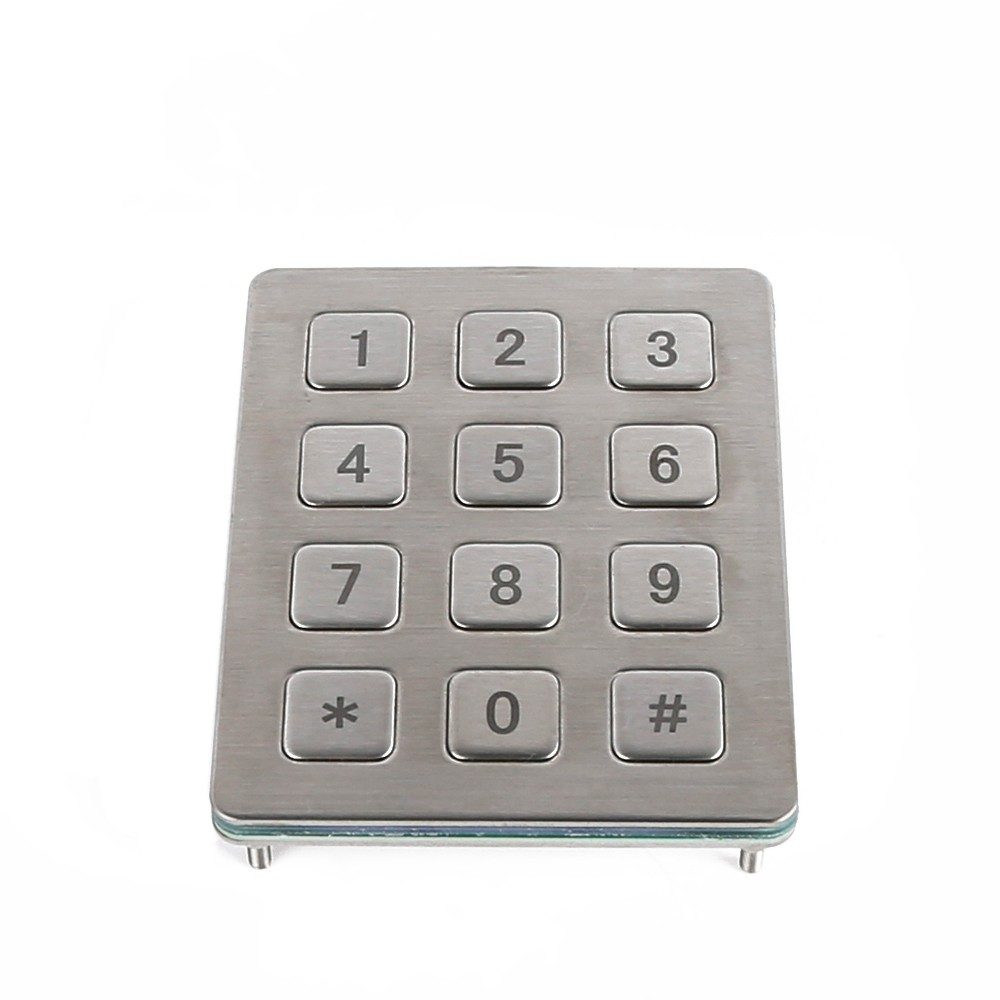
Get a Custom Numeric Keypad Quote From Keypado
What separates a good supplier from a risky one?
The gap usually shows up in engineering involvement, not just unit pricing. A partner that offers OEM/ODM support shortens development timelines and reduces field failures. Design issues get caught before tooling starts rather than after a product ships. That kind of upfront collaboration saves months of rework down the line.
Speed to prototype counts just as heavily. Waiting weeks for a sample kills momentum on a product roadmap. Look for these signals when vetting a manufacturer:
Fast sampling paired with low minimum order quantities, so pilot runs don’t require a warehouse-sized commitment
On-time delivery performance, since a late shipment can stall an entire product launch
Low-MOQ sample orders with a seven-day turnaround, letting engineering teams test and iterate quickly
A client base broad enough to prove reliability across industries — Keypado counts more than 200 clients worldwide
Does location or scale actually matter?
Yes, manufacturing location affects lead times, quality consistency, and communication during tooling changes. Keypado runs its production out of Yuyao, Zhejiang, China, a base that supports both small pilot batches and larger production runs without switching factories mid-project.
For product managers weighing multiple vendors, the real question isn’t who quotes the lowest price. It’s who can move from CAD file to working sample fastest, without sacrificing the durability a metal enclosure is supposed to guarantee in the first place.
FAQ
Who invented the numeric keypad?
David Sundstrand, a Swedish-born American inventor who lived from 1880 to 1930, invented the numeric keypad. He designed a 10-key adding machine and calculator keyboard, and co-founded Sundstrand Corporation.
When did the modern numeric layout first appear?
The layout debuted in 1914 with Sundstrand’s adding machine, featuring the first widely adopted 10-key keyboard arrangement for calculators. This design became the template for numeric input devices for decades afterward.
Was Sundstrand’s numeric keypad design patented?
Yes, Sundstrand filed the design as a patent. This filing secured legal recognition and distinguishes his documented invention from casual claims by others.
 English
  Deutsch
  Français
  Polski
  Português do Brasil
  Español
  日本語
日本語  Русский
  العربية
  Italiano
  Nederlands
  Türkçe
  한국어
한국어