
Custom RS232 Metal Keypads Built to Fit Your System
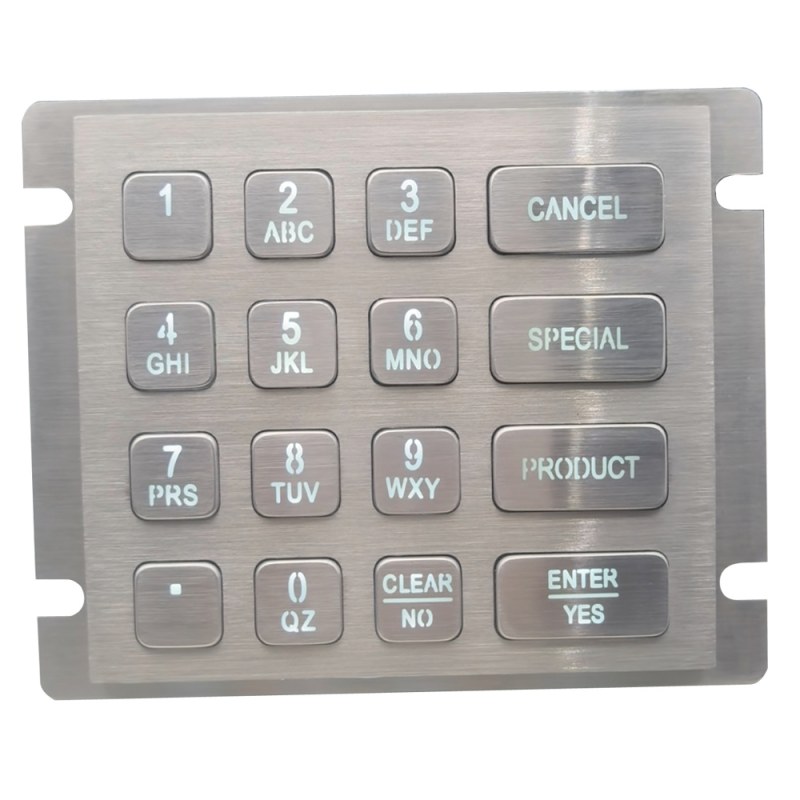
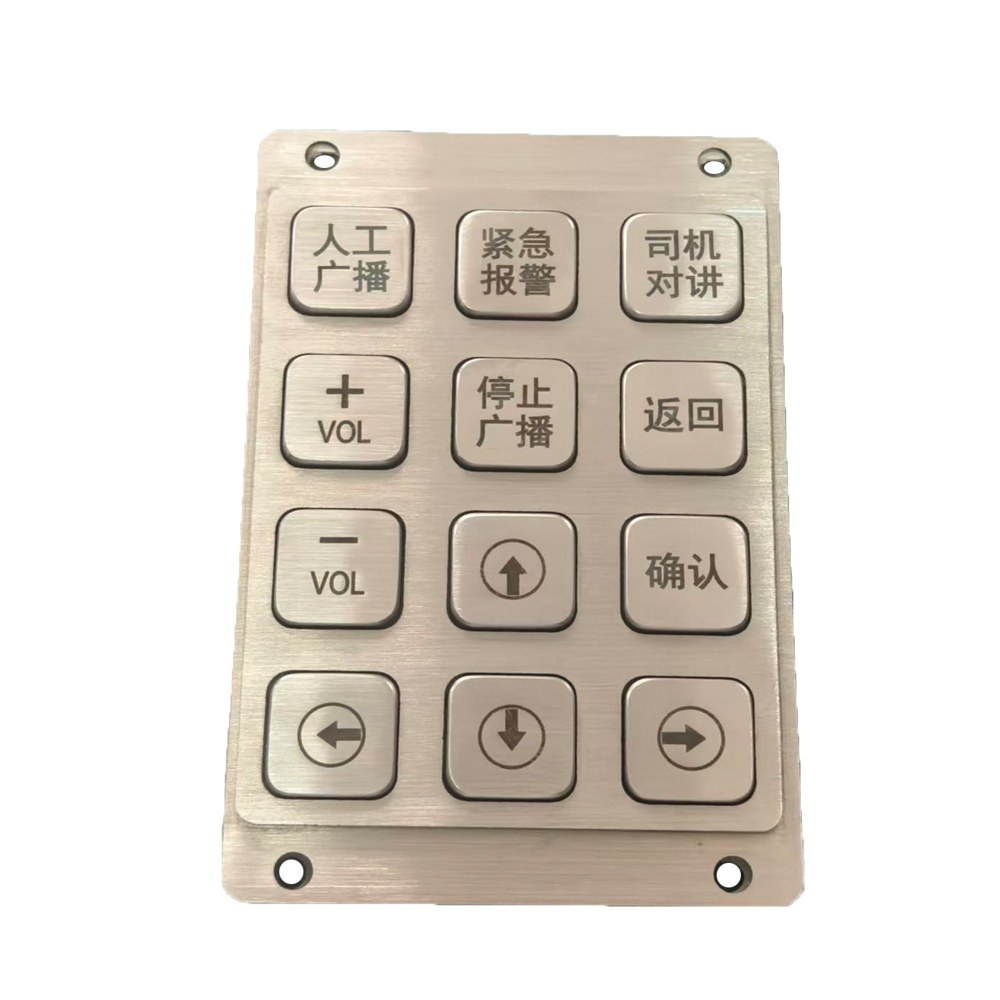
Keep your serial interface. Get a keypad that fits your equipment. Keypado manufactures custom RS232 metal keypads for industrial controls, kiosks, access terminals, and other machines using serial input. Combine metal keys and panels with a layout, mounting design, and connection suited to your application. We work with your team to define communication settings, key output, wiring, and power requirements before sample approval. Whether you are replacing an existing keypad or developing a new terminal, share your panel drawing and serial specification. We will help you bring the physical design and electrical interface together.
Get Custom Quote
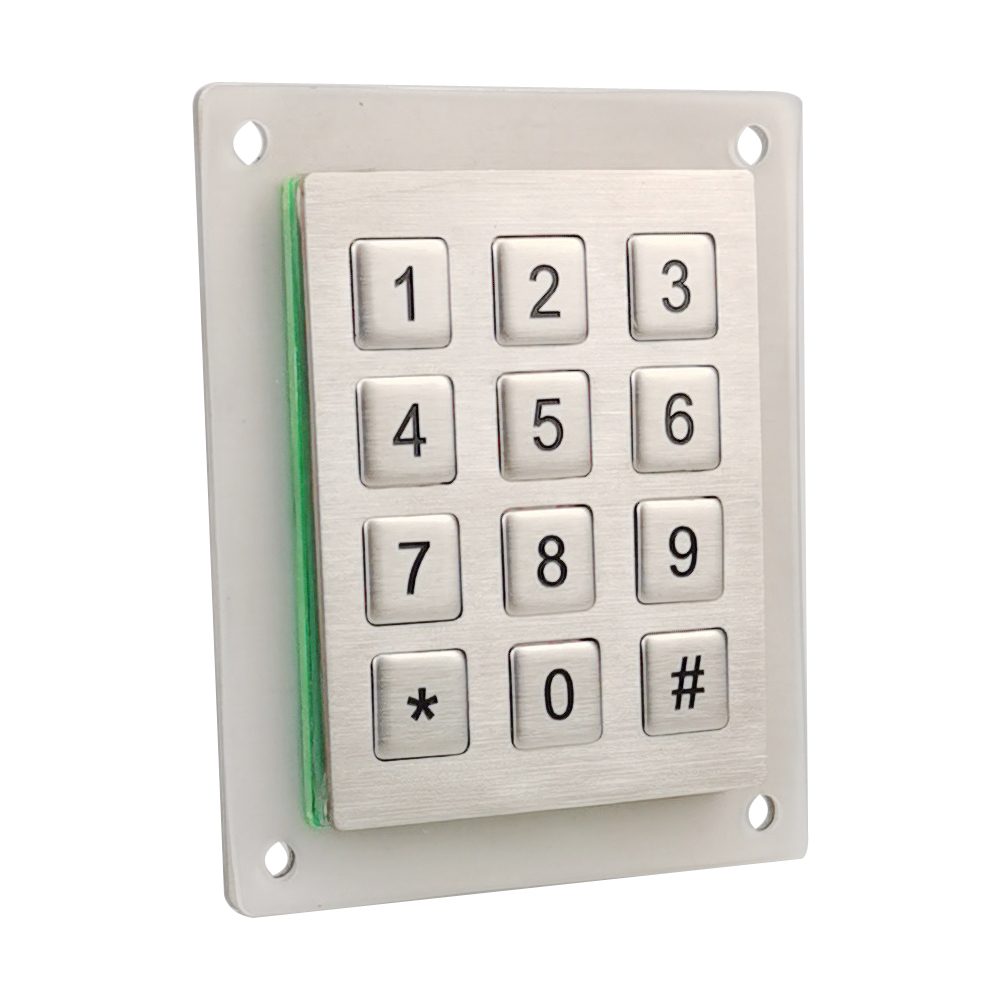
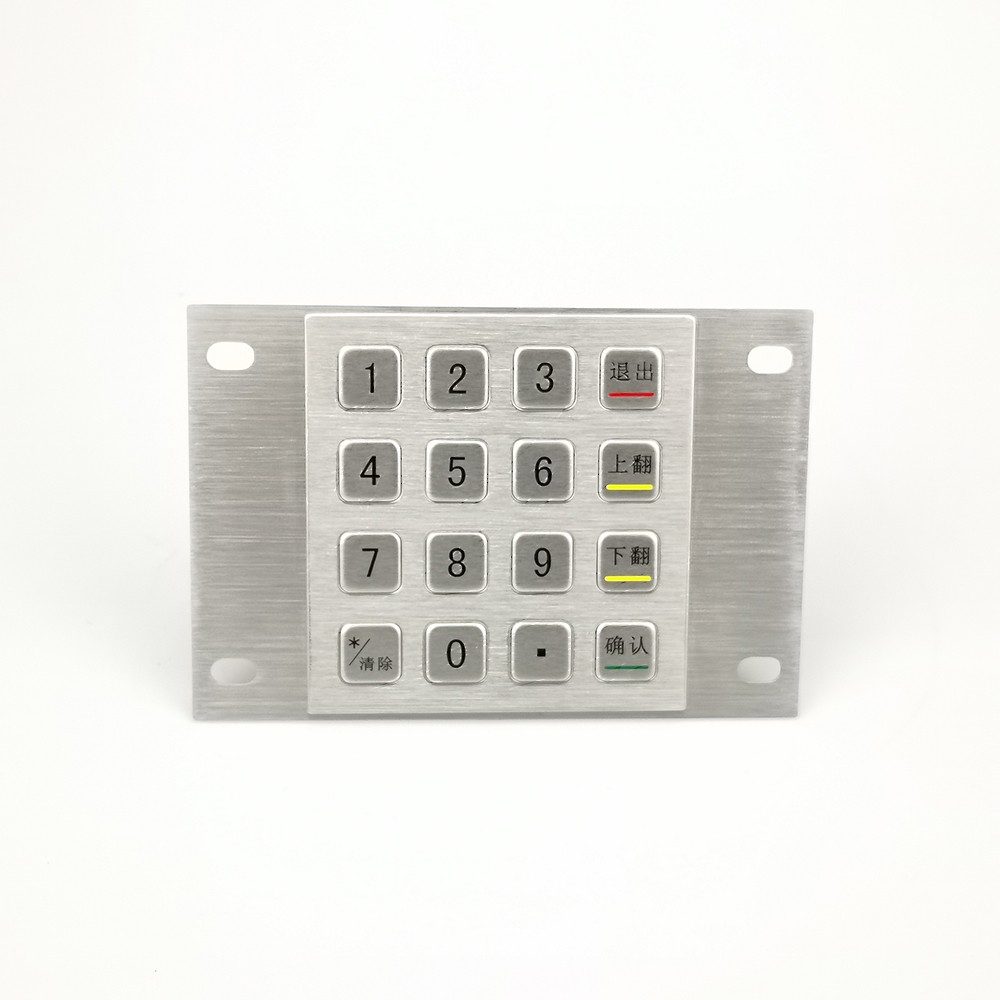
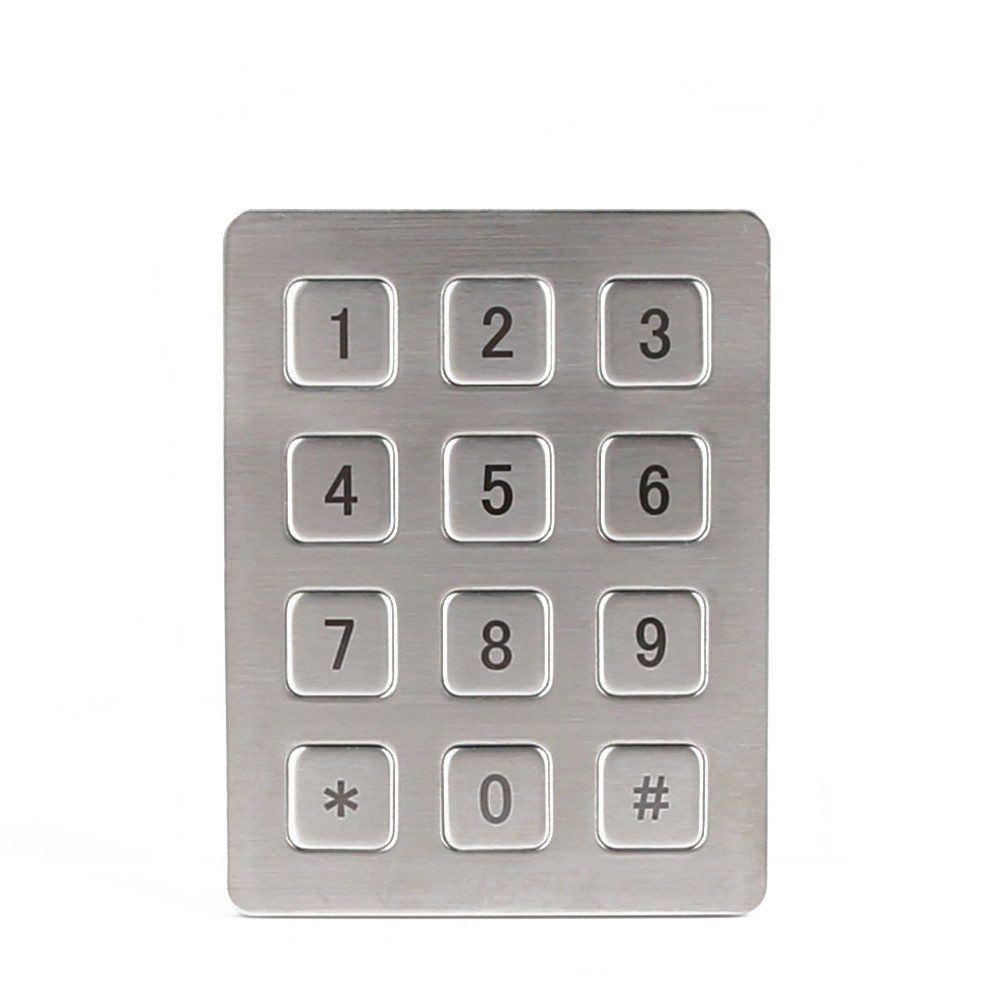
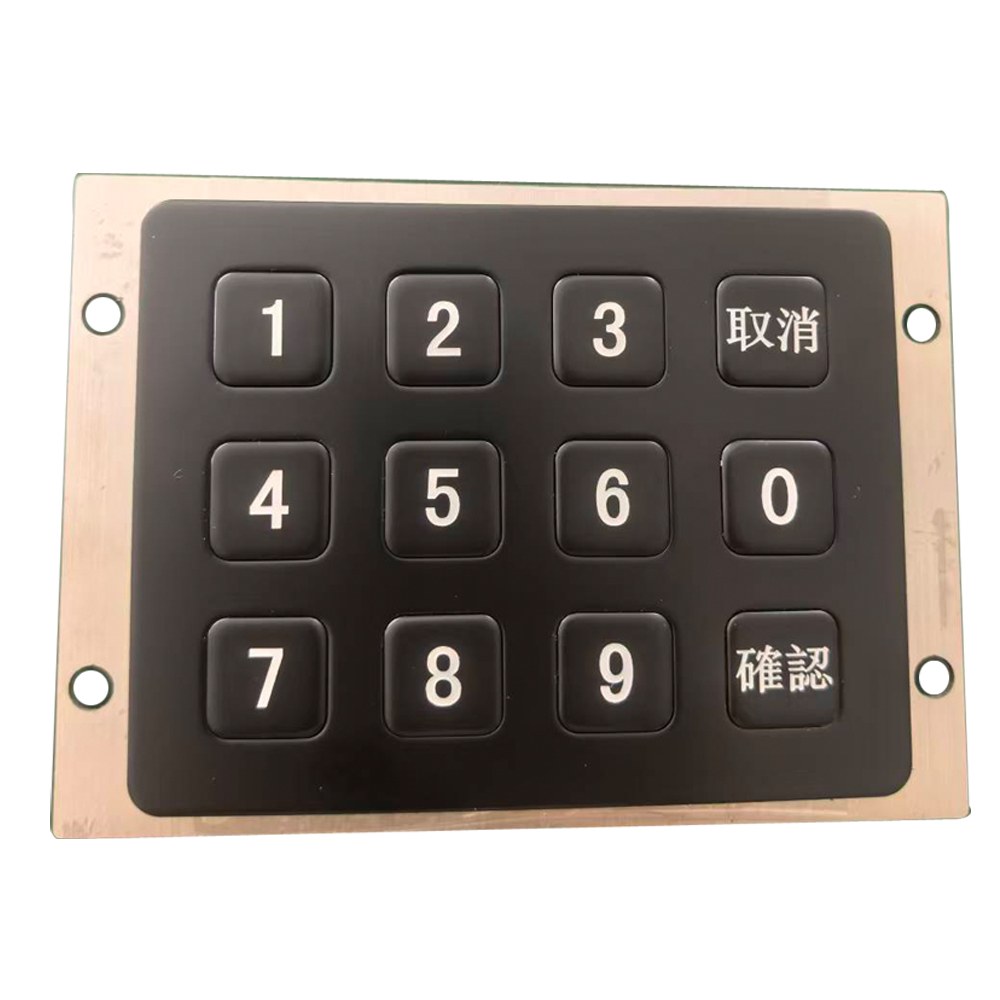
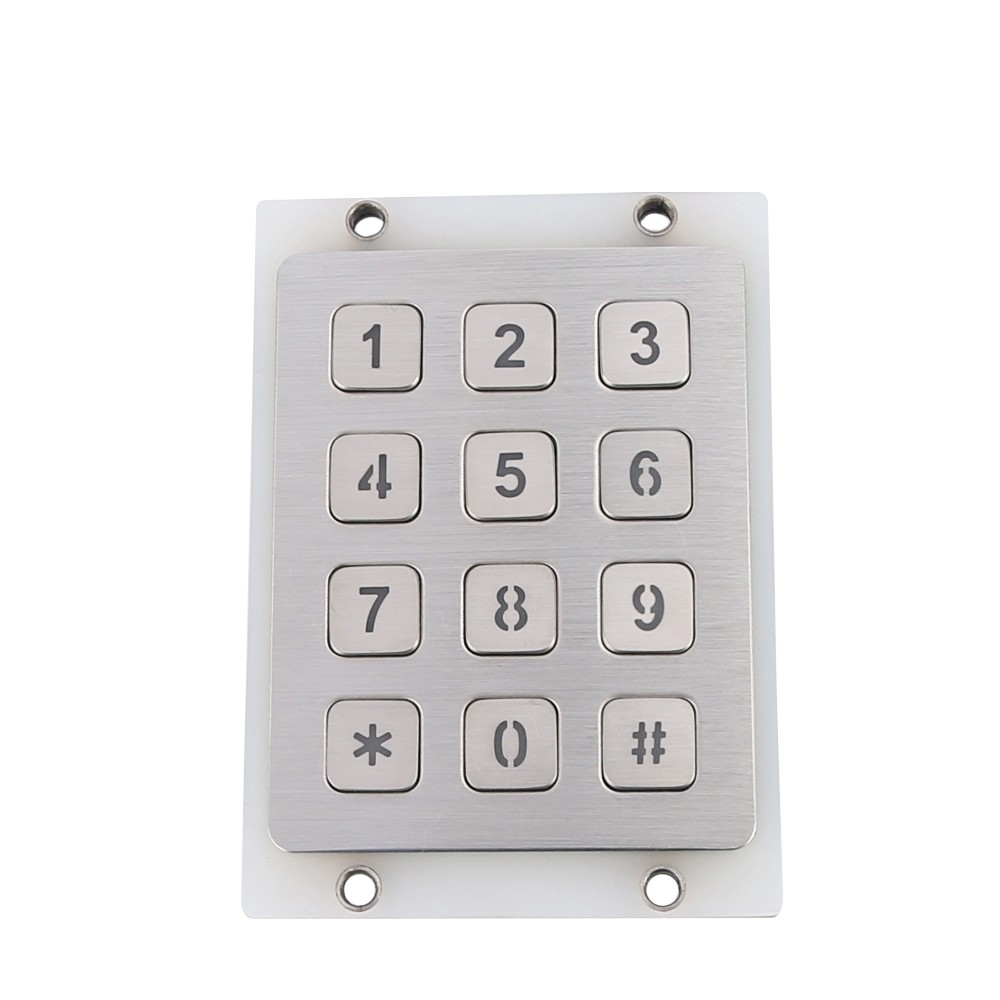
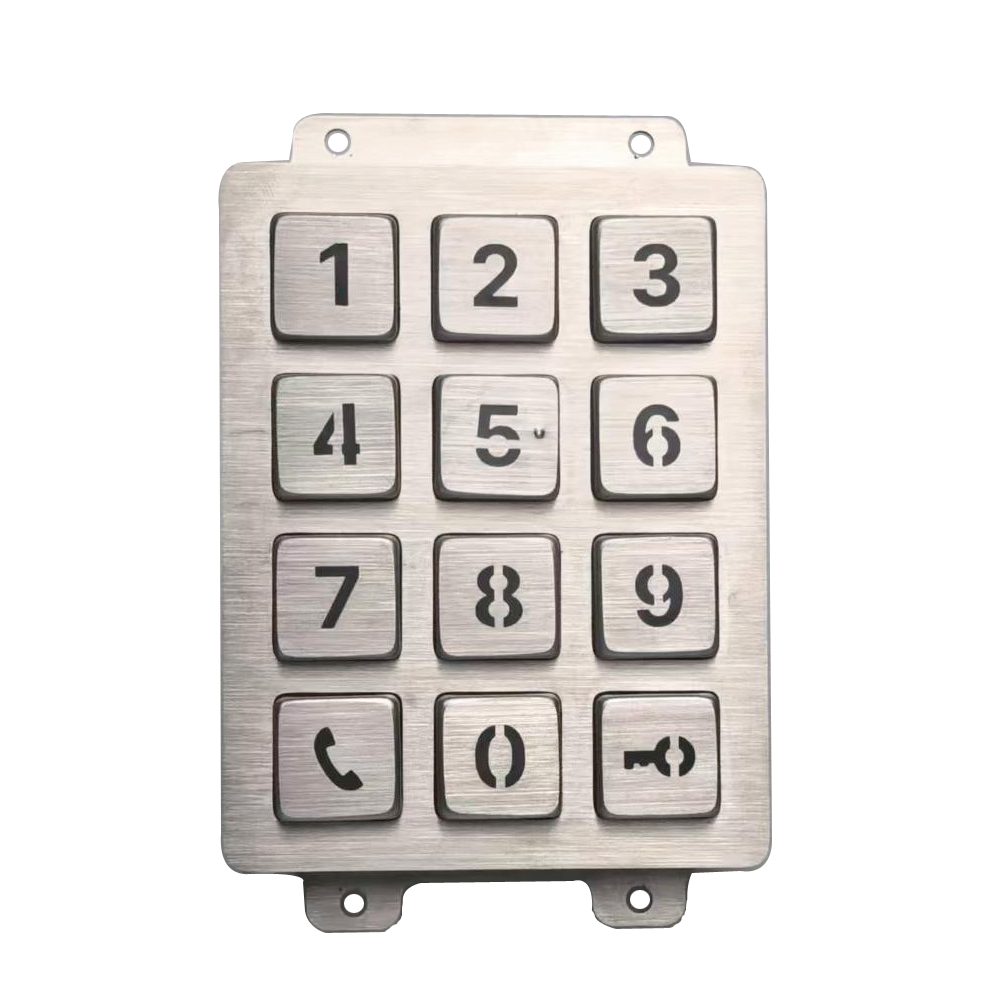
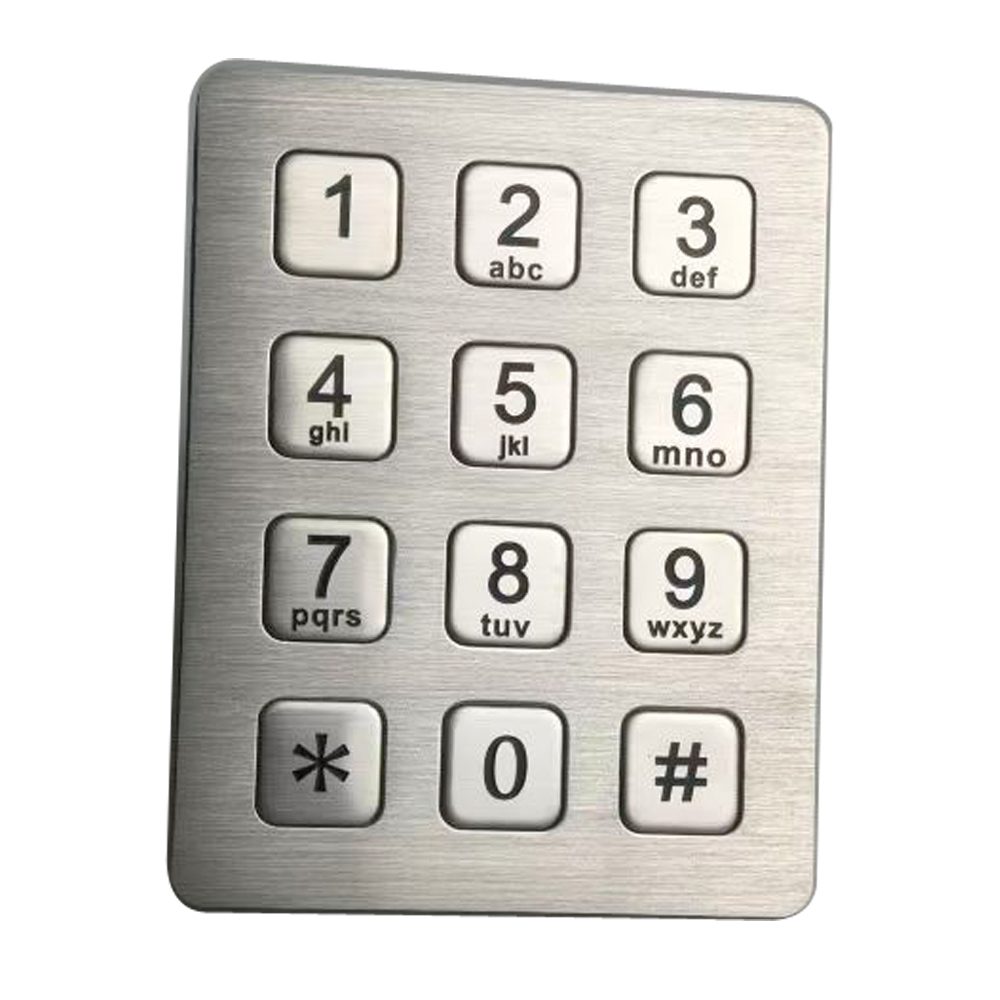
Metal construction
Give operators a durable contact surface with a solid, professional feel.
RS232 serial output
Send key input to a compatible controller without requiring it to scan a key matrix.
Application specific layouts
Place numbers and function keys around the tasks users perform most.
Defined communication settings
Agree on baud rate, data format, and key codes to match your software.
Cabinet matched mounting
Customize panel dimensions, fixing points, and cable routing around your enclosure.
Optional illumination
Make keys easier to locate in dim control areas and unattended terminals.
A keypad built around your selection process
Choose the mechanical and serial details that fit your existing design.
Key layout and markings
Serial communication
Panel and mounting
Cable, power, and lighting
Key layout and markings
- Specify numeric keys, function keys, or a combined arrangement.
- Match legends to your software commands.
- Discuss engraved markings, key spacing, and tactile features.
Serial communication
- Define the required baud rate, data bits, parity, and stop bits.
- Share the expected key codes or message format for technical review.
- Confirm whether your application requires press events, release events, or other reporting behavior.
Panel and mounting
- Specify panel size, cutout, fixing positions, and available depth.
- Discuss stainless steel construction and surface finish.
- Review front or rear mounting according to your enclosure.
Cable, power, and lighting
- Define connector type, pin assignment, and cable length.
- Confirm the supply voltage and power connection separately from the data interface.
- Discuss backlighting and sealing requirements for the installation.
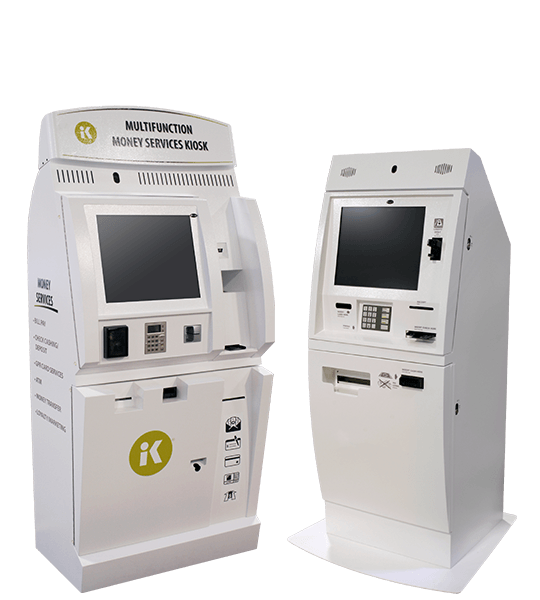
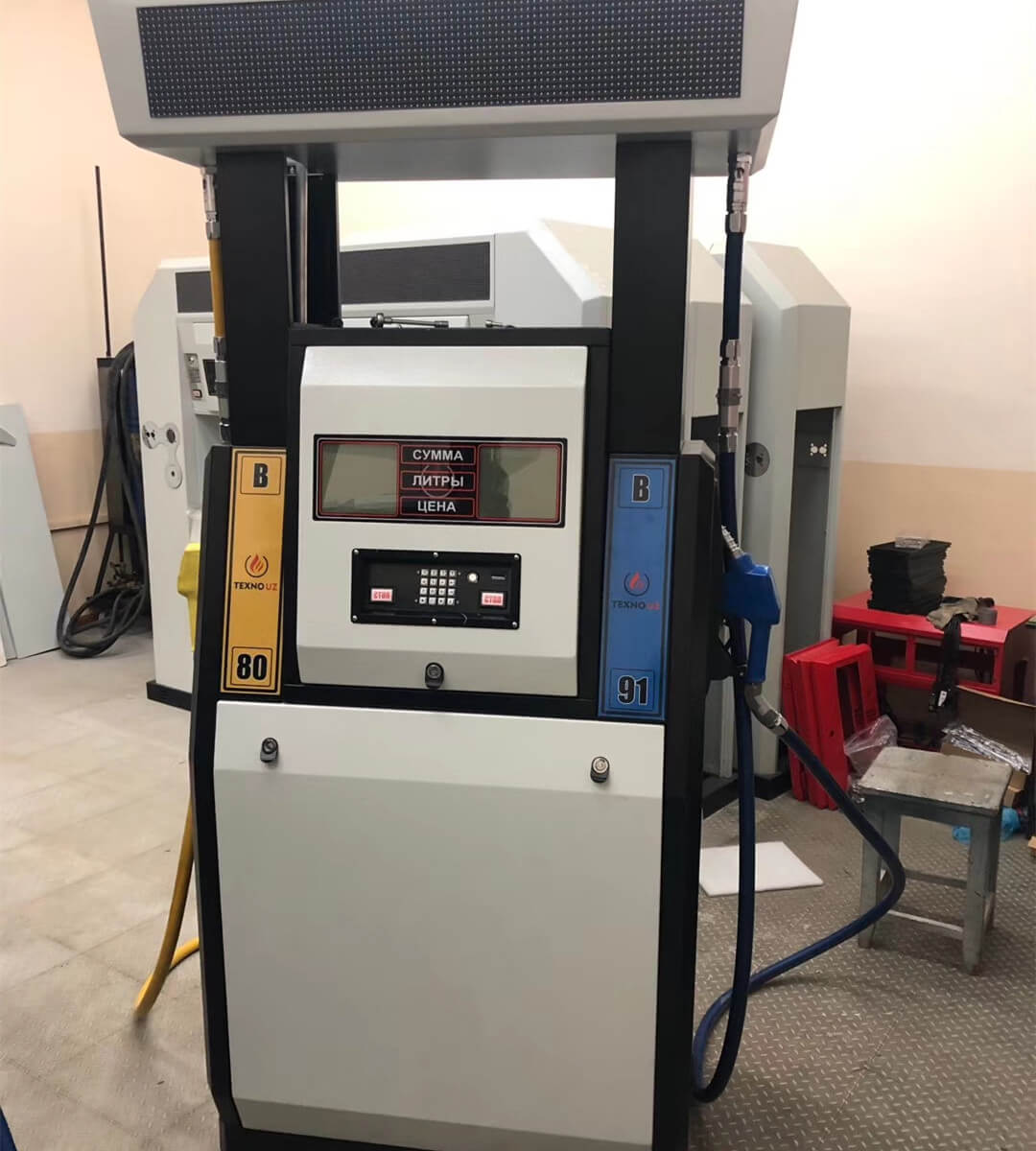
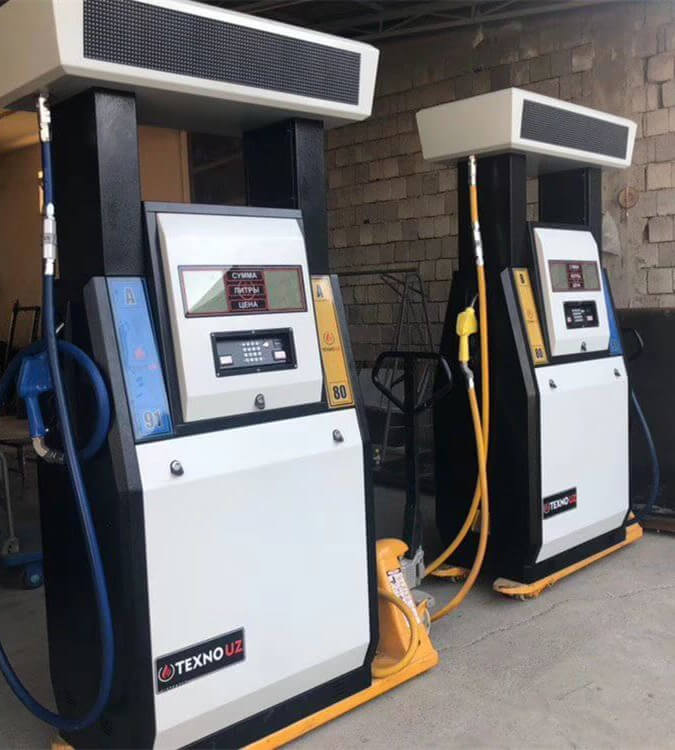
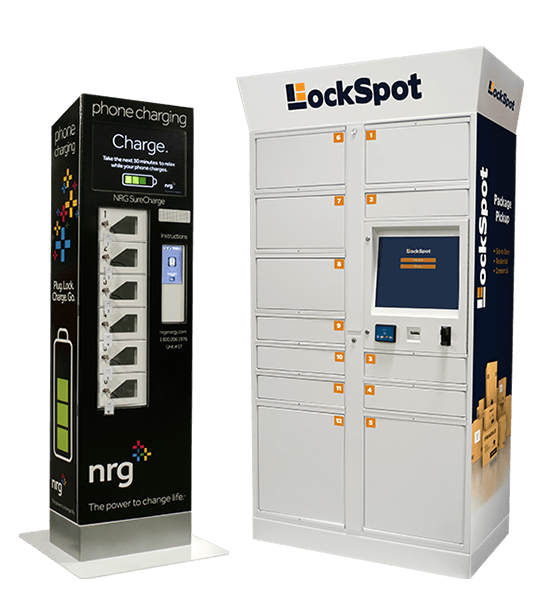
Keypado Applications

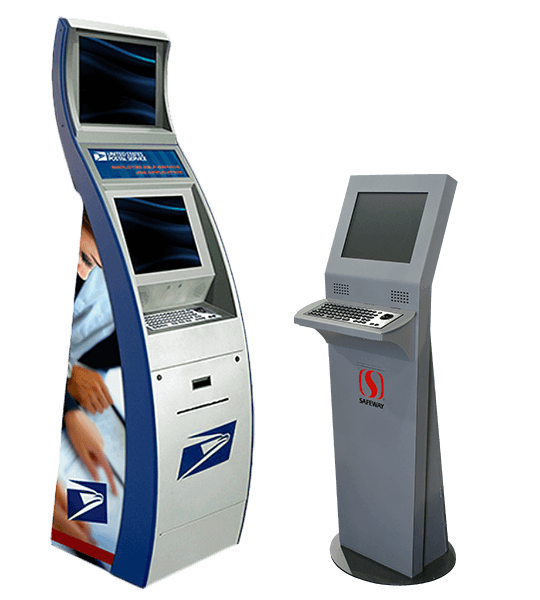
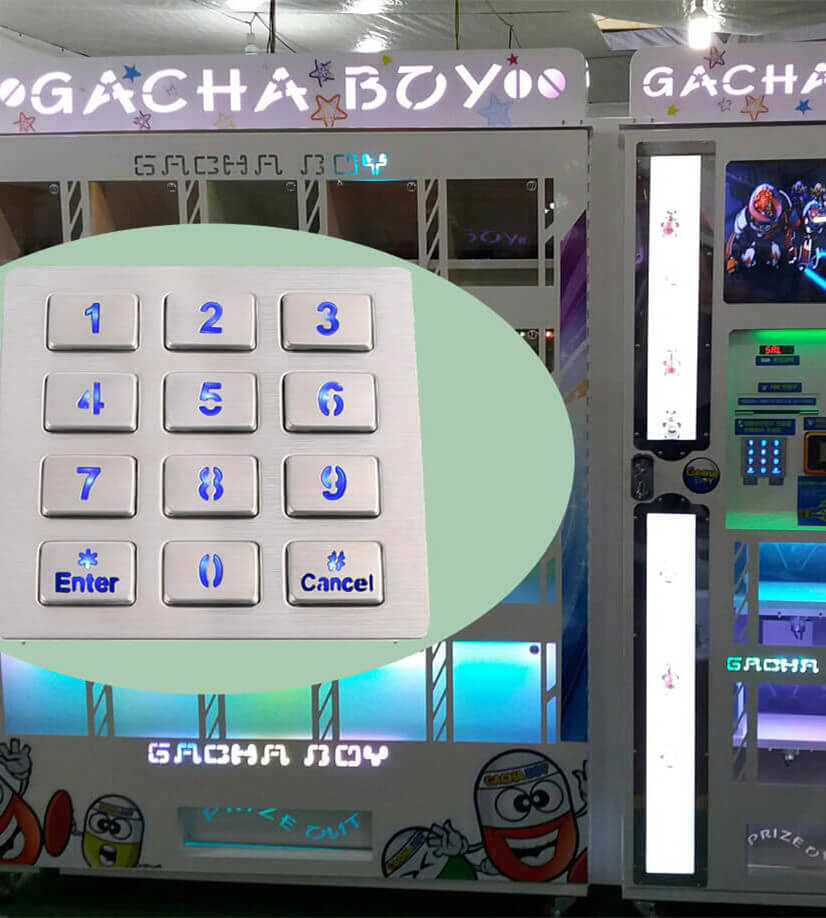
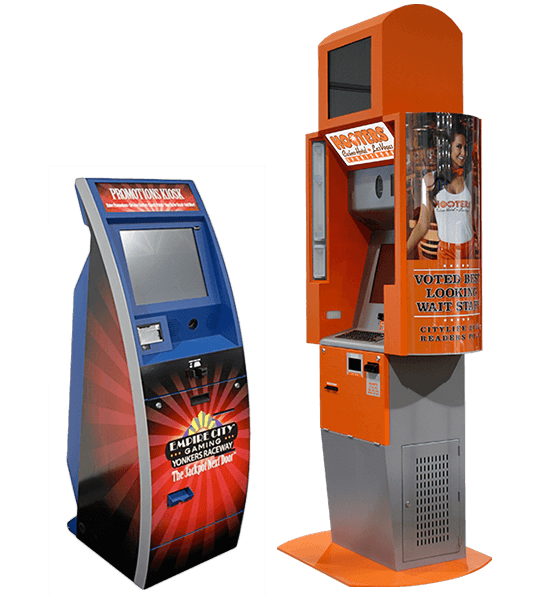
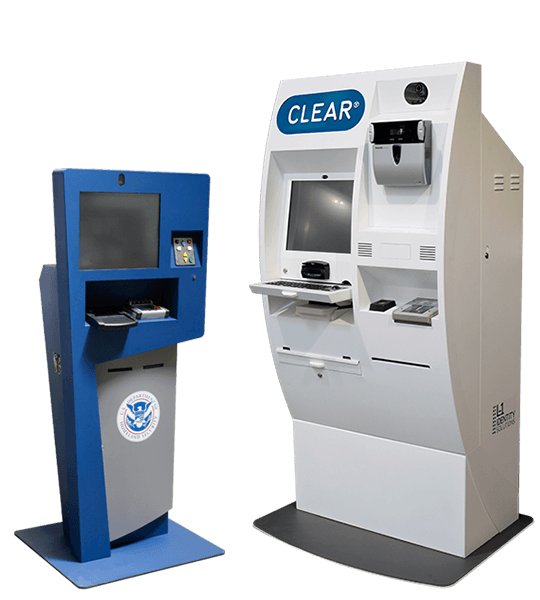
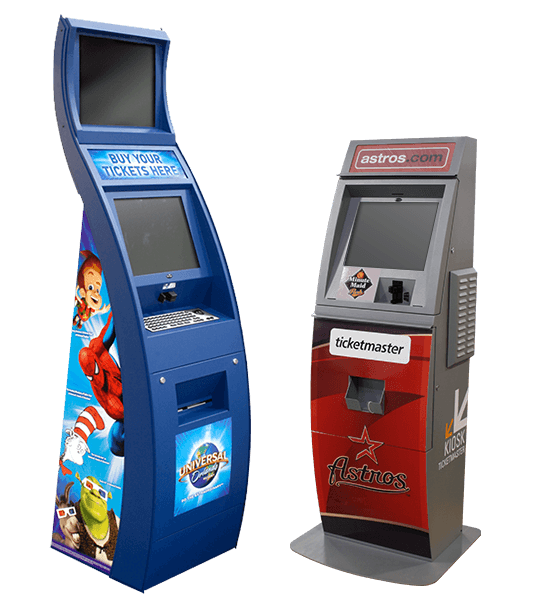
Why Keypado is Your Go-to Choice
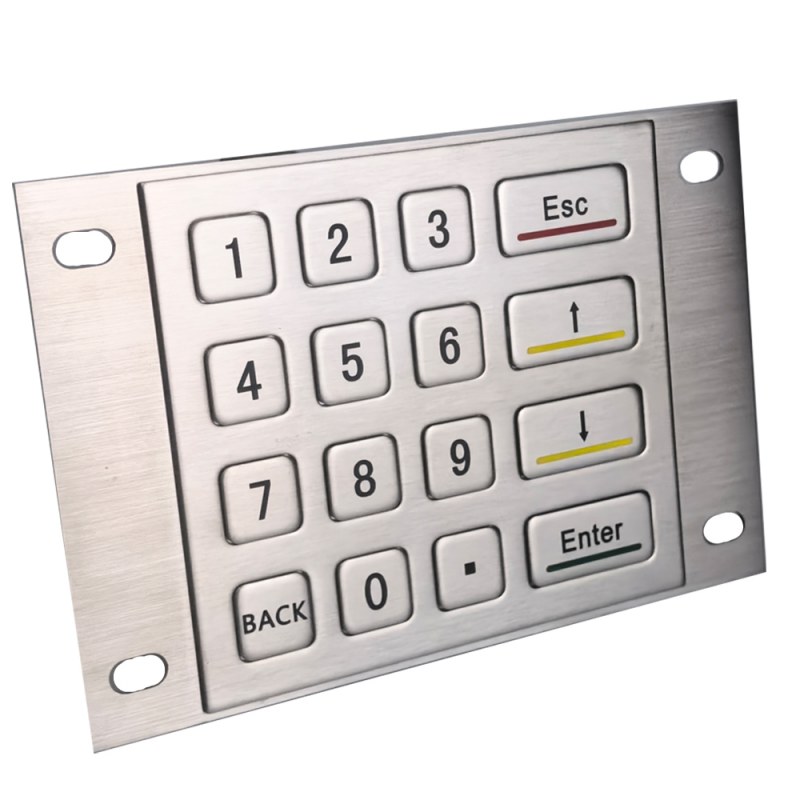
Keep the Serial System You Already Use
If your controller already accepts RS232 input, your keypad should work around that architecture. Keypado can develop a metal serial keypad with the layout and connection your machine needs. Unlike a passive matrix keypad, an RS232 keypad uses electronics to encode key activity and transmit serial data. Your host reads that data rather than scanning individual key contacts. Share your existing serial specification early so we can assess the communication requirements alongside the mechanical design.
Make Every Key Mean the Right Thing
A matching connector does not guarantee matching communication. Your host and keypad must agree on baud rate, data bits, parity, stop bits, and the meaning of each transmitted message. Tell us whether your software expects ASCII characters, defined byte values, or another message structure. We can review the required output before sampling. Key codes, terminators, and repeat behavior should be documented where relevant, giving your software team a clear basis for integration and testing.
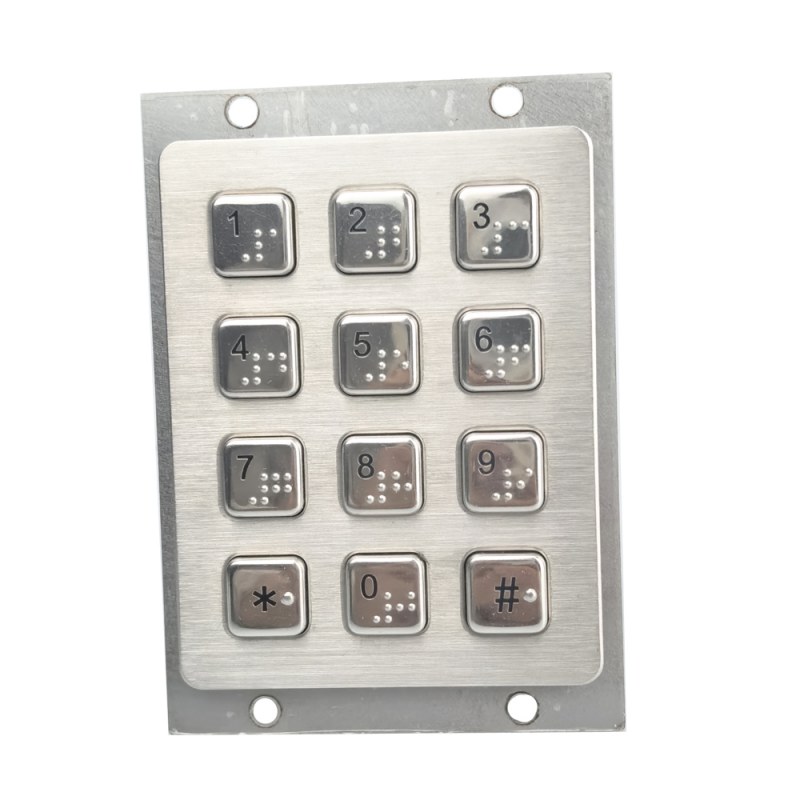
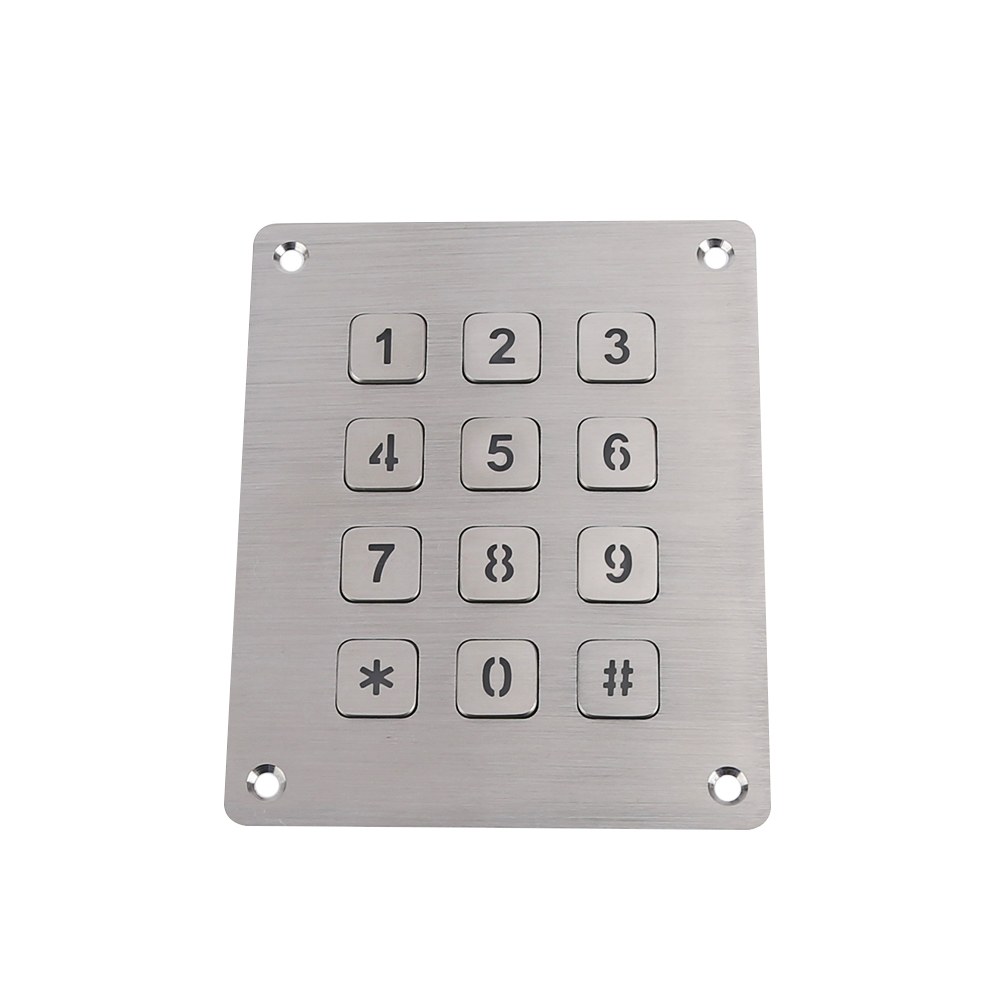
Put Metal Where Operators Need It
Frequently used controls need more than the right electrical output. Metal keys and a stainless steel panel provide a durable surface for industrial equipment and public terminals. We can review key profile, spacing, legends, and tactile response around your users’ tasks. Panel dimensions and fixing points can follow your enclosure rather than forcing a cabinet redesign. For exposed installations, discuss the sealing boundary and environmental requirements early. Front panel protection should not be assumed to cover rear electronics and connectors.
Finish the Wiring Before Assembly Begins
A useful keypad specification includes power and wiring, not just “RS232.” Confirm signal directions, signal ground, connector pinout, and any required handshaking. A DE9 connector, often called DB9, is one option, but its appearance alone does not establish compatibility. RS232 also differs electrically from a TTL UART connection. We will review your host interface and supply requirements so your team can evaluate a properly defined sample, rather than troubleshoot an uncertain connection during assembly.

From Serial Specification to Production
Settle the Interface Early. Build with Confidence.
Share your system requirements.
Send the required key functions, enclosure drawing, host interface specification, and estimated quantity. Include communication settings, expected key messages, available power, and installation conditions. If you are replacing an existing keypad, a sample and captured serial output can help clarify how the current system works.
Review the complete design.
We discuss the panel, keys, markings, mounting, cable, and connector alongside the serial requirements. Your engineers can review the proposed communication settings and output behavior before sampling. Any requested backlighting, sealing, or environmental testing should also be defined at this stage.
Test with your actual host.
Install the sample and verify every key using your controller and application software. Check the received messages, repeated presses, startup behavior, panel fit, and cable routing. Record any changes before approving the final drawing and communication specification.
Release the approved configuration.
Production follows the agreed mechanical and electrical documentation. Keep different layouts, connectors, and serial message formats clearly identified as separate variants. This gives purchasing, assembly, and service teams a consistent reference for repeat orders.
FAQs
It is a metal keypad with electronics that convert key activity into RS232 serial data. A compatible host reads those messages and assigns the required action to each key.
A matrix keypad exposes rows and columns that your controller must scan. An RS232 keypad handles key detection internally and sends encoded data through a serial interface.
Compatibility depends on both the electrical interface and the messages your controller expects. Send the port specification, communication settings, and required key codes so we can review the match.
Share your required baud rate, data bits, parity, and stop bits for technical review. We will confirm the supported configuration before the sample design is approved.
We can review your required key mapping and message format during development. Provide examples of the expected data, including any prefix, terminator, or other formatting your software needs.
No. They use different electrical signal levels and should not be connected directly without suitable interface circuitry. Confirm whether your host provides a true RS232 port or a TTL UART before choosing the keypad.
Do not assume it does. The keypad’s supply voltage, current requirement, and power wiring must be specified separately, even if an agreed connector carries both power and data.
A suitable USB to RS232 adapter may provide the connection if the computer has no native serial port. Your application still needs to open the serial port and interpret the keypad messages; this does not automatically make it a USB keyboard.
Sealing and backlighting can be discussed for a suitable custom design. Tell us about moisture exposure, mounting, ambient lighting, and available power so the requirements can be assessed together.
Send the key layout, panel dimensions, serial settings, expected output, power supply, connector requirements, and estimated quantity. An existing drawing, keypad sample, or serial data capture is helpful when replacing a current part.
Some Cool Facts
Collaborated with Global Partners on
 English
 Deutsch
 Français
 Polski
 Português do Brasil
 Español
 日本語
 Русский
 العربية
 Italiano
 Nederlands
 Türkçe
 한국어