
Custom USB Metal Keypads Engineered for Your Equipment
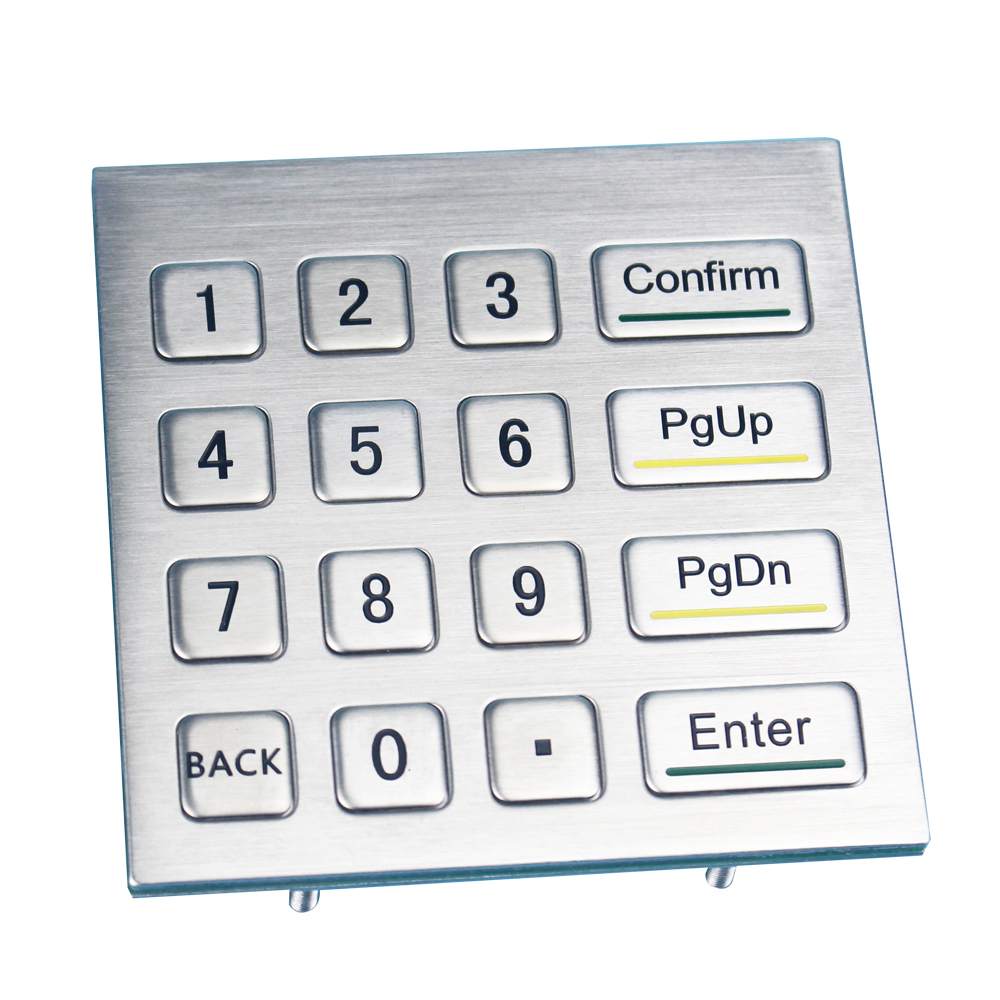
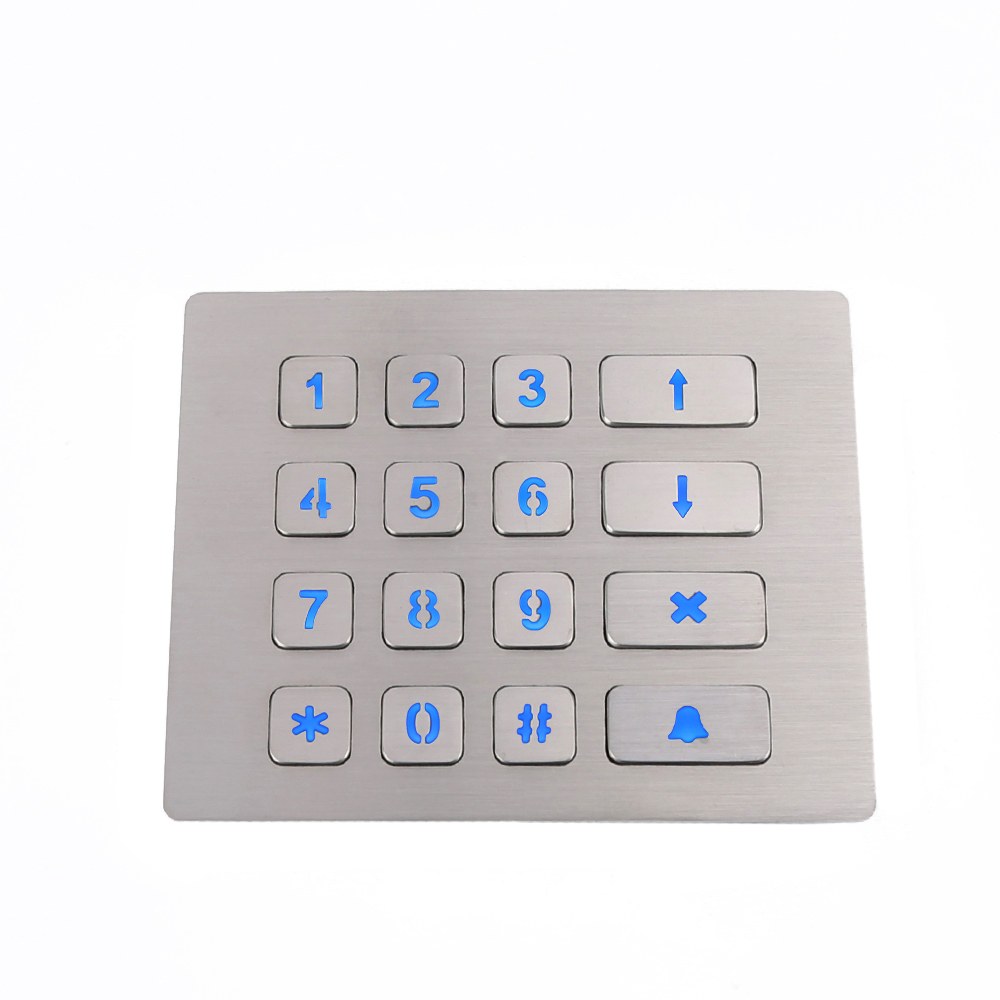
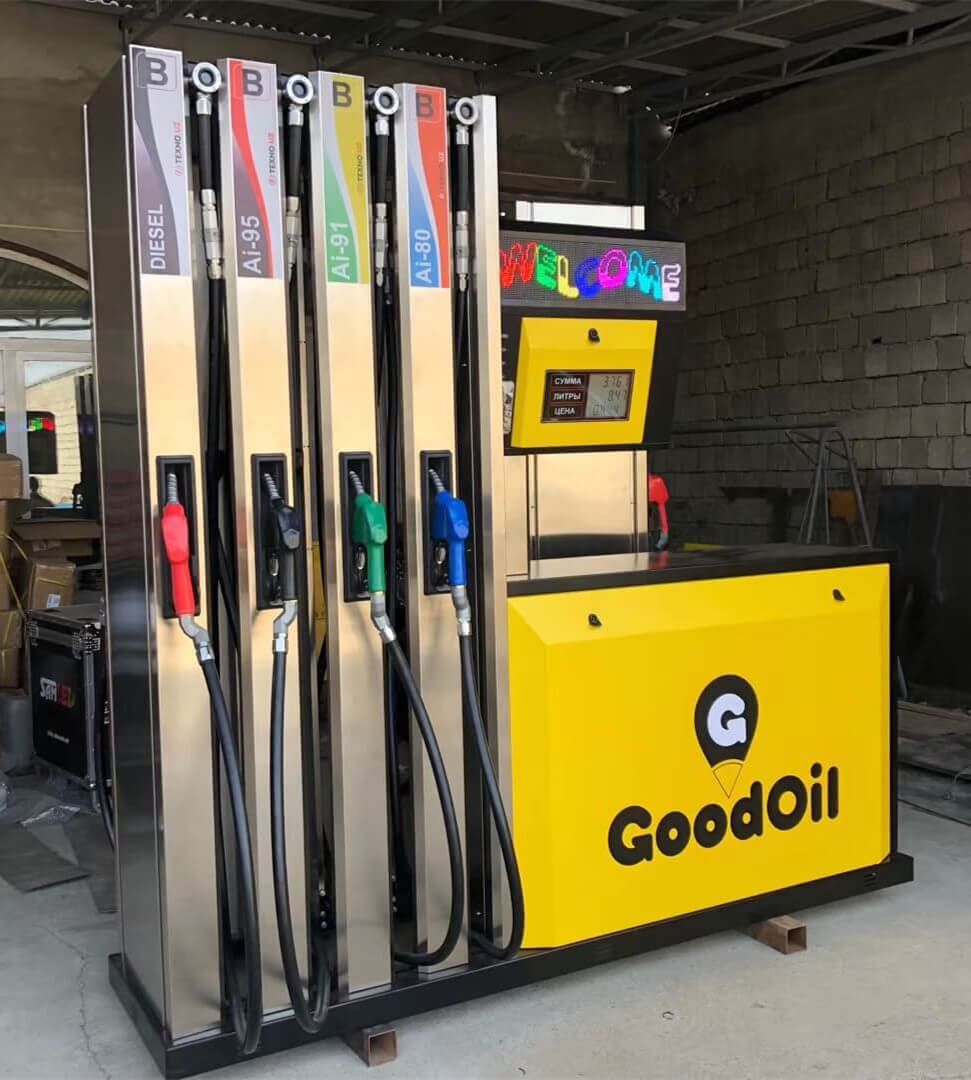
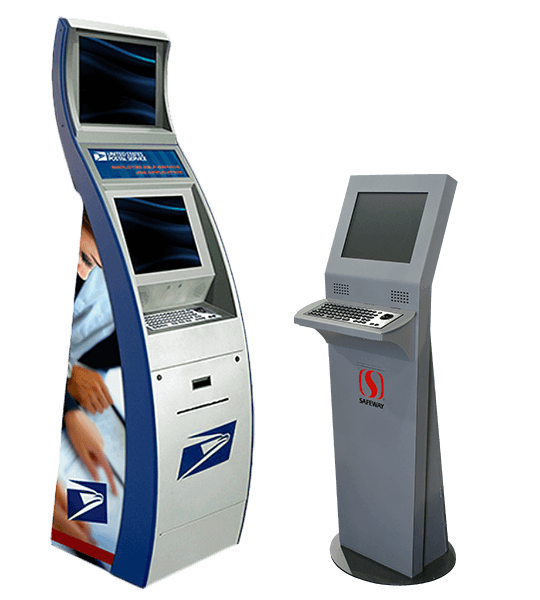
Keypado manufactures custom USB metal keypads for kiosks, parcel lockers, vending machines, access terminals, and industrial equipment. Combine rugged metal construction with USB connectivity, application-specific key layouts, and mounting dimensions designed around your enclosure. Choose stainless steel construction, optional backlighting, tactile markings, and front-panel sealing options to suit your operating environment. From everyday code entry to equipment control, our keypads help create a durable, clearly organized user interface. Share your drawings, interface requirements, and application conditions to develop a keypad configuration that fits your equipment, supports your workflow, and meets your project’s technical requirements.
Get Custom Quote
Durable Metal Construction
Stainless steel and selected metal configurations withstand frequent handling and surface wear, making them suitable for public terminals and demanding equipment interfaces.
USB Connectivity for Equipment Integration
Match the USB configuration, cable arrangement, and key output to your host system for a more straightforward integration process.
IP65 Front-Panel Options
Available front-panel sealing helps protect the user-facing surface against dust and water exposure when correctly installed in a suitable enclosure.
Tactile Feedback for Confident Operation
Raised keys and tactile key mechanisms provide a defined input feel, while optional tactile markings support key identification.
Application-Specific Layouts
Customize numeric keys, function keys, symbols, and legends to make access-code entry, equipment commands, and transaction steps easier to follow.
Optional Backlighting
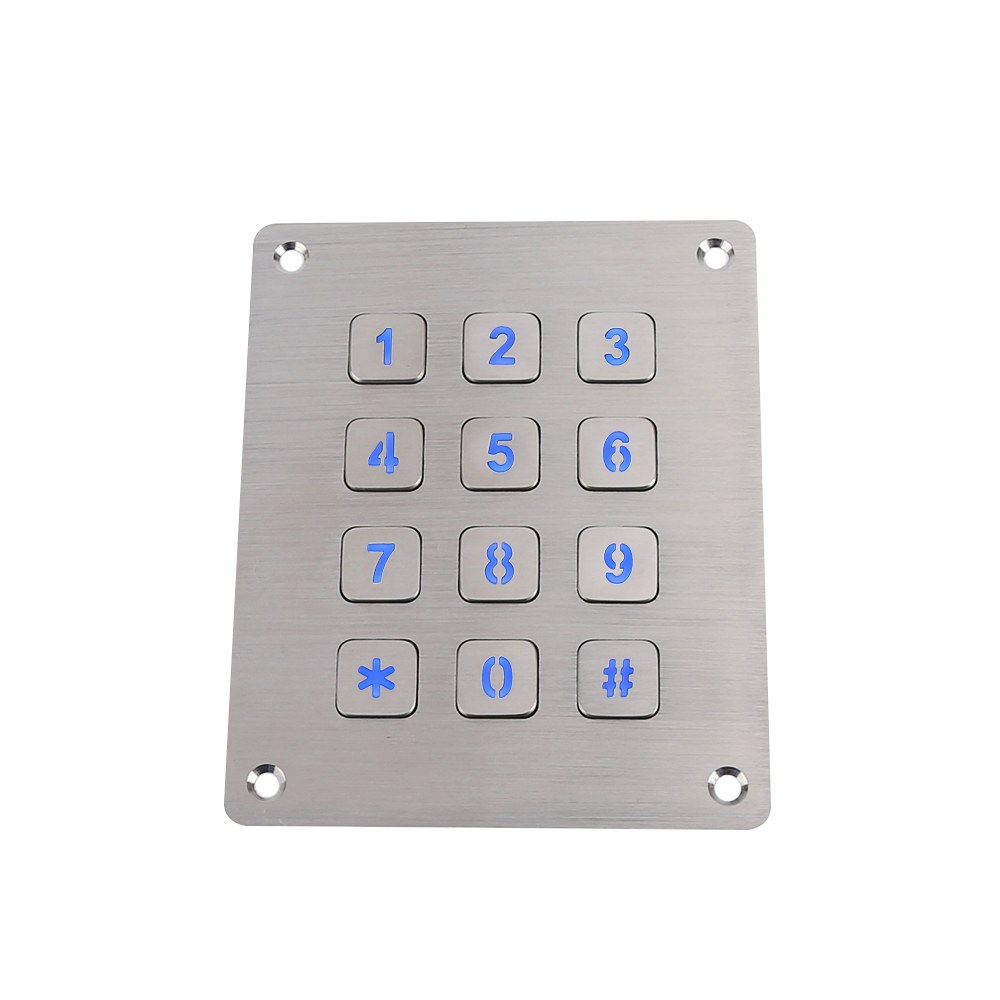
Illuminated configurations improve key visibility in dim environments, supporting nighttime use at parcel lockers, parking equipment, and self-service terminals.
Customize Every Connection Between Your User and Your Equipment
Configure the keypad’s layout, construction, mounting, and USB connection around your application requirements.
Key Layout & Legends
Metal Construction & Finish
Panel Dimensions & Mounting
USB Interface & Cable Configuration
Backlighting & Tactile Identification
Key Layout & Legends
- Choose a 12-key, 16-key, or application-specific arrangement.
- Configure numeric keys, Enter, Cancel, and dedicated function keys.
- Customize letters, symbols, and language-specific legends.
- Discuss raised tactile markings or Braille options for the intended interface.
Metal Construction & Finish
- Select stainless steel or another suitable metal configuration.
- Specify the faceplate appearance and surface-finish requirements.
- Choose engraved or etched legends where supported by the design.
- Identify moisture, cleaning agents, and corrosive exposure conditions during material review.
Panel Dimensions & Mounting
- Define faceplate dimensions, panel cutout, and installation depth.
- Select front- or rear-mounting arrangements where supported.
- Match mounting positions to your equipment drawing.
- Coordinate gasket placement, cable clearance, and rear-side enclosure protection.
USB Interface & Cable Configuration
- Specify your host controller, operating system, and application.
- Define the required USB operating mode for engineering review.
- Customize cable length, routing, and termination requirements.
- Confirm numeric-key output, function-key behavior, and any special firmware requirements before sampling.
Backlighting & Tactile Identification
- Select illuminated or non-illuminated designs.
- Discuss available LED colors for the chosen configuration.
- Coordinate illuminated symbols with the keypad layout.
- Define tactile identification requirements and assess them during sample evaluation.
Keypado Applications
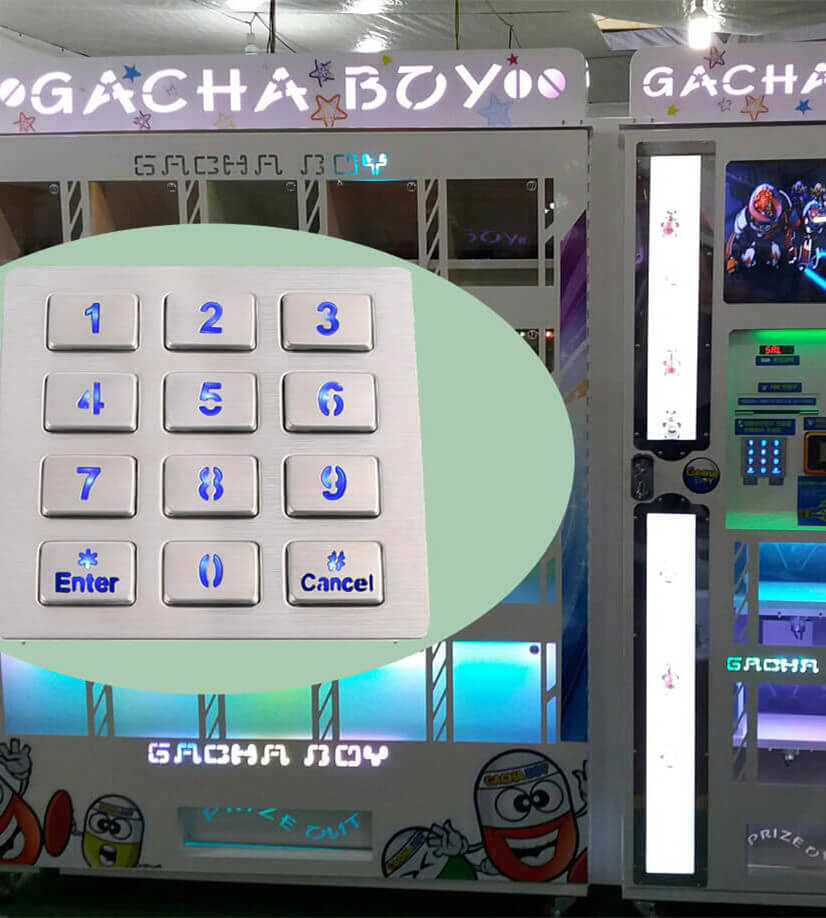
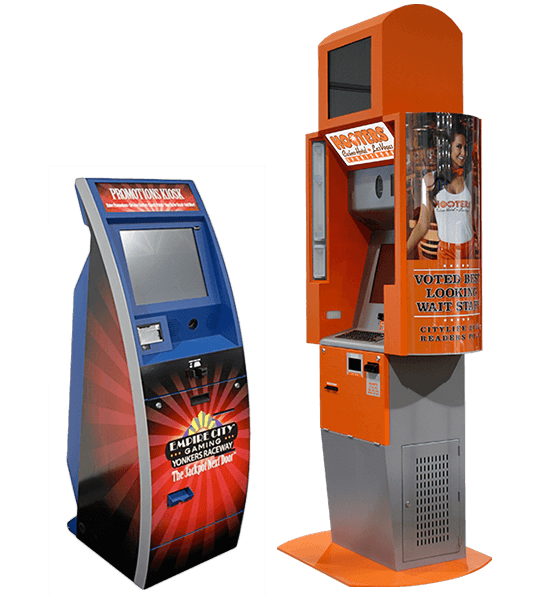
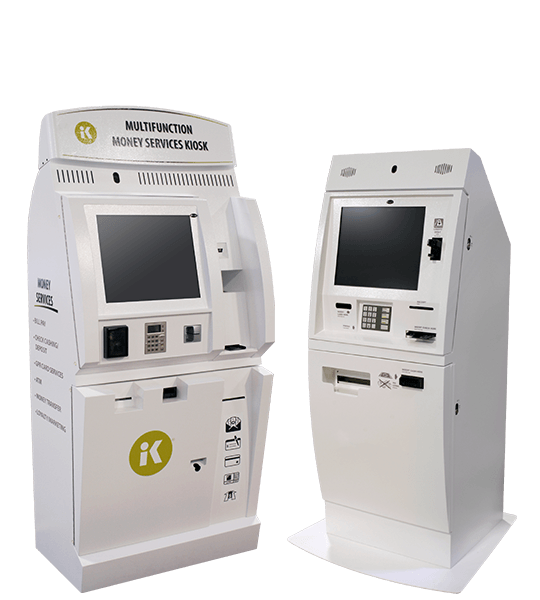
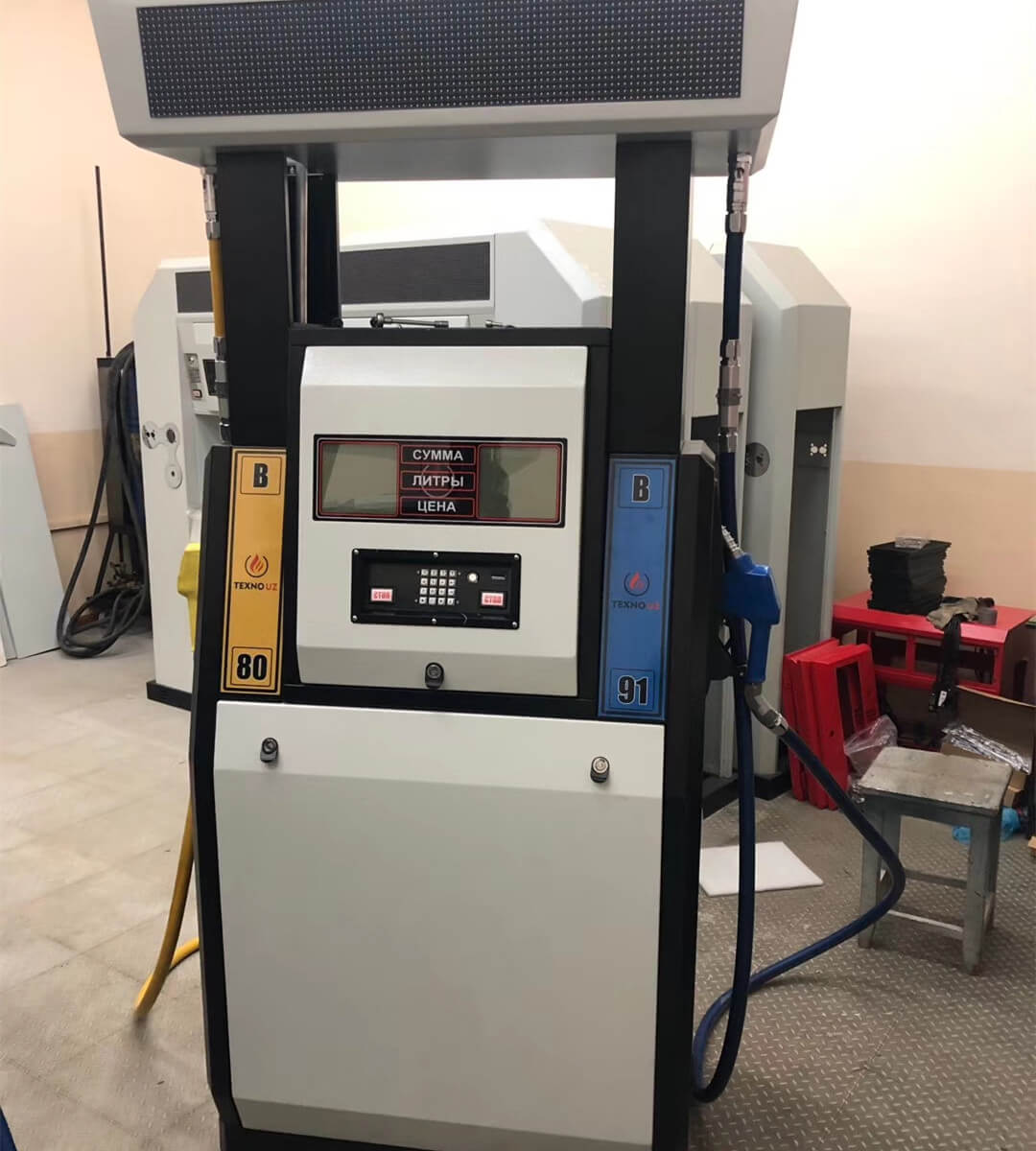
Why Keypado is Your Go-to Choice

Metal Construction That Stands Up to Daily Use
Public-facing equipment needs an input surface designed for repeated handling, surface wear, and demanding surroundings. Keypado’s metal keypads combine rugged faceplates, metal keys, and panel-mounted structures for kiosks, parcel lockers, vending machines, and industrial terminals. Stainless steel configurations provide a durable exterior, while customized panel dimensions and mounting positions help the assembly fit your equipment. Surface finish and legend treatment can be selected alongside the mechanical design. For installations exposed to cleaning chemicals, persistent moisture, or corrosive contaminants, define the exposure conditions early so material selection reflects the application rather than appearance alone.
USB Connectivity Defined Around Your Application
A successful USB keypad integration requires more than a matching connector. The host platform, operating mode, key output, and cable configuration must work together. Keypado offers USB-interface metal keypads with customizable layouts and connection arrangements, allowing electrical requirements to be reviewed alongside enclosure dimensions. Specify whether your system requires standard keyboard-style input or another USB implementation, and confirm support during engineering review. Define the behavior of numeric keys, Enter, Cancel, and dedicated commands before prototype approval. A clear interface specification gives your software and hardware teams a practical basis for testing and acceptance.
Tactile Input with Specifications You Can Evaluate
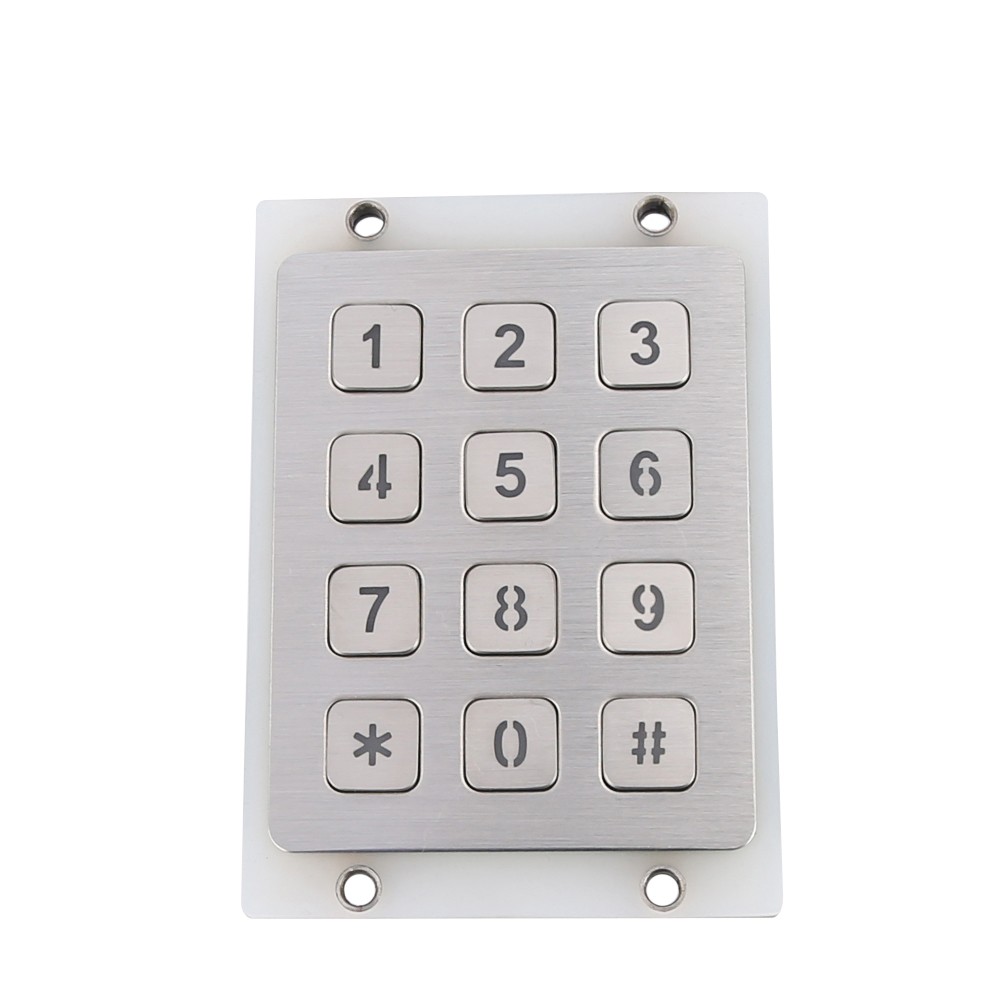
Key feel affects how confidently users interact with equipment. Selected Keypado designs use tactile switch mechanisms, raised metal keys, and optional tactile markings to create a clearly defined input surface. Available configurations include carbon-on-gold switching and approximately 2.0 mm key travel, with published designs listing service life above two million cycles. These values are configuration-specific, not universal ratings for every custom keypad. During development, confirm the switch technology, key travel, actuation requirements, and service-life specification for your selected design. Evaluate the sample in its installed position to assess input feel and suitability for the intended users.
Front-Panel Protection with a Clear Installation Boundary
A sealed keypad surface and a fully protected terminal are not the same thing. Keypado offers IP65 front-panel configurations for equipment exposed to dust and water, with mounting arrangements selected to suit the enclosure. The panel interface, gasket contact area, mounting positions, and cable route should be reviewed together during integration. Rear electronics and connections require suitable enclosure protection unless a fully enclosed keypad assembly is specifically agreed. Operating temperature requirements also need confirmation for the selected configuration. Defining these boundaries helps your team specify environmental protection accurately and avoid relying on an unqualified “waterproof keypad” description.

Turn Your Equipment Requirements into a Production-Ready Keypad
A specification-led workflow connects application review, design approval, sample validation, and production requirements.
Define the Application and Technical Requirements
Start with your enclosure drawing, existing keypad sample, or proposed key layout. Describe the installation location, expected user interaction, and operating conditions, including dust, water exposure, cleaning methods, and temperature requirements. For the USB connection, identify the host controller, operating system, connector, and required key behavior. Include backlighting, tactile markings, and any documentation requirements at this stage. This information establishes the design priorities and helps distinguish essential specifications from optional features. The result should be a clear project brief that your engineering and purchasing teams can use to evaluate the proposed configuration.
Review the Mechanical and Electrical Design
Review the proposed faceplate dimensions, key arrangement, mounting positions, panel cutout, installation depth, and cable exit against your equipment. Confirm the legend artwork and define the required USB output for each key. Identify changes that may involve tooling, circuit-board revisions, or special firmware before approving development costs. Environmental requirements should state the protection boundary and installation conditions rather than relying on general terminology. Agree on the proposed materials, key mechanism, and supporting technical information. This creates a documented design basis before sampling, helping prevent avoidable changes after the keypad reaches your assembly team.
Validate the Sample in Your Equipment
Install the sample in the intended enclosure and connect it to the actual host platform. Check mounting access, rear clearance, cable routing, key readability, tactile feel, and backlighting where applicable. Test each key in your application, including repeated input, Enter and Cancel behavior, and any relevant startup or reconnection conditions. Evaluate the sealing interface as part of the assembled equipment rather than inspecting the keypad alone. Record any required changes and confirm the revised specification before approval. Sample validation should establish that the keypad fits mechanically and performs the required input functions in your system.
Finalize Production and Acceptance Requirements
After sample approval, finalize the production drawing, legends, USB configuration, and agreed acceptance criteria. Define the inspection scope for the order, including applicable dimensional checks, cosmetic requirements, key operation, USB communication, and illumination checks. Specify any additional environmental testing or documentation separately so the requirements are clear before production release. Confirm the order quantity, packaging, labeling, and delivery arrangements in the purchase documentation. For repeat orders, reference the approved configuration and record subsequent changes. This keeps engineering, purchasing, and production aligned on the same keypad specification rather than relying on informal descriptions.
FAQs
A USB metal keypad provides numeric or command input through a USB connection, using a metal user-facing structure suited to equipment installations. Common applications include parcel lockers, self-service kiosks, vending machines, access terminals, and industrial equipment. Keypado customizes layouts and mounting configurations to match the application rather than a standard desktop-accessory format.
Yes. Available customization includes key arrangements, numeric and function-key definitions, letters, symbols, and language-specific legends. Provide both the visual layout and the expected output for each key so the physical interface and electrical behavior can be reviewed together.
Do not assume that every USB configuration has the same operating mode. Specify USB HID keyboard operation if that is what your host system requires, and request confirmation for the proposed controller and firmware. Validate the sample on your operating system and application before approving production.
Keypado offers configurations with IP65 front-panel protection, but the rating applies to the stated protection boundary and installation conditions. It does not automatically mean that exposed rear electronics, connectors, or the complete equipment enclosure have the same protection. Share your installation environment so the required sealing arrangement can be reviewed accurately.
Published Keypado USB keypad configurations include service-life specifications above two million cycles and operating temperature ranges of −20°C to +75°C. These figures apply to particular constructions and should not be treated as standard ratings across all custom products. Request the specification for your selected configuration and clarify any associated test conditions or documentation requirements.
Yes. Keypado’s product range includes illuminated metal keypad designs, with LED color options available on supported configurations. Specify your lighting conditions, preferred appearance, and any control requirements so the proposed illumination can be assessed during sample evaluation.
Custom dimensions and mounting arrangements can be reviewed against your existing drawing or sample. Provide the faceplate size, panel cutout, mounting positions, panel thickness, installation depth, and cable routing. A suitable replacement also requires confirmation of the USB operating mode and key output, not just a matching external size.
Selected designs offer raised tactile or Braille markings for numeric and essential function keys. Provide the required markings and the accessibility requirements for your intended market so the proposed layout can be reviewed. A keypad feature alone should not be treated as proof that the complete terminal meets an accessibility standard.
A rugged metal housing does not establish that a keypad is suitable for secure payment PIN entry. If your application involves payment PINs, provide the required security approvals, encryption requirements, and terminal specifications before product selection. Request product-specific evidence; the general USB keypad specifications referenced here do not establish payment-security approval.
Send your key layout, enclosure drawing, USB requirements, cable configuration, operating environment, and estimated order quantity. Include requirements for backlighting, tactile markings, testing, and documentation so the proposed configuration reflects the actual project. Confirm the minimum order quantity, sample schedule, tooling charges, and production lead time in the quotation, since these depend on the selected design and scope of customization.
Some Cool Facts
Collaborated with Global Partners on
 English
 Deutsch
 Français
 Polski
 Português do Brasil
 Español
 日本語
 Русский
 العربية
 Italiano
 Nederlands
 Türkçe
 한국어